Summary
For you, a new option arrived in 2026: QVAC.
QVAC (Tether) Complete Guide 2026: Running AI Locally, Explained for Beginners
"Uneasy about sending your data to the cloud every time you use AI, or tired of endless API fees?"
「Sending my data to the cloud every time I use AI feels a bit uneasy…」 「Paying ChatGPT or GPT API fees forever is tough…」
For you, a new option arrived in 2026: QVAC.
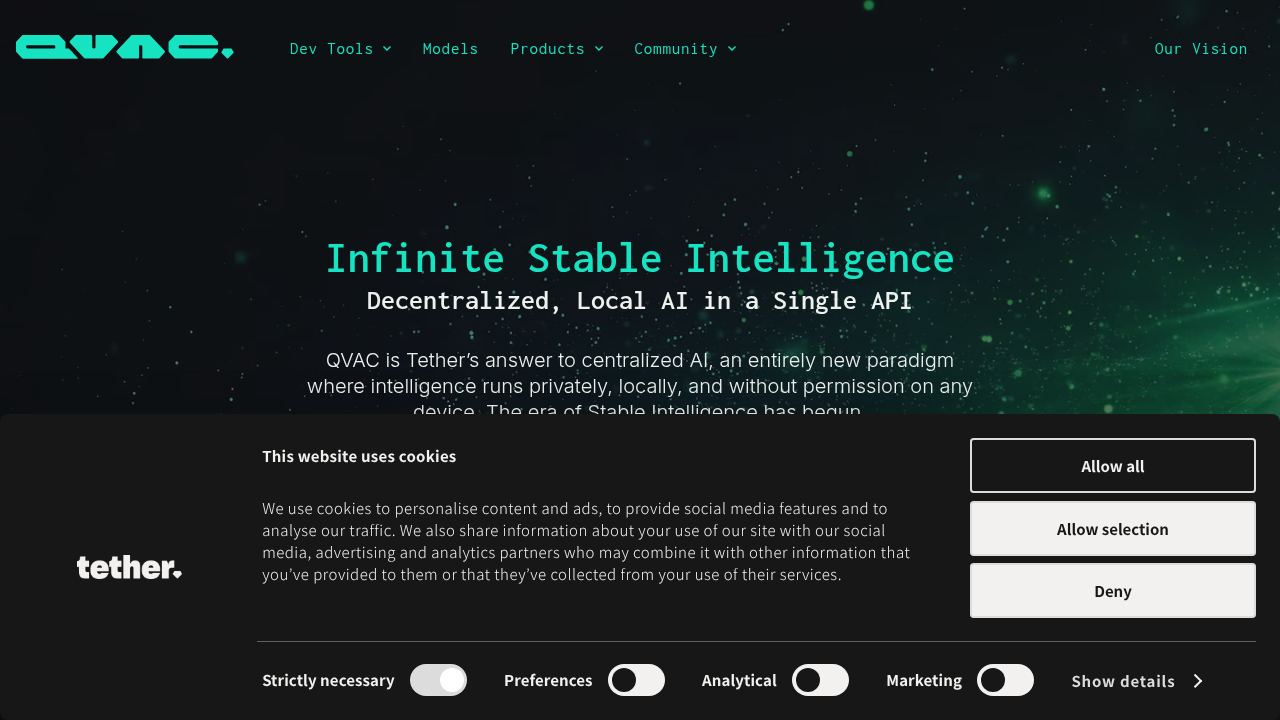
Developed by Tether (the issuer of USDT), it's an open-source local-first, P2P AI platform. You can run LLMs (text generation), speech recognition, image generation, and RAG (retrieval-augmented generation) entirely on your own PC or phone — no cloud required.
In fact, Nous Research's AI agent Hermes Agent running fully locally on QVAC became a topic on X (more below).
This article explains QVAC in a way that even programming beginners can understand and actually run AI locally.
What You'll Learn
- What QVAC is (rough picture)
- Why "local AI" is attracting attention now
- How to install the QVAC SDK
- The first step to running local AI inference
- How to use it as an OpenAI-compatible API
- What "running Hermes Agent locally on QVAC" means
- FAQ and troubleshooting
What Is QVAC?
QVAC is an open-source AI ecosystem developed by Tether. Its biggest feature: "local-first" — you load AI models onto your own device and do all inference locally.
Supported devices:
- Linux / macOS / Windows
- Android / iOS
- Node.js, Bare runtime, Expo
Think of it as "having an AI like ChatGPT entirely inside your own PC." It works even without an internet connection.
Why Is QVAC Getting Attention?
Normal AI services (ChatGPT, vendor APIs) send your input text to cloud servers for computation. That means:
- Your data passes through third-party servers (privacy concern)
- You keep paying API fees forever
- If the service goes down, you can't use it
QVAC flips all of that: data stays local, no API fees, works offline.
Installation
npm install @qvac/sdk
That's it. Works on Node.js, Bare runtime, and Expo.
First Local AI Inference
import { Qvac } from '@qvac/sdk'

const qvac = new Qvac()
await qvac.init()

const result = await qvac.chat({
  model: 'qwen2.5-3b',
  messages: [{ role: 'user', content: 'Hello, QVAC!' }],
})

console.log(result.text)
The model loads locally and inference runs on your device.
Use as an OpenAI-Compatible API
QVAC exposes an OpenAI-compatible endpoint, so existing tools can point at it:
# Example: point an OpenAI client at QVAC
export OPENAI_BASE_URL=http://localhost:YOUR_PORT/v1
Hermes Agent + QVAC: Fully Local Agents
Nous Research's Hermes Agent running fully locally on QVAC became a topic on X. This means:
- A fully open-source AI agent
- Running on a local-first platform
- No cloud, no API keys, complete privacy
The combination of Hermes Agent + QVAC gives you a fully local, fully private AI agent — the strongest setup for privacy-conscious users.
Questions Readers Ask
Q1. Is it really free?
Yes. QVAC is open source and runs on your own hardware — no API fees.
Q2. Do I need a powerful GPU?
It depends on the model. Small models (3B, 7B) run on CPU; larger models benefit from a GPU.
Q3. What models are supported?
Open models like Qwen, Llama, and more. Check the official QVAC docs for the current catalog.
Q4. Can I use it with Hermes Agent?
Yes — that combination was demonstrated on X and is a flagship use case.
Q5. Is my data private?
Yes. All inference happens locally. Nothing leaves your device.
Q6. Can I use it on my phone?
Yes. Android / iOS are supported (via Expo).
Summary
QVAC is one of the few open-source options in 2026 for easily starting "AI without the cloud."
- Free & open source
- Run AI locally on your PC/phone
- OpenAI-compatible API for existing tools
- Combinable with Hermes Agent (fully local agents)
If you "don't want data going outside" or "want to stop API fees," try npm install @qvac/sdk today. The local AI experience is lighter than you expect.
Related Reading
- Claude Fable 5 Financial Asset Protection Guide
- Cloudflare Monetization Gateway Complete Guide
- A Fable of Codexes Complete Guide
- GPT-Live Complete Guide
- component.gallery Guide
Related reading
Share this article
Related articles
Aug 6, 2026
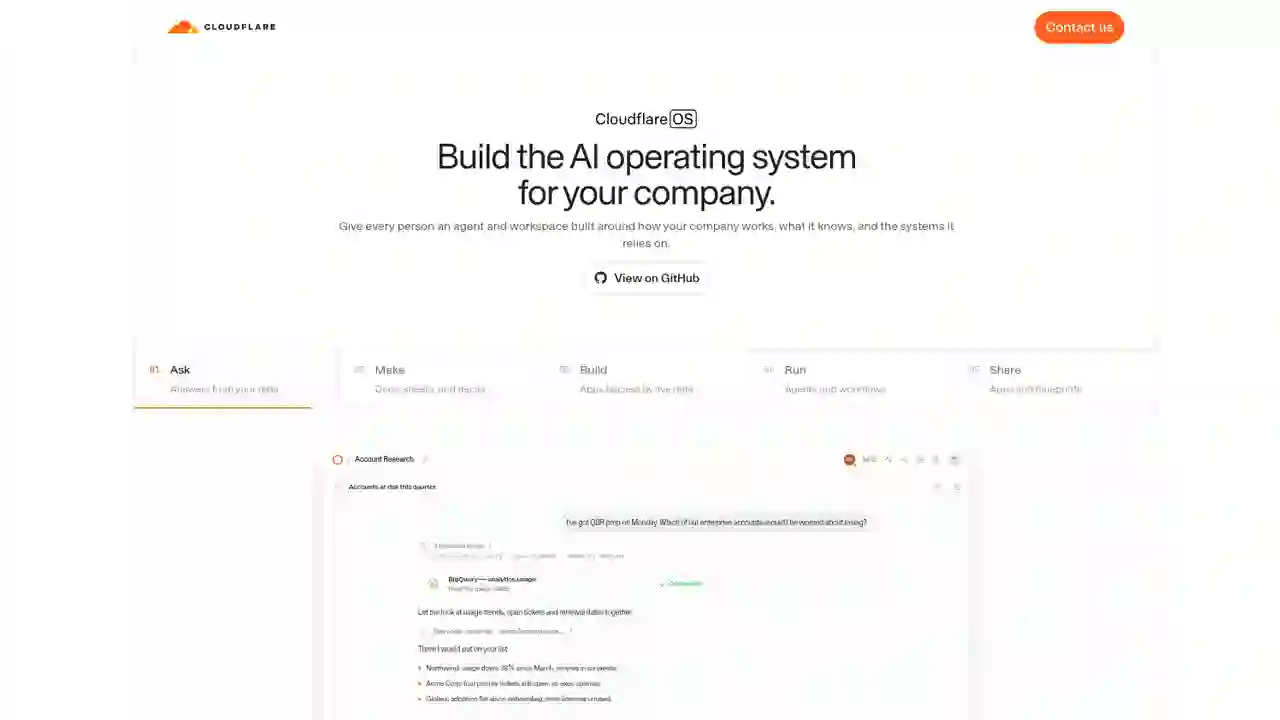
Cloudflare OS Complete Guide 2026: The Open-Source AI Operating System for Your Company, Explained for Beginners

Jul 4, 2026
Unreal Engine MCP Complete Guide 2026: Using UE5.8 AI Integration with Hermes Agent & Claude Code for Beginners
Aug 12, 2026
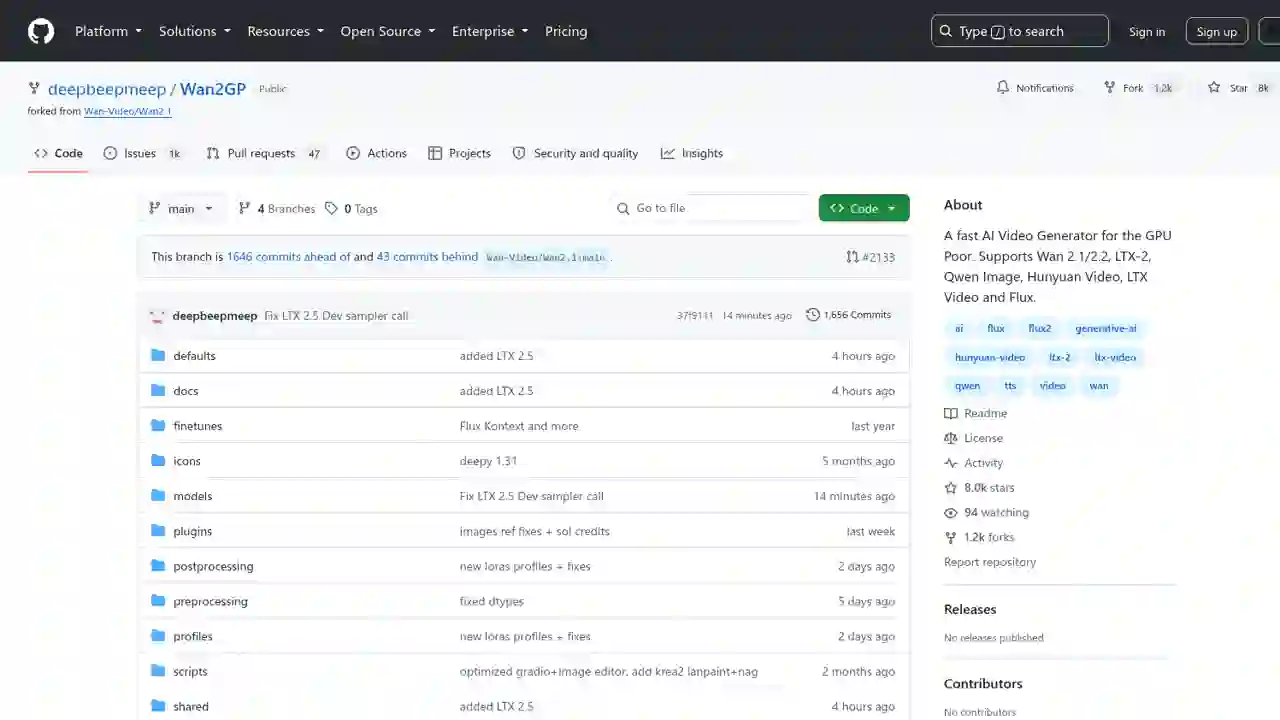
Wan2GP Complete Guide 2026: The Ultimate AI Video Generator for the GPU Poor, Explained for Beginners
Jul 16, 2026
Blender MCP with Hermes Agent Complete Guide 2026: AI-Powered 3D Modeling for Beginners — Full Setup Walkthrough

Aug 15, 2026
DeepSeek Harness Desktop Complete Guide 2026: The Command-Free Desktop App for the Official AI Agent, Fully Explained

Aug 16, 2026
Qwen3.8-27B-AEON-ULTIMATE-UNCENSORED Fully Explained 2026: High-Capability Uncensored Model, How to Run Locally