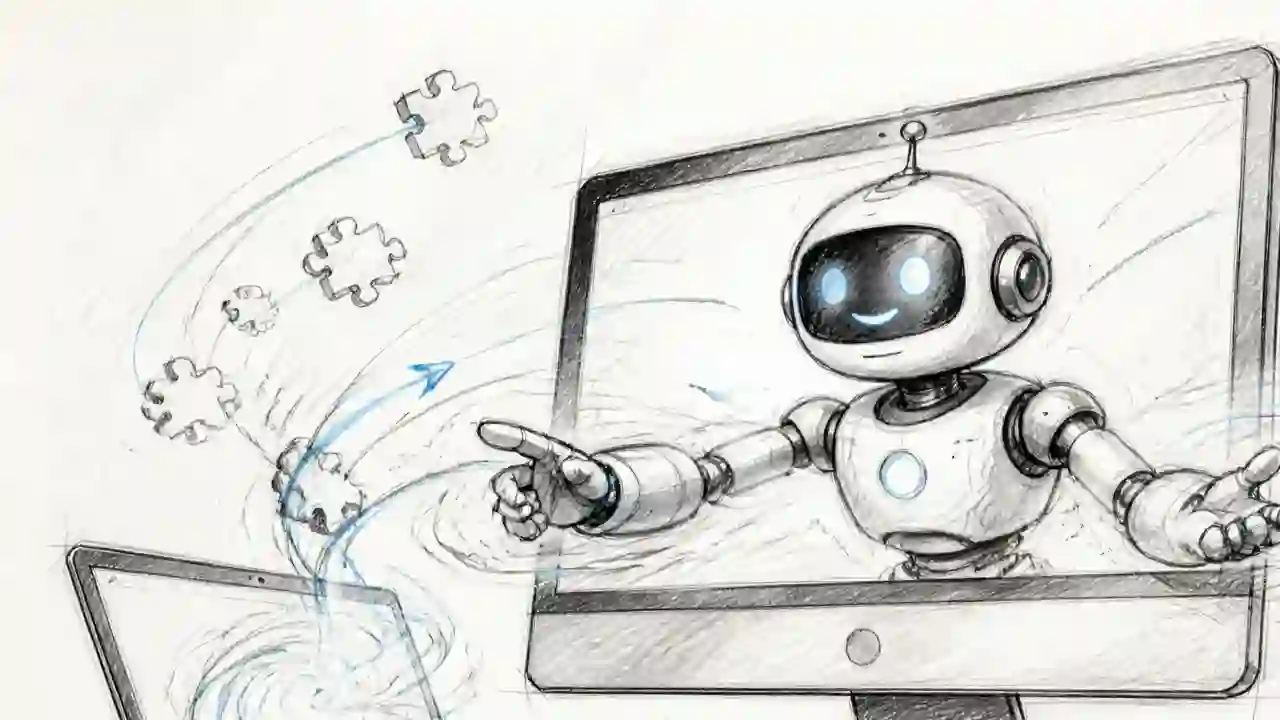
Summary
DeepSeek Harness is an open-source AI agent platform by DeepSeek. Officially, you launch its local Web UI from the command line. For many people, that command-line step is a barrier.
DeepSeek Harness Desktop Complete Guide 2026: The Command-Free Desktop App for the Official AI Agent, Fully Explained
"Want to use the DeepSeek Harness agent but don't want to deal with terminal commands?"
"Want to use DeepSeek Harness as a desktop app, but the commands look hard..." "Is there a way to try the AI agent right away without installing Node.js?"
DeepSeek Harness is an open-source AI agent platform by DeepSeek. Officially, you launch its local Web UI from the command line. For many people, that command-line step is a barrier.
That's where DeepSeek Harness Desktopcomes in. Developed by a community project, this desktop app lets you use the DeepSeek Harness Web UIjust by installing and launching it.
This article fully explains DeepSeek Harness Desktop based on its GitHub repository — in a way beginners can understand.
What You'll Learn
- What DeepSeek Harness Desktop is (understand in 1 minute)
- How it differs from the official DeepSeek Harness
- 4 key features (desktop app, mobile remote control, plugin marketplace, Channels)
- The plugin ecosystem ("everything is a plugin")
- Supported OS, download, and setup
- Pros, cons, and caveats
- Summary: who this is for
What is DeepSeek Harness Desktop?
Key points in 1 minute
DeepSeek Harness Desktop provides a modern desktop experience for the DeepSeek Harness ecosystem.
- Developer: anywhere-labs (community project)
- Supported OS: macOS, Windows
- License: MIT (free, commercial use OK)
- Stars: 1,400+ (as of August 2026)
- Official site: deepseekdesktop.com
Why was it needed?
The official way to use DeepSeek Harness is to run commands in the terminal to launch the Web UI. Specifically:
- Install Node.js
- Run Harness with a command
- Open the Web UI in a browser
That process is cumbersome for beginners. The Desktop version bundles service startup, runtime management, and the desktop window into one experience —no Node.js setup and no commands required.
4 Key Features
| Feature | What it does | Status |
|---|---|---|
| Desktop | Native desktop app for the official Web UI. Auto-start service, system tray, window integration | ✅ Available |
| Mobile remote control | Remote connect from iOS/Android. Start tasks, monitor progress, send follow-ups from your phone | 🕒 Coming soon |
| Plugin marketplace | Discover, install, update, and manage plugins for models, tools, UI, and workflows | 🕒 Coming soon |
| Channels | Send tasks to agents from IM apps like WeChat, Feishu, Discord, WhatsApp | 🕒 Coming soon |
Feature 1: Desktop (Available)
Use the DeepSeek Harness local Web UI as a native desktop app.
- The app starts and manages the local Harness service automatically
- System trayanddesktop window integration
- No Node.js installation and no commands required
Feature 2: Mobile Remote Control (Coming Soon)
Connect to the desktop from iOS and Android.
- Start tasks from your phone
- Monitor agent progress
- Send follow-ups when needed
Feature 3: Plugin Marketplace (Coming Soon)
DeepSeek Harness uses an "everything is a plugin" architecture. The desktop marketplace will let you discover, install, update, and manage:
- Model adapters
- Tool registry
- Session logs
- Agent Loop
- External plugins (connected via profiles and bundles)
Feature 4: Channels (Coming Soon)
Connect IM channels like WeChat, Feishu, Discord, and WhatsApp so you can send tasks to agents directly from the chat apps you already use.
The Plugin Ecosystem ("Everything Is a Plugin")
DeepSeek Harness is built on Cordis and follows an "everything is a plugin" architecture.
- Core capabilities like model adapters,tool registry,session logs, andAgent Loop all run as plugins
- They can be composed or replaced freely through configuration
- External plugins can join the runtime through profiles and bundles
The vision for Desktop is to become a desktop entry point into the DeepSeek Harness plugin ecosystem. Service management, system integrations, and the plugin marketplace are planned to follow the same composition model as Harness.
Note: Desktop is not yet delivered as a DeepSeek Harness plugin; the pluginization above is still under development.
Relationship with the Official Project
DeepSeek Harness Desktop is built on the official deepseek-ai/deepseek-harness.
What the Desktop version handles
- Desktop app wrapper
- Local service lifecycle management
- Desktop window and system tray integration
- macOS and Windows installer build & release
- UI adaptation for desktop environments
What the official CLI handles
- Harness core capabilities, plugin system, and Web UI (from the official project)
- For people who prefer running from the command line
- Core feature development participation
Important note: This project is acommunity desktop version, not an official DeepSeek product. Core features, the plugin system, and the Web UI come from the official repository.
Download & Setup
General users (recommended)
- Visit deepseekdesktop.com
- Download the installer for macOS or Windows
- Install and launch — done
No Node.js setup, no commands required.
Developers (from source)
pnpm install
pnpm run dev:desktop
The desktop code lives in apps/desktop.
Community
- Discord — usage questions, plugin development, project progress
Pros & Cons
Pros
- No Node.js, no commands — start immediately
- Official Web UI as a native desktop app
- Automated service startup and runtime management
- Runs in the background via system tray
- MIT license — free and commercial use OK
- Rich roadmap ahead (mobile, plugin marketplace, IM integration)
Cons & caveats
- Unofficial community version (not an official DeepSeek product)
- macOS and Windows only (no Linux)
- Mobile remote, plugin marketplace, and Channels are not yet implemented (coming soon)
- Desktop itself is not yet pluginized (under development)
- Security and updates depend on the community
Summary: Who This Is For
DeepSeek Harness Desktop is for:
- Beginners who want to try DeepSeek Harness without commands
- People on Windows or macOS who want a desktop app
- People who want to run it in the background via the system tray
- People excited about future growth (plugin marketplace, IM integration)
The official CLI is better for:
- Linux users
- People who want to contribute to core development
- Advanced users who want to build their own plugins
The biggest appeal of DeepSeek Harness Desktop is being able to experience the power of DeepSeek Harness just by installing it. Download it from the official site and start your AI agent today.
References: GitHub repository ・ Official site ・ Official DeepSeek Harness ・ Discord community
Related reading
-
Vibe-Trading Complete Guide (2026): Free AI Agent for Stock & Crypto Research and Backtesting
-
Meta Open-Sources 'Astryx': The AI-Agent-Friendly Design System, Explained (2026)
- Use DeepSeek Harness with OpenRouter in 2026: How "Ori" Switches 500+ Models with One Command, Explained for Beginners
- Learn Harness Engineering Complete Guide 2026: The Free Course That Makes AI Agents Reliable with a "Harness"
- DeepSeek + Codex Complete Guide 2026: One-Click Setup to Use DeepSeek in Codex CLI, ChatGPT Desktop, and VS Code
Share this article
Related articles
Aug 26, 2026
DeepSeek Harness Explained 2026: What It Can Do, How It Differs from Codex & Claude Code, and the Best Way to Use It
Aug 6, 2026
Cloudflare OS Complete Guide 2026: The Open-Source AI Operating System for Your Company, Explained for Beginners

Aug 14, 2026
Hermes Agent Bot Mode Complete Guide 2026: Turn Your AI Agents into a Team of Named Bots with Roles, Models, Memory, and Avatars

Aug 5, 2026
Cloudflare Wallets Complete Guide 2026: The New Payment System Where AI Agents Pay Automatically, Explained for Beginners

Jun 22, 2026
Hermes Agent Complete Guide 2026: The Most Powerful Open-Source AI Agent by Nous Research
Aug 9, 2026
Learn Claude Code Complete Guide 2026: The Free Learning Site That Builds Your Own AI Agent from Scratch in 20 Sessions