Summary
pro-level motion without coding.
【2026】Originkit Complete Guide: Add 50 Free Animation Components to Your Site with AI
"Want to add polished, animated UI components to your website fast, without writing everything from scratch?"
Have you ever wanted to add dynamic, cool UI to your website as fast as possible?
Originkit is a free animation component library. You can add 50 animated UI parts in 3 ways: copy-paste, Framer, or MCP.
This beginner-friendly article walks through everything from copying from the website to connecting MCP to AI tools like Cursor and Claude Code, with actual screens.
What You'll Learn
- What Originkit is and why it's free
- The difference between the 3 integration methods (Web copy / Framer / MCP)
- How to call components directly from Cursor, Claude Code, and Windsurf via MCP
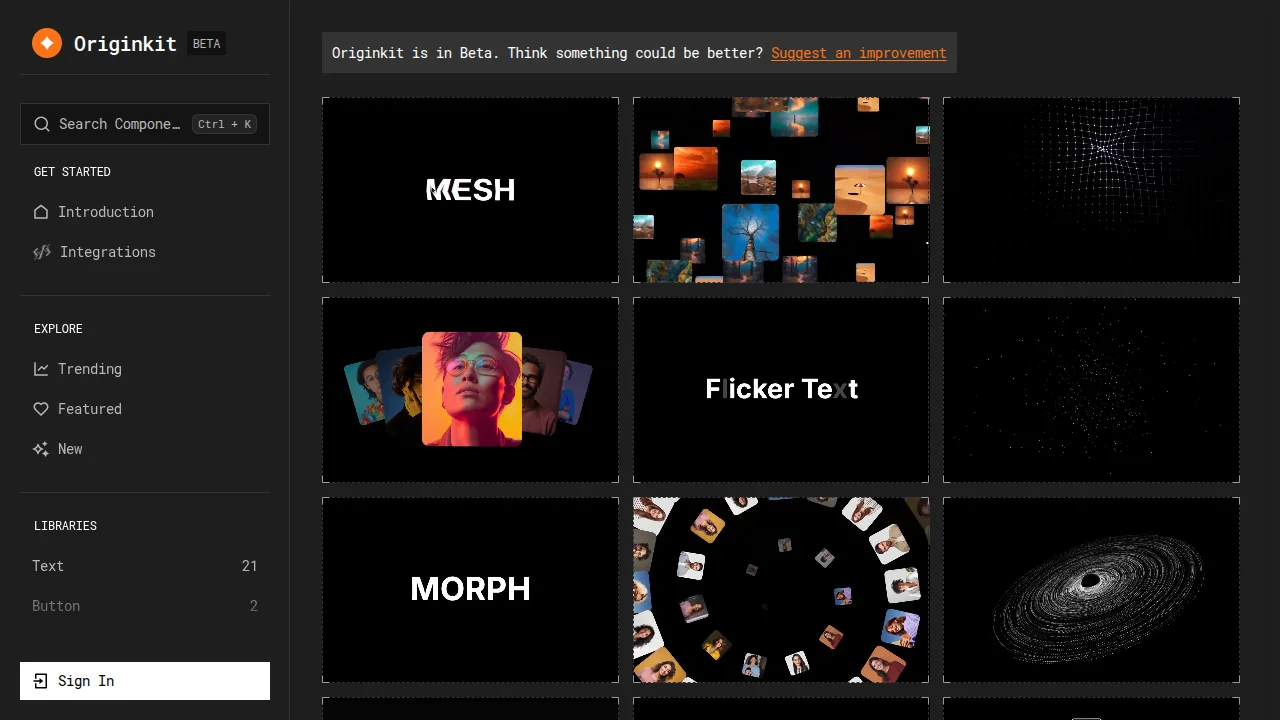
- Real component examples (text, image, buttons, etc.)
- Pricing & limits (10 fetch limit per day, etc.)
If you want "animated, cool UI" on your site ASAP, this article gets you there in 10 minutes.
What Is Originkit?
Originkit is a free animation component library. It offers 50 animated UI parts (text animations, image galleries, button effects, background effects, etc.) that you can drop into your site by copying code.
Bottom line: pro-level motion without coding.
Normally, effects like "text dissolves like smoke on scroll" or "image breaks apart pixel by pixel" require Three.js or GSAP knowledge. With Originkit, copy-paste is all you need.
Key features:
- Completely free (no credit card)
- 50 components in 6 categories
- 3 integration methods: Web copy / Framer import / MCP call from AI tools
- React, Next.js, Vite, Framer support (CSS / Tailwind / CSS Modules selectable)
Compare the 3 Methods
| Method | Difficulty | Best For | Feature |
|---|---|---|---|
| Copy from website | ★☆☆ (easy) | Anyone who just wants to paste code | Pick a component in the browser, copy code, paste it. No API key needed |
| Framer import | ★☆☆ (easy) | People building sites in Framer | Import components directly into the Framer design tool |
| MCP connection (AI tools) | ★★☆ (needs setup) | Users of Cursor, Claude Code, etc. | Just ask AI to "add Originkit components" and it generates code. 10/day limit |
Method 1: Copy from the Website (Easiest)
- Open the Originkit website
- Browse the 6 categories and pick a component
- Click copy
- Paste into your React/Next.js/Vite project
- Done
Method 2: Framer Import
- In Framer, open the Originkit section
- Select the component you want
- Import it directly into your Framer canvas
- Done
Method 3: MCP Connection (for AI Tools)
Setup in Cursor / Claude Code / Windsurf
Add an MCP server pointing at Originkit:
{
  "mcpServers": {
    "originkit": {
      "url": "https://mcp.originkit.dev/mcp",
      "headers": {
        "Authorization": "Bearer cmp_live_..."
      }
    }
  }
}
Usage
Ask your AI tool:
Add Originkit's text dissolve-on-scroll component to this section.
The AI calls the Originkit MCP server, fetches the component code, and integrates it automatically.
Component Examples
| Category | Examples |
|---|---|
| Text | Dissolve-on-scroll, character-by-character reveal, blur-in |
| Image | Pixel-split gallery, parallax, clip-path reveals |
| Buttons | Magnetic hover, ripple, shine sweep |
| Background | Gradient mesh, particles, noise |
| Cards | 3D tilt, hover stack, spring entrance |
| Layout | Sticky sections, scroll progress, marquee |
Questions Readers Ask
Q1. Is it really free?
Yes, completely free — no credit card required. The 10/day fetch limit applies to MCP usage; direct copy from the website is unlimited.
Q2. Does it work with plain CSS?
Yes. You can choose CSS, Tailwind, or CSS Modules for the output.
Q3. Is Next.js supported?
Yes, both App Router and Pages Router work.
Q4. MCP connection isn't working
Check that the API key is correct and the MCP URL + header format are right. Set cmp_live_... as the Bearer token.
Q5. Exceeded the 10/day limit
It resets the next day (UTC 0:00). Wait, or use Method 1 (copy from website).
Q6. Can I customize components?
Yes. The fetched code is a normal React component, so you can freely edit colors, sizes, and speeds.
Summary: Which Method Should You Choose?
Conclusion:
- Want to try it today → Method 1 (copy from web)
- Framer user → Method 2 (Framer import)
- Full AI coding workflow → Method 3 (MCP connection)
Originkit is a rare tool that gives you "pro-level motion for free." Open the official site and copy one component you like.
Related Reading
Share this article
Related articles
Jul 21, 2026
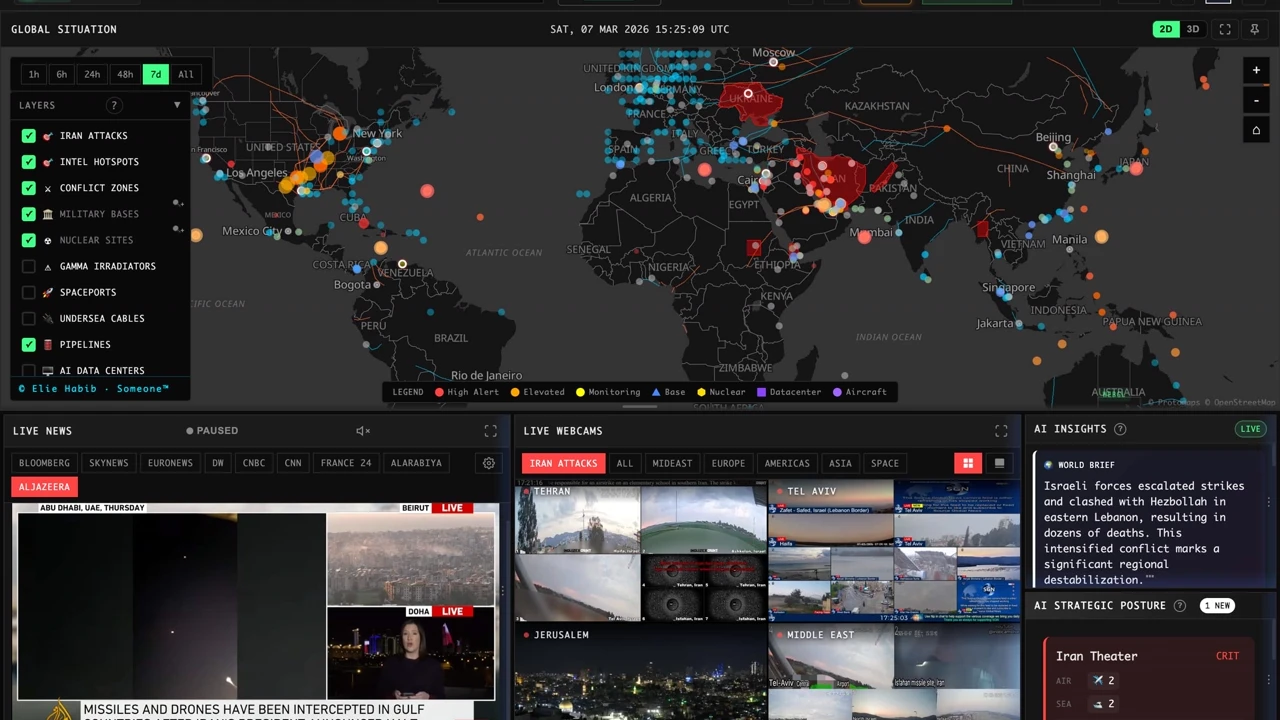
WorldMonitor Complete Guide 2026: The Strongest Open-Source Geopolitical AI for Real-Time Global Awareness in One Dashboard

Aug 15, 2026
What Can You Do with the Digital Agency’s MCP for Administrative Procedures? A Beginner-Friendly Guide to Analyzing 75,000 Government Records with AI (2026)

Aug 12, 2026
OpenSEO Complete Guide 2026: How to Use the Open-Source Alternative to Semrush and Ahrefs, Plus DataForSEO Integration
Jun 30, 2026
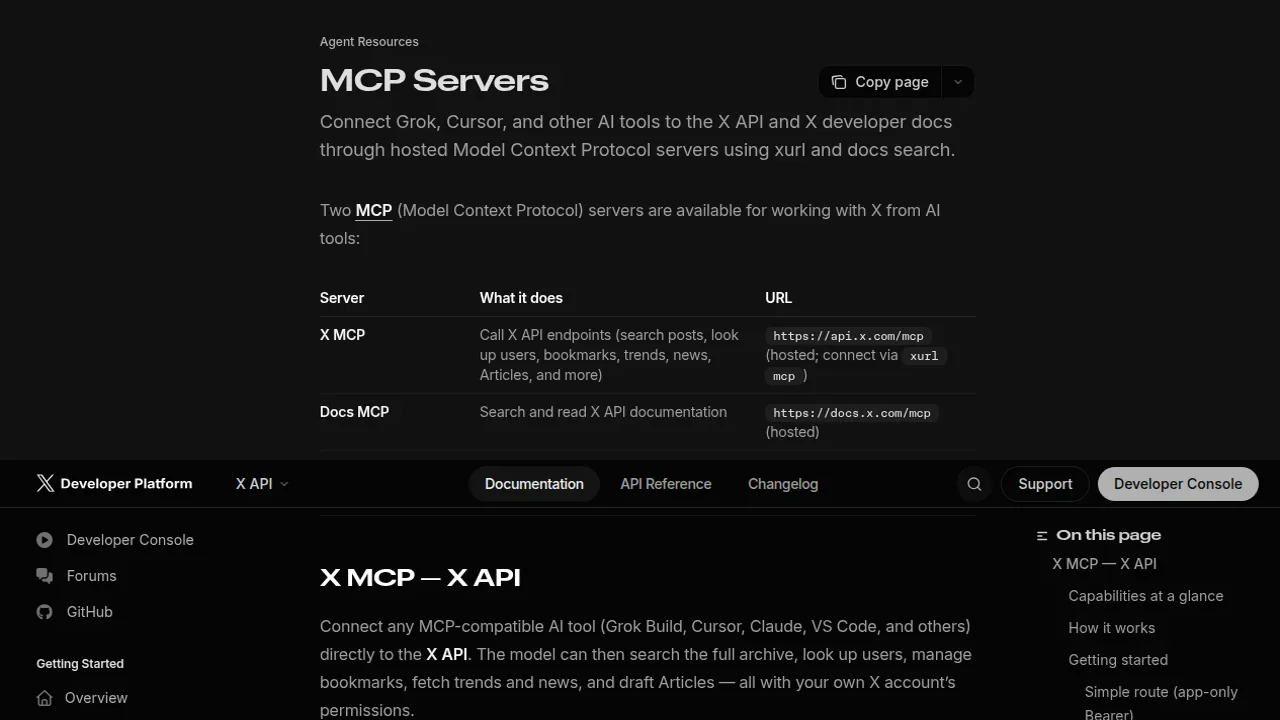
X (Twitter) Official MCP Complete Guide 2026: Automate Search, Posting & Trend Fetching with AI Agents

Jul 4, 2026
Unreal Engine MCP Complete Guide 2026: Using UE5.8 AI Integration with Hermes Agent & Claude Code for Beginners

Aug 6, 2026
Cloudflare OS Complete Guide 2026: The Open-Source AI Operating System for Your Company, Explained for Beginners