Summary
This is the universal question everyone starting a blog or business site hits first.
[2026] Squarespace vs WordPress Ultimate Comparison! How to Choose a Website Builder for Beginners
"I want to build a website, but should I go with Squarespace or WordPress?"
This is the universal question everyone starting a blog or business site hits first.
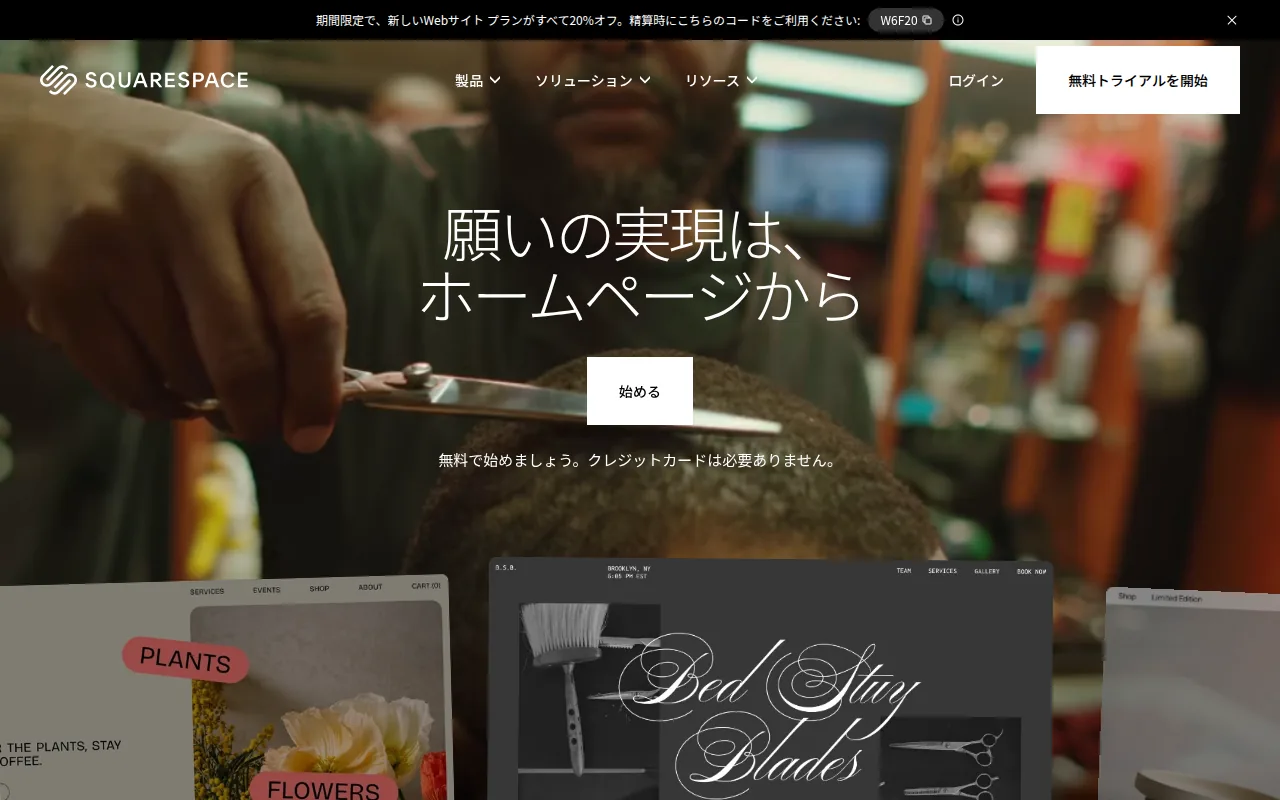
Here's the short answer: Squarespace if you just want to get started, WordPress (WP Engine) if you want full control.
In this article, we fully compare them across four axes: design, pricing, SEO, and ease of management.
The Short Answer: How to Choose
| Your Situation | Recommendation |
|---|---|
| You care about design and want an easy start | Squarespace — Beautiful templates and drag-and-drop for a pro-level site in no time |
| You want to monetize and rank high in SEO | WordPress (WP Engine) — Unmatched customizability and SEO plugins |
| You want to try for free / zero budget | WordPress.com (free plan) or Wix |
Spec Comparison Overview
| Service | Rating | Price | Speed | Support | Features | Best for |
|---|---|---|---|---|---|---|
| Squarespace | ★ 4.6 | From $16/mo | ⚡ Fast (hosting included) | 24h email + live chat | Drag-and-drop, beautiful templates, hosting included, e-commerce ready | Design-focused · Beginners · Portfolio sites |
| WordPress + WP Engine | ★ 4.8 | From $20/mo (incl. WP Engine) | ⚡ Fastest (dedicated caching) | 24h chat + phone | Infinite customization, SEO plugins, Genesis Pro theme included, full ownership | Serious bloggers · Business sites · Affiliate marketers |
| Wix | ★ 4.2 | From $17/mo | ⚡ Average | 24h chat | Drag-and-drop, AI design, App Market | Total beginners · Just trying things out |
Detailed Platform Reviews
1. Squarespace — Unbeatable Design Quality
Squarespace's biggest selling point: you can build a polished, professional-looking site instantly, even with zero knowledge. Their designer-curated templates are stunning.
✅ Pros
- + Gorgeous templates — zero design skills required
- + Hosting, SSL, and domain all bundled — no hassle
- + Intuitive drag-and-drop editor — never gets confusing
- + 14-day free trial (no credit card needed)
- + Japanese language support & JPY billing available
- + Covers blogs, portfolios, e-commerce, and booking systems
❌ Cons
- - Less flexible than WordPress for deep customization
- - No plugin ecosystem — limited extensibility
- - Hard to migrate away from (Squarespace lock-in)
- - Blogging features lag behind WordPress (category structure, etc.)
- - From $16/mo looks pricey at first, but reasonable with hosting included
Who Squarespace is best for:
- Absolute beginners building their first site
- Visual-first portfolio sites and personal brands
- Sites where looks matter more than blogging (photographers, designers, artists)
- People who want zero maintenance overhead
2. WordPress (WP Engine) — The Only Choice for Serious Monetization
WordPress powers over 43% of all websites on the internet. Pair it with WP Engine hosting, and you get a dramatic boost in speed and reliability.
✅ Pros
- + Near-infinite customization (100K+ themes & plugins)
- + SEO plugins (Yoast / Rank Math) to climb search rankings
- + Full data ownership — migrate freely, no lock-in
- + WP Engine EverCache delivers perfect Core Web Vitals scores
- + Affiliate marketing, ads, e-commerce, membership sites — everything is possible
- + Genesis Pro theme included (worth $360/year)
❌ Cons
- - Setup requires some technical knowledge (domain, server, SSL, etc.)
- - Too many plugins can slow things down
- - You need to handle your own maintenance (WP Engine auto-updates help)
- - Monthly costs tend to run higher than Squarespace
Who WordPress (WP Engine) is best for:
- People who want to earn money through affiliate marketing or blogging
- Those targeting top search rankings with SEO
- Anyone planning to expand their site down the road (e-commerce, membership, etc.)
- People willing to learn the technical side
3. Wix — For Those Who Just Want the Easiest Start
Wix leans even harder into "easy mode" than Squarespace. Its AI-powered site builder — just answer a few questions and it builds your site — is a standout feature.
✅ Pros
- + AI site builder is excellent — answer questions and it does the rest
- + Free plan available (displays Wix ads)
- + App Market for extending functionality
- + Strong Japanese-language support and user base
❌ Cons
- - Nearly impossible to migrate away — total platform lock-in
- - Free plan shows Wix branding and doesn't feel professional
- - Performance degrades on larger sites
- - Not enough for serious SEO work
Who Wix is best for:
- Quick throwaway sites where "good enough" is the bar
- People with zero website-building experience
- Anyone who wants to start for free
Pricing Comparison
Squarespace
WordPress + WP Engine
Wix
Note: Squarespace and Wix pricing includes hosting, SSL, and domain. WordPress (WP Engine) pricing also includes hosting. Compare by effective total cost.
SEO Performance Comparison
If you're serious about SEO, there's really only one choice.
| Factor | Squarespace | WordPress + WP Engine | Wix |
|---|---|---|---|
| Page speed | ⚡ Fast | ⚡ Fastest (EverCache) | ⚡ Average |
| Title & meta tag editing | ✅ Built-in | ✅ Full control via Yoast/Rank Math | ✅ Built-in |
| Structured data | ⚠️ Limited | ✅ Full control via plugins | ⚠️ Limited |
| Internal link optimization | ⚠️ Basic | ✅ Rich plugin ecosystem | ⚠️ Basic |
| URL structure customization | ⚠️ Limited | ✅ Fully flexible | ✅ Adjustable |
| Core Web Vitals | Average (no control) | Excellent (caching layer) | Somewhat unstable |
Why WordPress (WP Engine) wins at SEO: WP Engine's proprietary caching technology (EverCache) delivers top scores across LCP, FID, and CLS. Page speed directly impacts SEO rankings, making this a major differentiator.
Summary
| Your Priority | Best Platform |
|---|---|
| Design-first · Easy start | Squarespace — Try free for 14 days |
| SEO & monetization, seriously | WordPress (WP Engine) — Best speed & customization |
| Budget-first · Just trying | Wix free plan |
| If you're still unsure | Start with Squarespace; migrate to WordPress when needed |
We recommend starting with Squarespace's 14-day free trial to build your first site. If you fall in love with site-building and find yourself wanting more freedom, you can always migrate to WordPress + WP Engine later.
Whichever you choose, having a website is 100× better than not having one. Take that first step today.
This article does not contain affiliate links.
Related Reading
- [2026] Okara Influencer Agent Complete Guide! The Ultimate AI Influencer Marketing Automation Tool
- [2026] Typefully Complete Guide! Schedule X, LinkedIn & Threads Posts for Free
- [2026] Gumroad Complete Guide — How to Sell Digital Content from Japan and Earn Money
- [2026] 5 Overseas Alternatives to note — KaryaKarsa, Ghost, Ko-fi, Medium, Substack Compared
- [2026] Originkit Complete Setup Guide! 50 Free Animation Components Deployed with AI
Share this article
Related articles
Jun 11, 2026
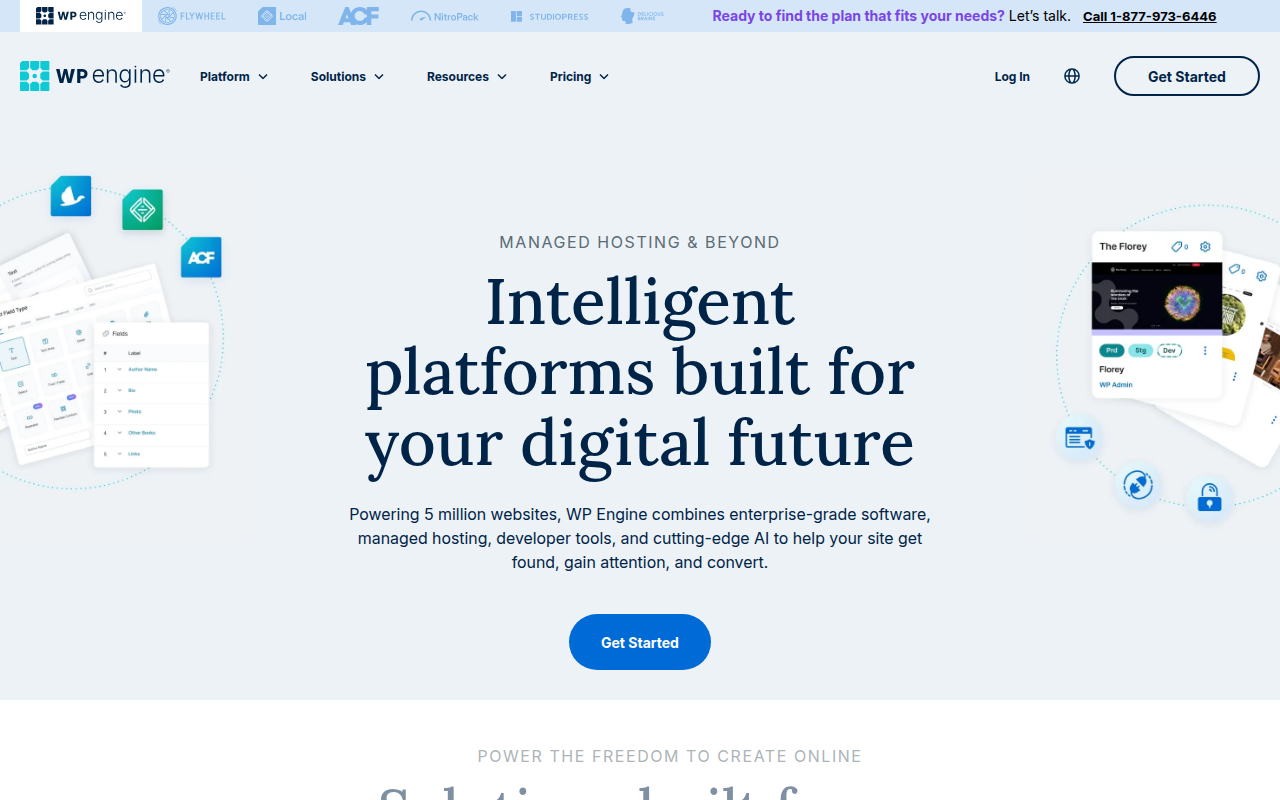
2026 Overseas Hosting Comparison: WP Engine vs SiteGround vs Hostinger vs Cloudways

Jun 22, 2026
Hermes Agent Memory Complete Comparison 2026: Built-in vs Honcho vs Mem0 vs Hindsight (All 9 Providers)
Jun 22, 2026
Hermes Agent vs Cursor — Full Comparison 2026: Which Should You Choose? Complete Guide to Using Both
Aug 12, 2026
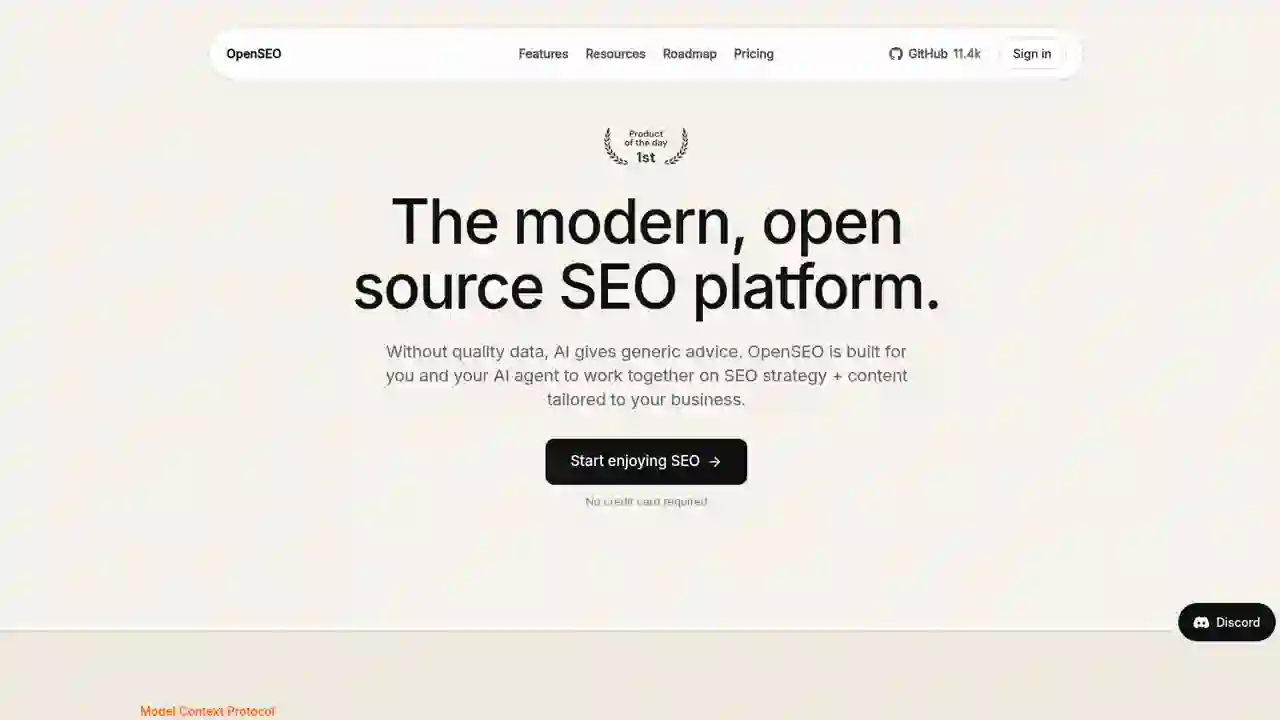
OpenSEO Complete Guide 2026: How to Use the Open-Source Alternative to Semrush and Ahrefs, Plus DataForSEO Integration

Jun 15, 2026
ChatGPT vs Claude vs Gemini 2026: Ultimate Comparison! From Free to Paid — Complete Guide
Aug 11, 2026
Cloudflare Tunnel vs Mesh: Complete Comparison in 2026 — Official Guide for Beginners