Summary
"I want AI agents to control a browser, but Chromium is too heavy..."
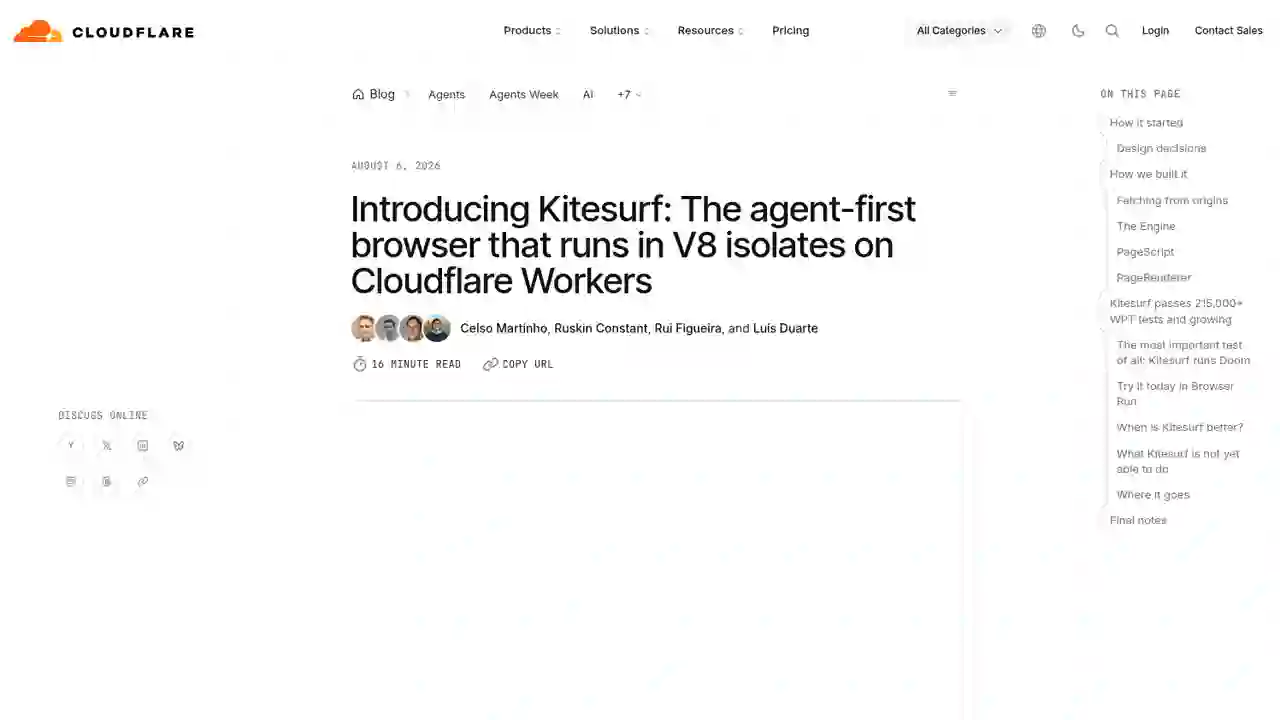
Cloudflare Kitesurf Complete Guide 2026: The Agent-First Browser That Uses Up to 7x Less Memory Than Chromium
"I want AI agents to control a browser, but Chromium is too heavy..." "Isn't there a browser optimized specifically for agents?"
Cloudflare answered this with Kitesurf, announced in August 2026.
Kitesurf is a browser built entirely on Cloudflare Workers, designed specifically for AI agents. Compared to Chromium (built for humans), it uses up to 3.8x less CPU and 7x less memory — and it's free during the beta period.
In this article, I'll fully explain how Kitesurf works, its design philosophy, performance, and how to use it — in beginner-friendly terms.
What You'll Learn in This Article
- What Kitesurf is (and why an agent-first browser is needed)
- Performance comparison with Chromium (real benchmarks)
- How it works under the hood (3 main components)
- How to actually use it (Puppeteer, Playwright, MCP, curl)
- What it can't do yet, and what's coming next
What Is Kitesurf?
Kitesurf is a browser built for AI agents, running in V8 isolates on Cloudflare Workers.
Key features
- Runs entirely on Workers: no traditional browser engine (Chromium) required
- Optimized for agents: drops human-oriented features like tabs, themes, and extensions to focus on token count, context, and cost
- Dramatically lower CPU & memory: 3–7x more efficient than Chromium for tasks like screenshots and HTML extraction
- Free during beta: try it right now in Browser Run
- CDP compatible: existing tools like Puppeteer and Playwright work as-is
It was built in just 12 weeks, powered significantly by AI agents — a notable achievement in itself.
Why an "Agent-First Browser" Is Needed
Existing browsers like Chromium were built for humans, and are overkill for AI agents.
What humans want vs. what agents want
| Item | Human browser | Agent browser |
|---|---|---|
| Focus | Tabs, themes, extensions, sync | Token count, context, cost |
| Rendering quality | Pixel-perfect, smooth 60fps scrolling | Structured, machine-readable content |
| Resource usage | Heavy memory/CPU is expected | Minimal and scalable |
| Security | Accessing trusted sites | Arbitrary code, prompt injection defense |
Giving every AI agent its own Chromium instance costs enormous memory and compute, locking out many agentic applications. Kitesurf solves this.
Performance: Real Benchmarks vs. Chromium
Median of 5 Browser Run runs across a 14-URL corpus, as published by Cloudflare.
| Metric | Kitesurf | Chromium (warm pool) | Relative to Kitesurf |
|---|---|---|---|
| CPU: screenshot | 380 ms | 1,173 ms | 3.1x less CPU than Chromium |
| CPU: HTML extraction | 229 ms | 877 ms | 3.8x less than Chromium |
| Memory: screenshot | 57.8 MiB | 271.0 MiB | 4.7x less than Chromium |
| Memory: HTML extraction | 39.4 MiB | 273.7 MiB | 7.0x less than Chromium |
| Wall time: screenshot | 1,148 ms | 637 ms | 1.8x slower than Chromium |
| Wall time: HTML extraction | 820 ms | 472 ms | 1.7x slower than Chromium |
Bottom line: Chromium wins on wall-clock time by about 1.7x, but Kitesurf is 3–7x more efficient on CPU and memory — the things that actually drive your bill. Less memory means more parallel sessions, better scaling, and lower costs for both Cloudflare and you.
Kitesurf already passes 215,000+ WPT (Web Platform Tests), adding hundreds more every week.
How It Works Under the Hood
Kitesurf consists of 3 main components.
1. Engine
The only public-facing component. It handles the Chrome DevTools Protocol (CDP) WebSocket and HTTP REST APIs and stores each session's state.
Thanks to CDP compatibility, Puppeteer, Playwright, chrome-remote-interface, and the actual Chrome DevTools frontend all work as-is.
2. PageScript
Uses Dynamic Workers to spin up a long-lived isolate per page, building the DOM and running JavaScript and Wasm.
- HTML and CSS parsing use Rust-based Blitz (a modular rendering engine) and Stylo (Firefox's high-performance CSS parser)
- eval is executed via Boa JS, a Rust ECMAScript engine, due to Workers' security constraints
3. PageRenderer
Converts page objects into actual pixels. For each frame requested by the Engine, it gets the scene from PageScript and rasterizes it into JPEG / PNG / PDF.
Using Workers' built-in RPC system, the Engine calls PageRenderer in a single call and receives a PNG. PageRenderer is stateless, so a failed call just means kill and relaunch.
Security design
- SandboxOutbound worker: all network access flows through one component, enforcing CORS, browser-shaped headers, and per-page cookie jars. Policy violations get a 403
- Every page load is treated as untrusted input: each component can only touch resources strictly necessary for its function
- Stateless whenever possible: only the Engine holds state; crash recovery is just "start a new one and replay the request"
How to Use It: Try It Today
Kitesurf is available free during beta in Browser Run. Usage is as simple as adding the browser=kitesurf parameter.
1. Try the Playground (easiest)
Enter any URL in the public playground to see how Kitesurf renders it. Chrome DevTools is injected into the UI, letting you inspect DOM, console, network, and memory.
2. Use from an MCP client (e.g., Opencode)
{
  "mcp": {
    "kitesurf": {
      "type": "local",
      "command": [
        "npx", "-y", "chrome-devtools-mcp@latest",
        "--wsEndpoint=wss://api.cloudflare.com/client/v4/accounts/<ACCOUNT_ID>/browser-run/devtools/browser?browser=kitesurf",
        "--wsHeaders={\"Authorization\":\"Bearer <API_TOKEN>\"}"
      ],
      "enabled": true
    }
  }
}
3. Take a screenshot with Quick Actions
curl -X POST 'https://api.cloudflare.com/client/v4/accounts/<accountId>/browser-run/screenshot?browser=kitesurf' \
  -H 'Authorization: Bearer ***' \
  -H 'Content-Type: application/json' \
  -d '{
    "url": "https://example.com"
  }' \
  --output "screenshot.png"
What Kitesurf Can't Do Yet
- Video playback & WebGL: not yet supported — use Chromium if you need them
- Bot-challenge bypass: handshakes requiring real TLS fingerprints aren't possible
- Long-lived authenticated sessions: sessions requiring persistent state aren't supported yet
- Complex web pages: TodoMVC, Wikipedia, Hacker News, the Cloudflare Blog, and much of the Cloudflare dashboard render correctly, but not every site is fully compatible
Where It Goes Next
- Better CDP coverage: expanding support for more agents and automation tools
- Rendering fidelity: improving screenshot and PDF quality
- WPT coverage: adding more web APIs on the road to production-readiness
- Open source: Cloudflare plans to open source Kitesurf so any customer can deploy their own version on their own account
Summary
Cloudflare Kitesurf is a new browser designed from scratch for AI agents, running on Workers.
- Up to 3.8x less CPU and 7x less memory: far more efficient than Chromium
- CDP compatible: Puppeteer, Playwright, and MCP clients work as-is
- Free during beta: try it now in the playground or Browser Run
- Fully isolated & stateless: ideal for bursty, AI-driven workloads
If you want to lower the cost of letting AI agents drive a browser, Kitesurf is exactly the option to watch. Start with the playground and experience the power of browser=kitesurf for yourself.
この記事をシェアする
Related articles

2026年7月19日
Agentic Engineering 2026: Coined by Karpathy — How Google Agents CLI Is Transforming Production Development
2026年7月19日
12 Free AI Agent Courses Recommended for 2026: Learn from the World's Top Instructors
2026年8月8日
Claude Code Cross-Session Messaging Complete Guide 2026: Sessions Can Now Send Messages to Each Other
2026年8月8日
Control Your iPhone with Claude Code in 2026: Complete phone-harness Guide (with Setup Steps)
2026年8月9日
Herdr Complete Guide 2026: The New Standard Runtime Where Any Agents Can Talk to Each Other

2026年8月9日
Hermes HUD Mode Complete Guide 2026: The Overlay AI Agent That Sees, Understands, and Controls Your Screen