
Summary
Sound familiar? In 2026, one of the most talked-about terms in the AI industry is "Agentic Engineering."The person who coined it? None other thanAndrej Karpathy — the legendary engineer who made his mark at Tesla and OpenAI.
[2026] What Is Agentic Engineering? Coined by Karpathy, Google Agents CLI Transforms Production-Grade Development
"Ever tried building an AI agent only to find that making one that actually works is far harder than you expected?"
"I want to build AI agents. But making ones that actually work is way harder than I imagined..."
Sound familiar? In 2026, one of the most talked-about terms in the AI industry is "Agentic Engineering."The person who coined it? None other thanAndrej Karpathy — the legendary engineer who made his mark at Tesla and OpenAI.
A viral post on X (42.7K views, by @akshay_pachaar) highlighted an article titled "Karpathy's Agentic Engineering Finally Has Proper Tooling,"reporting that Google has released a tool called"Agents CLI," suddenly making this new development methodology practical and accessible.
In this article, we'll break it all down in plain language — no jargon overwhelm — so even beginners can follow along.
Here's what you'll learn:
- What "Agentic Engineering" actually means
- How it differs from just "having AI build stuff for you"
- How Google Agents CLI makes development dramatically easier
- The best learning path for beginners
All of it, explained clearly.
What Is "Agentic Engineering"? Starting with the Basics
In a nutshell: it's a "systematic discipline for designing and developing AI agents at a production-grade level" — agents that are truly ready for real-world use.
Karpathy defined the term at Sequoia Capital's "Sequoia Ascent 2026"event. The critical point:this is distinctly different from "vibe coding" (coding by feel).
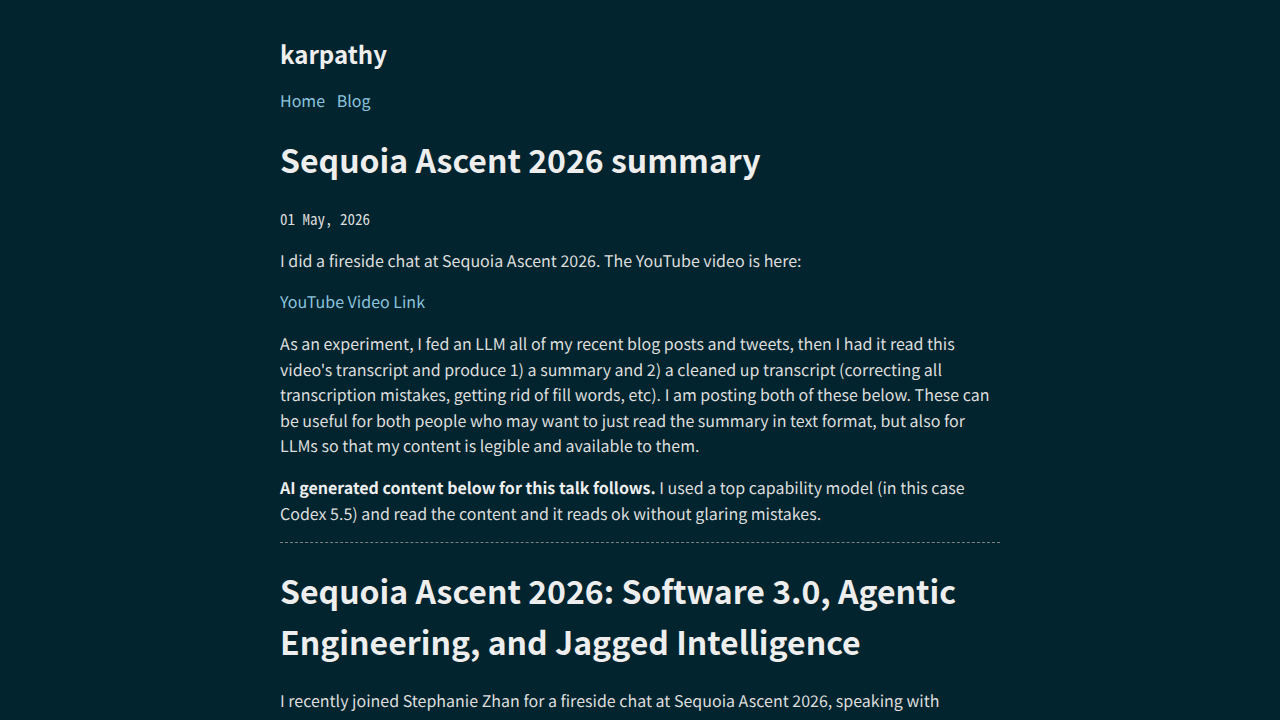
In Karpathy's own framing, Agentic Engineering is the discipline that separates production-grade agent development from casual vibe coding.
| Aspect | Vibe Coding | Agentic Engineering |
|---|---|---|
| Mindset | "Just have the AI build something that kinda works" | Design specs, evaluations, and safety from the start |
| Evaluation | Glance at it — "looks good to me" | Automated evals with numerical scoring |
| Safety | Largely overlooked | Monitoring and verification are mandatory |
| Output | Prototype-level | Production-grade |
The 3 Core Skills of Agentic Engineering
Karpathy identified three essential skills for production-grade agent development:
1. Spec Design
Articulating what you want the agent to do as a clear, unambiguous specification — not a vague wish.
Bad example: "Handle customer inquiries nicely" Good example: "For each inquiry: ① reference the refund policy ② guide through the applicable procedure ③ escalate to a human if unable to resolve. Never output personal information."
2. Eval Loops
Running an automated, repeatable checking mechanism that continuously verifies whether your agent is actually performing correctly. Don't settle for "seems to work fine" — measure it with scores, persistently.
3. Security Oversight
Monitoring and verifying that your agent isn't taking unexpected actions. For instance, preventing behaviors like "auto-linking a Stripe payment email to a Google account by matching email addresses" — actions that sound plausible on the surface but are wrong by design.
The Old Problem: "Tools Were Too Fragmented"
All of this sounds great in theory, but in practice it was incredibly tedious.
Building a production-grade agent meant juggling a chain of disconnected tasks:
- Writing code in an editor
- Scaffolding the project in a terminal
- Testing behavior in a browser
- Deploying via a cloud console
- Setting up evaluations in a separate framework
In other words, you had to shuttle between 5+ different screens, stitching everything together yourself. That made the barrier to doing Agentic Engineering seriously far too high.
How Google Agents CLI Changed the Game
Enter Google's "Agents CLI."
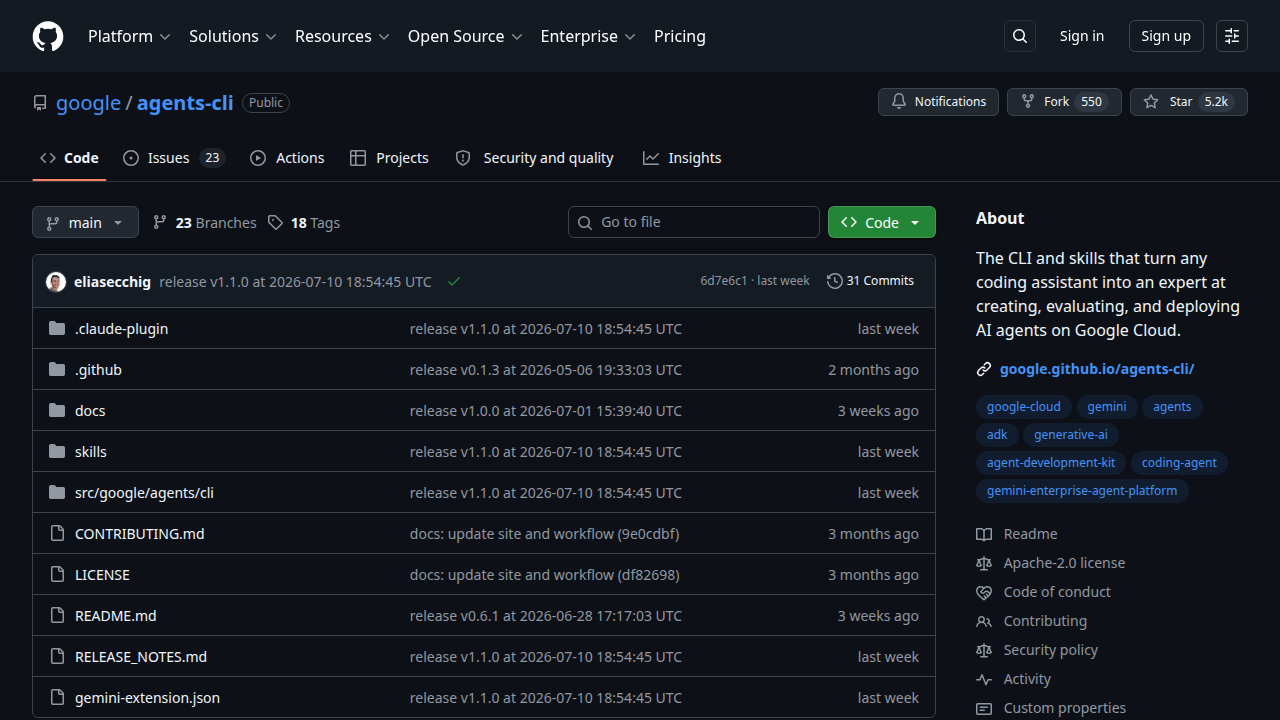
Agents CLI is a tool that injects "7 skills" into your coding agent — whether that's Claude Code, Cursor, Codex, Antigravity, or others.
These 7 skills bundle the following knowledge:
- ADK code patterns (how to write with Google's Agent Development Kit)
- Project scaffolding
- Evaluation setup (LLM-as-judge scoring)
- Deployment configuration (for Agent Runtime or Cloud Run)
- Observability (tracing agent behavior with Cloud Trace)
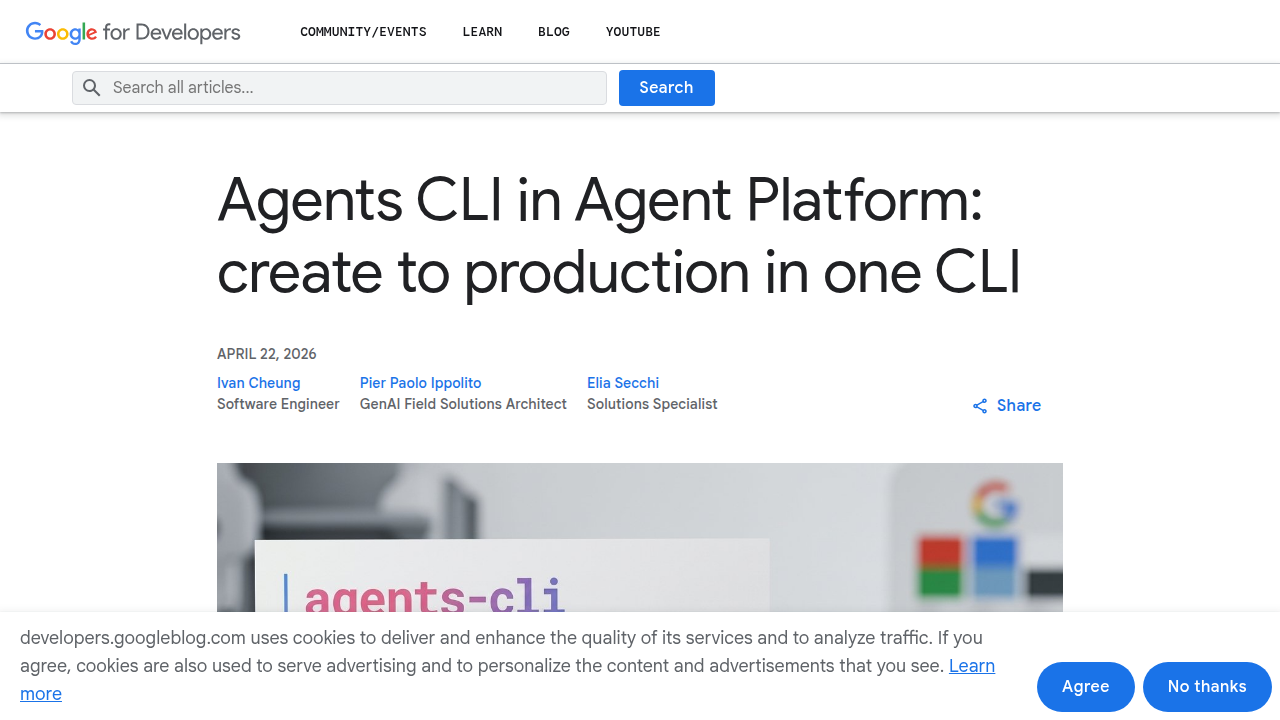
Why It's a Big Deal
A single setup command installs all the same ADK expertise across every coding agent you use, in one shot.
What that means:
- You never leave your editor
- You just give instructions in natural language
- Build → Evaluate → Deploy all run automatically
The "fragmented tools" problem collapses into one unified experience.
A Step-by-Step Walkthrough
The article demonstrates the full cycle by building a RAG agent (an AI that answers questions from internal knowledge) from scratch and deploying it:
Step 1: Install Agents CLI
uvx google-agents-cli setup
That's it — 7 skills injected into your coding agent.
Step 2: Build the RAG Agent
Tell your coding agent something like:
Build a RAG agent that ingests documents, retrieves relevant
context, and answers questions with source citations.
Use the ADK agentic_rag template with Gemini 3.5 Flash.
Since the agent already knows ADK patterns, it auto-generates the project — including citation support and Vector Search configuration, right out of the box.
Step 3: Test Locally
Launch ADK Web UI on localhost
A chat interface opens in your browser. You can test with real questions and verify: "Is it pulling the right context? Is it showing source citations like [source: 1003]?"
Step 4: Evaluation (Eval)
Use LLM-as-judge to auto-score answer correctness. No need to manually inspect every response.
Step 5: Deploy and Observe
Deploy to Cloud Run or Agent Runtime. Cloud Trace visualizes the agent's reasoning path — every step it took.
Recommended Learning Path for Beginners
Agentic Engineering is a broad field. Here's the suggested order for newcomers:
Route A: Grasp the Big Picture (Concept-First)
- Read this article to understand what "Agentic Engineering" means
- Read the Sequoia Ascent 2026 talk summary by Karpathy
- Skim through the official Google ADK documentation
Route B: Get Your Hands Dirty (Implementation-First)
- Install Google Agents CLI with
uvx google-agents-cli setup - Pair it with Claude Code or Cursor and build a simple RAG agent
- Run evaluations and get a feel for what the scores mean
Route C: Go Deep (Theory & Operations)
- Study eval loop design
- Learn observability and security monitoring techniques
- Deploy to production in a real work or personal project
Questions Readers Ask
Q1. Can non-programmers learn Agentic Engineering?
The core concepts (spec design, eval, security) are understandable even for non-engineers. That said, to actually build with Agents CLI, some familiarity with terminal commands and Python will make things much smoother.
Q2. Is Google Agents CLI free?
The CLI setup itself is free. However, deploying to Google Cloud (Cloud Run / Agent Runtime) may incur cloud usage fees. Local development is free to try.
Q3. Can I use it without Claude Code or Cursor?
Agents CLI works by injecting skills into a coding agent, so you'll need one of the supported agents (Claude Code, Cursor, Codex, Antigravity, etc.).
Q4. What is ADK?
ADK (Agent Development Kit) is Google's framework for agent development. Agents CLI teaches your coding agent how to write, evaluate, and deploy using ADK patterns.
Q5. Is vibe coding dead?
Not "dead" — for personal experiments and prototypes, vibe coding works fine. But when you're building an agent that will be used in production or by other people, the Agentic Engineering mindset (evaluation, safety) becomes essential.
Q6. Is the information in this article based on 2026 developments?
Yes. This article is based on the June–July 2026 release of Google Agents CLI and Karpathy's Sequoia Ascent 2026 talk. For the latest tool details, always check the official documentation.
Summary
Agentic Engineering is a methodology for building AI agents at production-grade quality. Coined by Andrej Karpathy, it centers on three core skills: spec design, eval loops, and security oversight.
Until now, fragmented tools made it cumbersome — but with the arrival of Google Agents CLI, you can now go from build → evaluate → deploy, all within a single coding agent.
- First, grasp the concepts through this article
- Next, install Agents CLI and play around
- Then, experience firsthand why eval loops matter
Follow this sequence, and within weeks you'll be building production-grade agents with your own hands.
This article is for informational purposes only. Details about Google Agents CLI and ADK are based on official announcements and documentation. For the latest specifications, please refer to each official site.Related Articles
- [2026] Hermes Agent Memory Complete Comparison! Built-in vs Honcho vs Mem0 vs Hindsight vs ByteRover [All 9]
- [2026] Loop Library Complete Guide! 70 Copy-Paste AI Agent Loops
- [2026] Scroll-World Complete Guide! The Revolutionary Agent Skill for Auto-Generating "Scrollable 3D Worlds" with Claude Code/Codex
- [2026] Blender MCP with Hermes Agent Complete Guide! Beginner-Friendly Setup for Directing AI 3D Modeling
- [2026] How to Build AI Agents: "Loops" vs "Graphs" Explained! Is the Loop Engineer Era Over? Design Trends Beginners Should Know
Related reading
Share this article
Related articles

Aug 15, 2026
What Can You Do with the Digital Agency’s MCP for Administrative Procedures? A Beginner-Friendly Guide to Analyzing 75,000 Government Records with AI (2026)

Aug 5, 2026
Cloudflare Wallets Complete Guide 2026: The New Payment System Where AI Agents Pay Automatically, Explained for Beginners
Aug 26, 2026
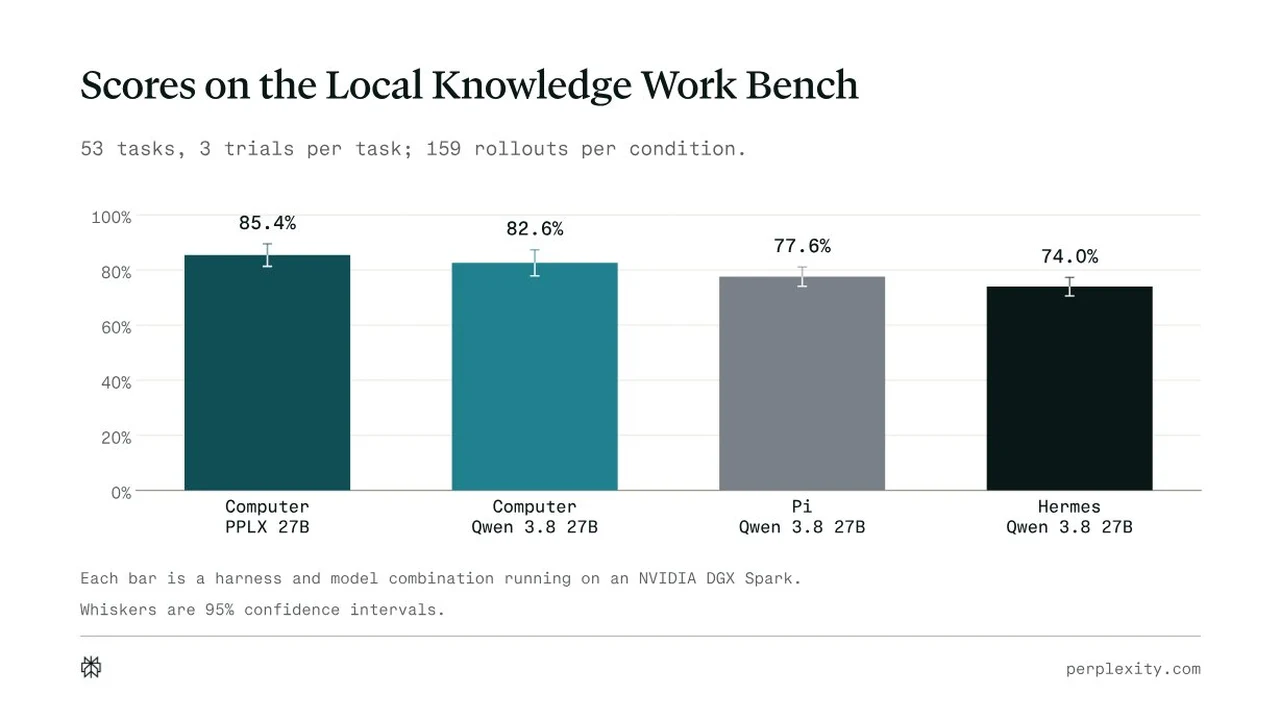
Perplexity "Portable Computer" Explained 2026: The Local-First AI Agent (Including the "DGX Spark Isn’t an Ordinary PC" Criticism)

Aug 15, 2026
Use DeepSeek Harness with OpenRouter in 2026: How "Ori" Switches 500+ Models with One Command, Explained for Beginners
Aug 12, 2026
Learn Harness Engineering Complete Guide 2026: The Free Course That Makes AI Agents Reliable with a "Harness"
Aug 6, 2026
Cloudflare OS Complete Guide 2026: The Open-Source AI Operating System for Your Company, Explained for Beginners