Summary
If that sounds like you, this guide covers the hottest topic of 2026: the difference between two design approaches — loopsandgraphs.
AI Agent Design Patterns 2026: Loop vs Graph — A Beginner's Guide to the Trend That's Ending "Loop Engineering"
"Thinking about building your own AI agent but unsure whether to structure it as a loop or a graph?"
"I want to build my own AI agent, but I have no idea how to structure it..."
If that sounds like you, this guide covers the hottest topic of 2026: the difference between two design approaches — loopsandgraphs.
There's been heated debate on X (Twitter) over whether "loop engineering is dead, and graphs are the way forward." The short answer: loops aren't obsolete, but graphs are becoming the mainstream choice going forward.
By the end of this article, even a complete beginner will know exactly where to start.
What You'll Learn
- AI agent fundamentals (a quick refresher)
- What a "loop" is — pros and cons
- What a "graph" is — and why it's getting so much attention
- Loop vs. graph comparison
- The honest answer to "Is loop engineering dead?"
- A step-up roadmap for beginners
What Is an AI Agent?
Simply put: "An AI that thinks for itself, uses tools, and gets tasks done."
For example:
- "Check today's weather and tell me if I need an umbrella" → calls a weather API and decides
- "Summarize this article" → reads the text and summarizes
- "Fix this error" → analyzes code and patches it
An agent repeats "think → act → check results" on its own, without a human giving detailed step-by-step instructions.
And how you design (structure) that "think → act → check" flow — that's the core topic of this article: two different approaches.
What Is a "Loop"?
A "loop" is exactly what it sounds like: "Think → Act → Check results → Think again..." on repeat.
In technical terms, this is often called ReAct (Reasoning + Acting).
How It Works (Diagram)
Pros
- Simple and easy to build — short code, easy to understand
- Beginner-friendly — runs with a tiny script
- Flexible — makes decisions on the fly, even without predefined steps
Cons
When tasks get complex, these problems crop up:
- Infinite loops — can't decide it's "done" and keeps going in circles
- Forgets important context — loses sight of the original goal after many steps
- Hard to control — difficult to track what happened when
What Is a "Graph"?
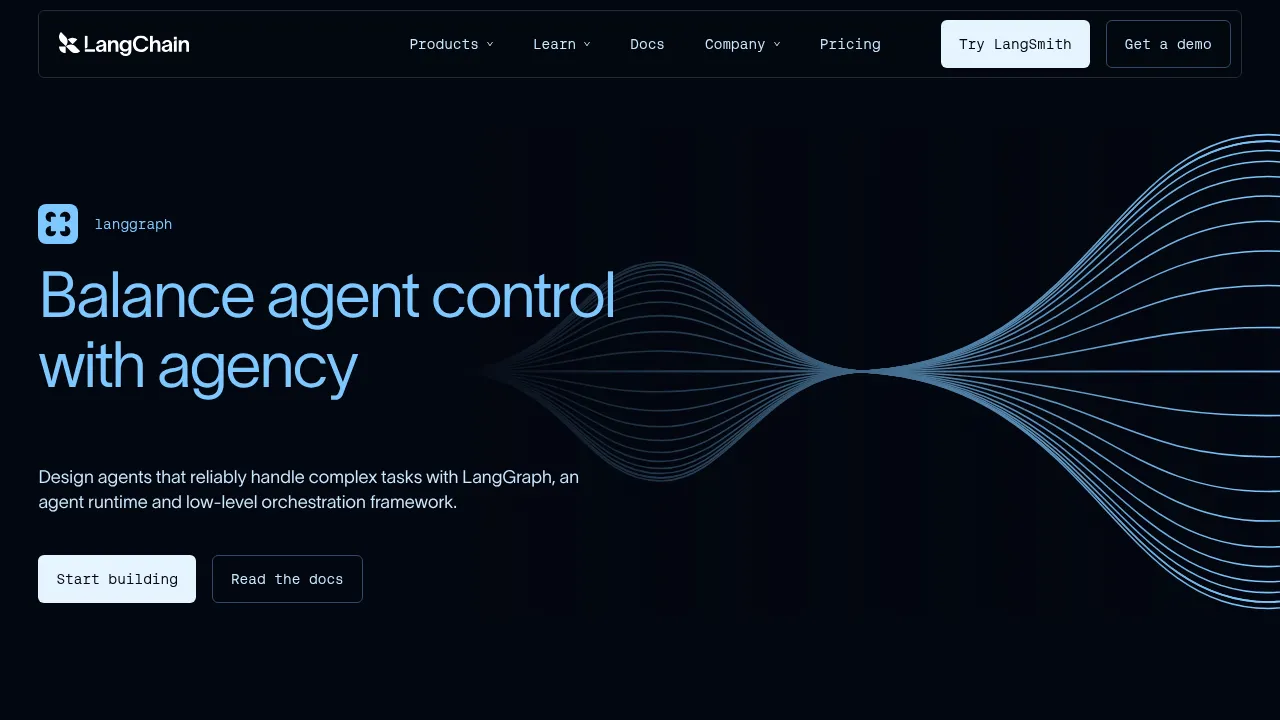
A "graph" is a flowchart-like structurebuilt with tools likeLangGraph.
Think: Step 1 → Step 2 → Branch → Step 3 — you pre-design the "route" as a diagram.
How It Works (Diagram)
Pros
- State management — crystal clear which step you're on and what's been remembered
- Branching & parallelism made easy — design routes like "If A, research; if B, execute"
- More reliable — fewer infinite loops, easier to debug
- Massively more scalable — can build large, complex agents
Loop vs. Graph Comparison
| Aspect | Loop (ReAct) | Graph (LangGraph) |
|---|---|---|
| Design | No fixed steps — decides on the fly | Pre-designed as a flowchart |
| Difficulty | Low (can try immediately) | Moderate (learn the concepts) |
| Complex tasks | Struggles (infinite loops, etc.) | Excels (state management) |
| Debugging | Difficult | Easy |
| Scalability | Low | High |
| Best for | Learning & small use cases | Production use |
The Answer: "Is Loop Engineering Dead?"
The verdict: No, it's not "loops are dead!" — that's too extreme.
But it's a fact that "plain loops alone have limits."The field as a whole isgradually shifting toward graphs (LangGraph, etc.).
In practice:
- Experimenting and learning → loops are fine (even recommended)
- Production and scaling up → you'll eventually need graphs
It's not "loops are old, graphs are new" — it's "use the right tool for the job."
Beginner's Step-Up Roadmap
| Level | Recommendation | Why |
|---|---|---|
| Complete beginner | Start with loops (ReAct) | Simple to understand, works instantly |
| Getting comfortable | Learn LangGraph (graphs) | Unlocks production-grade builds |
| Serious about building | Design with graphs as the core | Reliability and scalability are on another level |
Questions Readers Ask
Q1: Should I start with loops or graphs?
Complete beginners should start with loops (ReAct). The mechanism is simple, and it gives you a feel for "how AI thinks and acts."
Q2: Are graphs hard?
With tools like LangGraph, it's just connecting nodes (boxes) and edges (arrows) in code. The first impression can be intimidating, but once you get used to it, complex workflows become dramatically easier.
Q3: Can I stop using loops entirely?
No. Loops are still perfectly usable for small tasks and learning. You don't need to feel pressured to "graph everything."
Q4: When are graphs a must?
- Long tasks (dozens of steps)
- Lots of branching (conditions that change the flow)
- Need to remember intermediate state
- Want to orchestrate multiple agents together
In these cases, graphs are overwhelmingly easier.
Q5: Does it cost money?
Both are design approaches, so the tools themselves (LangGraph and other OSS) are free. You only pay for the LLM API usage at runtime.
Summary
There are two ways to build AI agents: loops (ReAct)andgraphs (LangGraph).
- Loops: Simple and easy to build. Best for learning and small use cases
- Graphs: Strong at state management, branching, and scalability. Best for production
- "Loop engineering is dead" isn't true, but the field is shifting toward graphs
Beginner roadmap: Start with loops to build intuition → learn graphs once comfortable → go graph-first for serious projects.
"The fastest path is to just build something that runs." Today, try building a small agent with a loop.
Related Articles
- Hermes Agent Memory Comparison 2026: Built-in vs Honcho vs Mem0 vs Hindsight vs ByteRover (9 Total)
- Loop Library Complete Guide 2026: 70 Copy-Paste AI Agent Loops
- Scroll-World Complete Guide 2026: The Revolutionary Agent Skill That Auto-Generates 3D Scrolling Worlds in Claude Code/Codex
- Blender MCP × Hermes Agent Complete Guide 2026: Beginner Setup for AI-Powered 3D Modeling
- Tencent Hyra-1.0 Explained 2026: The Self-Improving AI Agent That Automates Research & Engineering
Related reading
- Learn Harness Engineering Complete Guide 2026: The Free Course That Makes AI Agents Reliable with a "Harness"
- Learn Claude Code Complete Guide 2026: The Free Learning Site That Builds Your Own AI Agent from Scratch in 20 Sessions
- DeepSeek Harness Desktop Complete Guide 2026: The Command-Free Desktop App for the Official AI Agent, Fully Explained
Share this article
Related articles
Aug 15, 2026
What Can You Do with the Digital Agency’s MCP for Administrative Procedures? A Beginner-Friendly Guide to Analyzing 75,000 Government Records with AI (2026)
Aug 5, 2026
Cloudflare Wallets Complete Guide 2026: The New Payment System Where AI Agents Pay Automatically, Explained for Beginners

Aug 26, 2026
What Is a Harness? A Beginner-Friendly Guide to AI Agent Harnesses (2026)
Jul 19, 2026
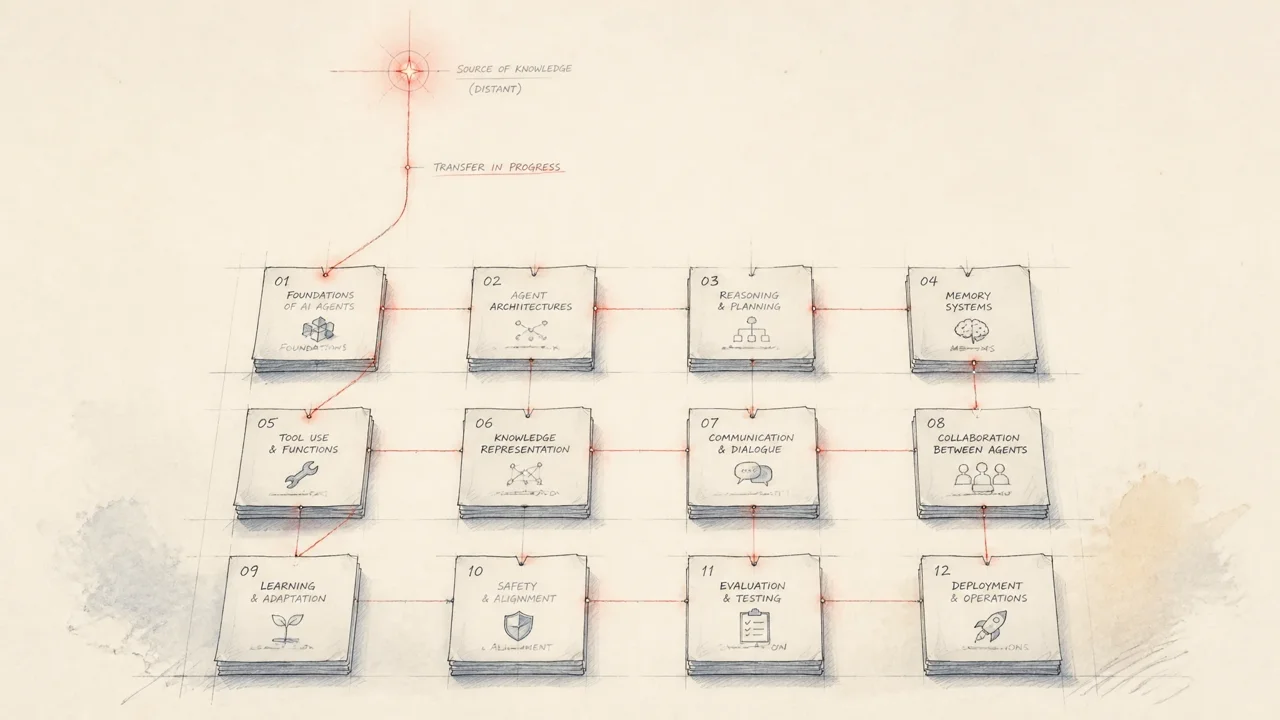
12 Free AI Agent Courses Recommended for 2026: Learn from the World's Top Instructors
Aug 14, 2026
Hermes Agent Bot Mode Complete Guide 2026: Turn Your AI Agents into a Team of Named Bots with Roles, Models, Memory, and Avatars
Sep 6, 2026
Vibe-Trading Complete Guide (2026): Free AI Agent for Stock & Crypto Research and Backtesting