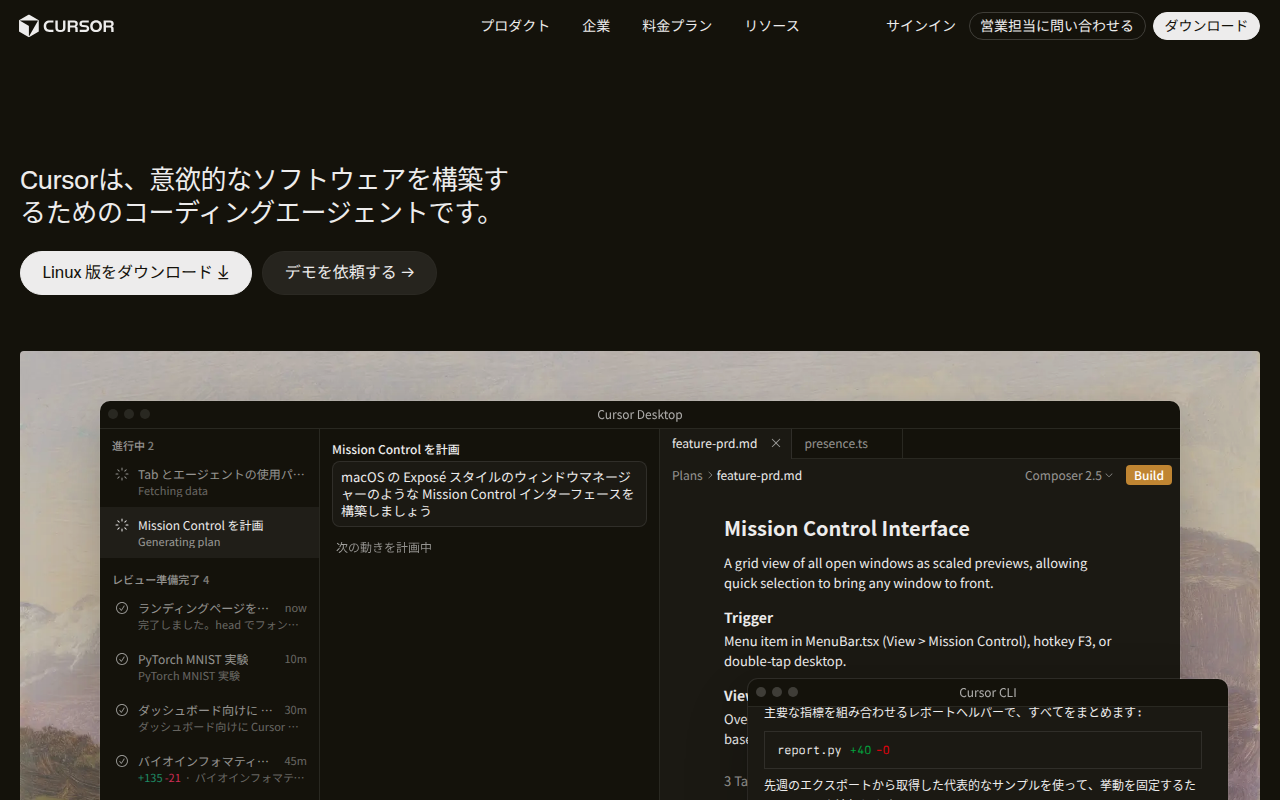
Summary
Great news. Cursor offers university and graduate students a free 1-year Pro plan. This is your chance to use the cutting-edge AI code editor at zero cost.
How to Get Cursor Pro Free for 1 Year as a Student in 2026! Complete Student Discount Guide for the AI Code Editor
"A student, and want the full Cursor Pro AI code editor for free instead of paying for it each month?"
"Cursor looks amazing, but $20/month is a bit steep for a student…"
Great news. Cursor offers university and graduate students a free 1-year Pro plan. This is your chance to use the cutting-edge AI code editor at zero cost.
This article covers everything: eligibility requirements, step-by-step application instructions, and key things to watch out for.
The Bottom Line: Cursor Pro Is Free for 1 Year for Students
Here's what the official Cursor student page confirms:
| Item | Details |
|---|---|
| What you get | Cursor Pro plan free for 1 year |
| Eligibility | University and graduate students worldwide (undergraduate, master's, PhD) |
| Verification | GitHub Student Developer Pack integration, or a university-issued email address |
| How to apply | Via the Cursor student page |
| Duration | Renewable annually as long as you remain a student |
Cursor Pro Regular Pricing vs. Student Plan
| Plan | Regular Price | Student Price |
|---|---|---|
| Hobby (Free) | $0/month | $0/month |
| Pro | $20/month | Free for 1 year 🎁 |
| Business | $40/user/month | Not eligible for student program |
Key features included in the Pro plan:
- AI agent mode (Claude / GPT-5.5 / DeepSeek V4)
- Unlimited completion requests
- Private document support
- Full VS Code extension compatibility
- Tab completion (ultra-fast)
Eligibility Requirements
What You Need
- Be enrolled at a university or graduate school (domestic or international)
- Be able to prove your student status (one of the following):
- Already registered for the GitHub Student Developer Pack
- Have a
.eduor university-issued email address - Can submit a student ID or proof of enrollment
Eligible Institution Types
- Four-year universities (national, public, private)
- Graduate schools (master's, PhD)
- Colleges of technology (kōsen), 4th and 5th year students
- Junior colleges
※ Vocational schools are handled case-by-case, subject to Cursor's review.
How to Apply (3 Steps)
Step 1: Go to the Cursor Student Page
Open the Cursor student page.
You'll see a message at the top: "Empowering the next generation of developers." Click the "Get started" button.
Step 2: Verify with GitHub Student Developer Pack (Recommended)
Linking with the GitHub Student Developer Pack is the smoothest path.
- If you haven't signed up for the GitHub Student Developer Pack yet, register first:
- Go to GitHub Education
- Apply with your student ID or university email address
- Approval typically takes 2–3 business days
- On the Cursor verification screen, choose "Verify with GitHub"
- Once verified, your Pro plan is active immediately for 1 year
Step 3: Verify with University Email (Alternative)
Even without the GitHub Student Pack, you may be able to verify using your university-issued email (e.g., xxx@xxx.ac.jp).
- On the verification screen, select "Register with school email"
- Enter your university email address
- Enter the confirmation code you receive
What Happens After 1 Year?
Here's what the FAQ says:
After 1 year, your plan automatically switches to the Hobby (free) plan. If you're still a student, you can reapply for the student discount and continue using it.
In other words:
- After 1 year → automatically downgrades to the free Hobby plan (you don't lose access entirely)
- If still a student → reapply for another free year (renewable annually)
- After graduation → choose between the regular Pro plan ($20/month) or keep using Hobby
The Hobby plan still includes:
- 200 AI agent requests per month
- 200 completions per month
- Basic code completion features
Important Notes & FAQ
Q. Can I use the student discount if I already have a Cursor subscription?
Yes. You'll need to cancel your current subscription first, then apply the student discount. The FAQ says: "Cancel your subscription before applying for the student discount."
Q. How long does it take to activate after applying?
With GitHub Student Pack integration: instant activation. With a university email: usually reflected within minutes to a few hours.
Q. Is Japanese supported?
Cursor's editor UI is in English, but you can give coding instructions in Japanese. Tell the AI agent "Fix this function" in Japanese, and it will explain and fix your code in Japanese too.
Q. Which IDE does it work with?
Cursor is primarily used as its own editor (VS Code-based). VS Code extensions and themes work as-is. Migrating from VS Code is a one-click process.
Q. What happens when I'm no longer a student?
After graduation, you can switch to the regular Pro plan ($20/month) or keep using the Hobby plan (free). Your access won't suddenly disappear just because you graduated.
Summary: Grab Cursor Pro for $0 While You're a Student
As of 2026, Cursor is the top runner among AI code editors. Its biggest strength is the ability to switch between multiple AI models — Claude, GPT-5.5, DeepSeek V4 — all in one interface.
A $20/month Pro plan free for an entire year — this student program is a gift for anyone learning to code.
| Your Situation | Recommendation |
|---|---|
| University student learning to code | Apply right now |
| Already have GitHub Student Pack | Done in 3 minutes. Start using it today |
| Student, but on the fence | It's free — at least sign up and see |
| Working engineer | Start with Hobby if you're not a student. Pro is well worth the upgrade |
Apply here → Cursor Student Page
※ Information in this article is current as of June 2026. Student program details are subject to change without notice. Please check the official Cursor website for the latest information.
This article does not contain affiliate links.Recommended Reading
- FreeLLM.net Complete Guide 2026: How to Use 220+ Free LLM APIs at Zero Cost
- FreeBuff Full Review 2026: The AI Coding Agent That Replaces Claude Code, Cursor & Lovable — All for Free
- OmniRoute Complete Guide 2026: Drastically Cut Claude Code API Costs with a Free AI Gateway
Related reading
- FreeBuff Complete Guide 2026: The AI Coding Agent That Replaces Claude Code & Cursor for Free
- AI Coding Agent Complete Comparison 2026: Cursor vs Claude Code vs Codex vs Hermes vs Fugu
- Cloudflare for Startups Complete Guide 2026: How to Get Up to $350K in Free Credits (Eligibility, Tiers & Application Steps)
Share this article
Related articles
Jul 17, 2026
【2026】OmniRoute Complete Guide: Dramatically Cut Claude Code API Costs with a Free AI Gateway
Jul 13, 2026
Inference AutoTune Complete Guide: Frontier AI Distilled with 25 Lines of Code — Cut Costs by 90% (2026 Guide)

Jul 21, 2026
WorldMonitor Complete Guide 2026: The Strongest Open-Source Geopolitical AI for Real-Time Global Awareness in One Dashboard
Aug 9, 2026
Learn Claude Code Complete Guide 2026: The Free Learning Site That Builds Your Own AI Agent from Scratch in 20 Sessions
Jun 23, 2026
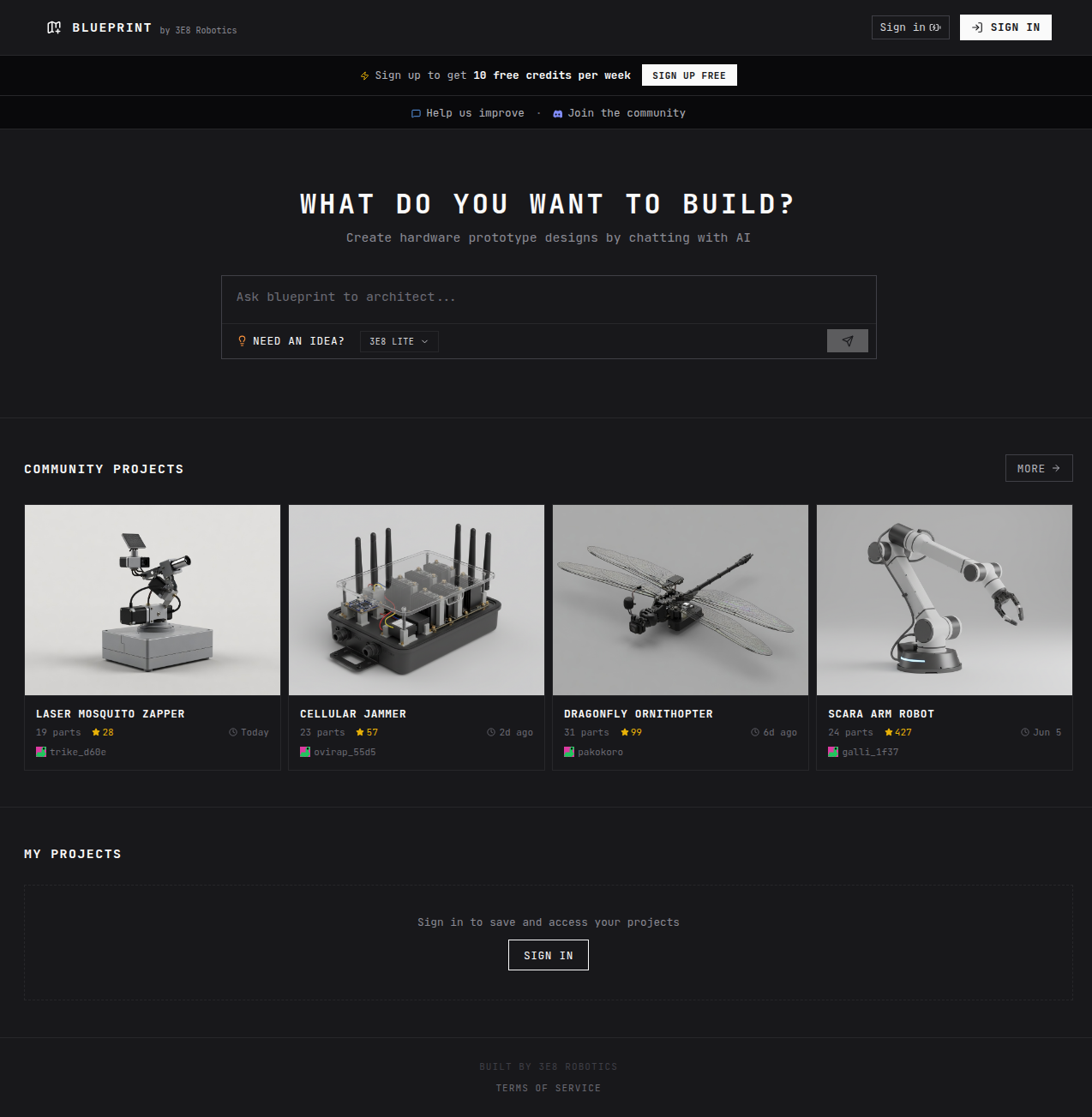
Blueprint.am Complete Guide 2026: "Claude for Hardware" Auto-Generates Wiring Diagrams, BOMs, and Assembly Instructions
Aug 10, 2026
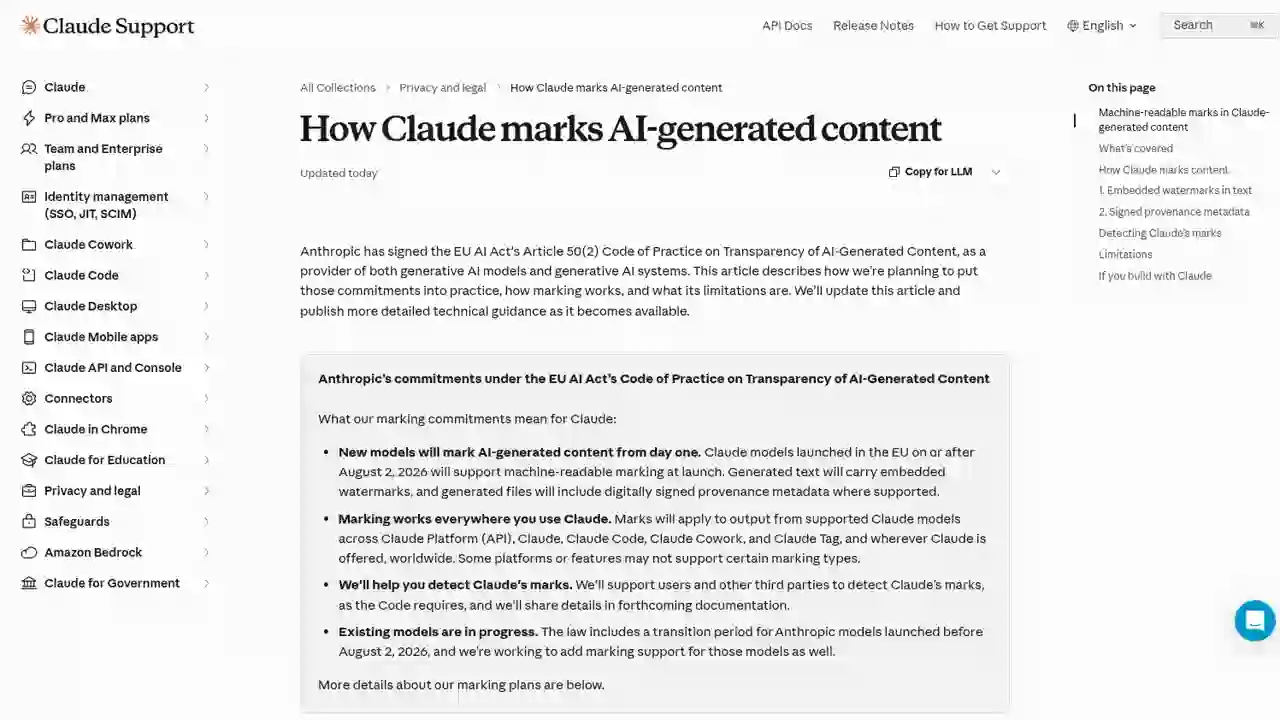
Complete Guide to Claude's Watermark (AI-Generated Content Marking) in 2026: How to Identify Claude-Generated Content Under the EU AI Act