Summary
The GMKtec M8 has an OCuLink port. Using this port, you can connect a full desktop GPU as aneGPU (external GPU). The M8, which was limited to 7B models with its integrated GPU, transforms into an AI workstation capable of handling 70B models.
【2026】Complete Guide to Connecting an eGPU to Your Mini PC via OCuLink: 10x AI Performance with GMKtec M8
"Want to give your mini PC a 10x boost in AI performance by attaching an external GPU, but not sure how OCuLink works?"
「I want to run larger AI models on my mini PC, but memory and GPU aren't enough…」
The GMKtec M8 has an OCuLink port. Using this port, you can connect a full desktop GPU as aneGPU (external GPU). The M8, which was limited to 7B models with its integrated GPU, transforms into an AI workstation capable of handling 70B models.
This article covers everything from choosing an OCuLink eGPU, to actual setup steps, to the change in AI performance.
Bottom Line: An eGPU Transforms Your Mini PC
| Comparison | Integrated GPU (Radeon 660M) | eGPU (with RTX 4060) |
|---|---|---|
| Runable AI models | Up to 7B models | 13B–70B models possible |
| Inference speed (7B model) | Standard | 3–5x faster |
| CUDA support | ❌ Not supported | ✅ Full CUDA support |
| Total cost | ~¥50K (M8 only) | ~¥120K+ (M8 + RTX 4060) |
What becomes possible with eGPU:
- Real-time inference of 13B models
- 70B models possible depending on memory
- Blazing-fast AI processing with Ollama + CUDA
- Practical image generation (Stable Diffusion, etc.)
Required Parts
Setup assuming the GMKtec M8 (with OCuLink built in).
| Part | Role | Price Range |
|---|---|---|
| GMKtec M8 (main unit) | Mini PC with OCuLink (host) | ~¥50K |
| OCuLink → PCIe adapter | Conversion board to connect GPU | ¥3,000–5,000 |
| RTX 4060 (GPU) | External GPU for AI inference | ¥50K–70K |
| ATX power supply (PSU) | Supplies power to the GPU | ¥5,000–8,000 |
| OCuLink cable | Connects mini PC to adapter | May come with adapter |
Total: ~¥120K–140K (if you already have the M8, +¥70K–80K)
Recommended Setups
【Entry】Minimum Setup: ¥70K Additional Investment
| Part | Product Example |
|---|---|
| GMKtec M8 | GMKtec M8 (if you already own it) |
| OCuLink adapter | Generic OCuLink → PCIe x4 adapter |
| RTX 4060 8GB | e.g., MSI RTX 4060 |
| PSU | 500W ATX PSU |
What you can do: 13B models (Q4 quantized) at practical speed + Stable Diffusion
【Standard】Balanced Setup: ~¥150K
| Part | Product Example |
|---|---|
| GMKtec M8 | GMKtec M8 |
| OCuLink adapter | Branded adapter (better shielding) |
| RTX 4060 Ti 16GB | 16GB VRAM model |
| PSU | 650W ATX PSU |
What you can do: 70B models (Q4 quantized) + smoother Stable Diffusion + video generation
Setup Steps
Step 1: Install the GPU in the Adapter
Mount the GPU on the OCuLink → PCIe adapter board.
Step 2: Connect the Power Supply
Connect the ATX PSU to the adapter. Note: some adapters need power even when off, so use a switchable PSU.
Step 3: Connect the OCuLink Cable
Connect the mini PC's OCuLink port to the adapter's OCuLink port.
Keep the cable within 50cm. Longer cables risk signal degradation.
Step 4: Cooling
Pay attention to GPU cooling in an eGPU setup. Run it open-air or put it in a simple case.
Performance After Setup
With the M8 + RTX 4060:
- 7B model inference: 3–5x faster than integrated GPU
- 13B model (Q4): now real-time capable
- 70B model (Q4): possible with 16GB+ VRAM variants
- CUDA workloads: full support — llama.cpp, Ollama, Stable Diffusion all work
Setup diagram
Summary: The Best Way to Turn a Mini PC into an AI Workstation
The GMKtec M8 + OCuLink eGPU combo is the most cost-effective way to turn a ¥50K mini PC into a ¥100K-class AI workstation.
| Budget | Setup | What You Can Do |
|---|---|---|
| ¥50K | M8 only | Up to 7B models (Ollama smooth) |
| ¥120K | M8 + RTX 4060 | 13B models + Stable Diffusion |
| ¥200K | M8 + RTX 4060 Ti 16GB | 70B models (quantized) |
"Start with the M8, then expand with an eGPU when you need it" — this staged upgrade path is the biggest appeal of OCuLink-equipped mini PCs.
Related Articles
This article does not contain affiliate links.Related Reading
- AI Smart Glasses 7-Pick Comparison! From Ray-Ban Meta to Even G2
- GMKtec M8 Mini PC Review
- Local AI Mini PC Deep Comparison: GMKtec M8 vs Minisforum UM690L
- Asimov 1 Complete Guide: $15,000 Open-Source Humanoid Robot DIY Kit
- DJI 4G Module Unofficial Use: Safe Small OpenWrt Router Alternatives 2026
Related reading
-
ESP-FLY Complete Guide: Build, Fly, and Program a DIY Micro Drone with ESP32-S3 (2026 Guide)
- 【2026】Local AI Mini PC Deep Comparison: GMKtec M8 vs Minisforum UM690L【~¥50K vs ~¥70K】
- GMKtec M8 Mini PC Review 2026: How Far Can Local AI Go with Ryzen 5 PRO 6650H?
- 【2026】Ollama Complete Setup Guide: Running Local AI on a Mini PC
Share this article
Related articles
Jul 18, 2026
【2026】Qwen3.6-35B Genesis Hermes GGUF Complete Guide: Running an Uncensored Multimodal MoE on Your Local PC
Sep 28, 2026
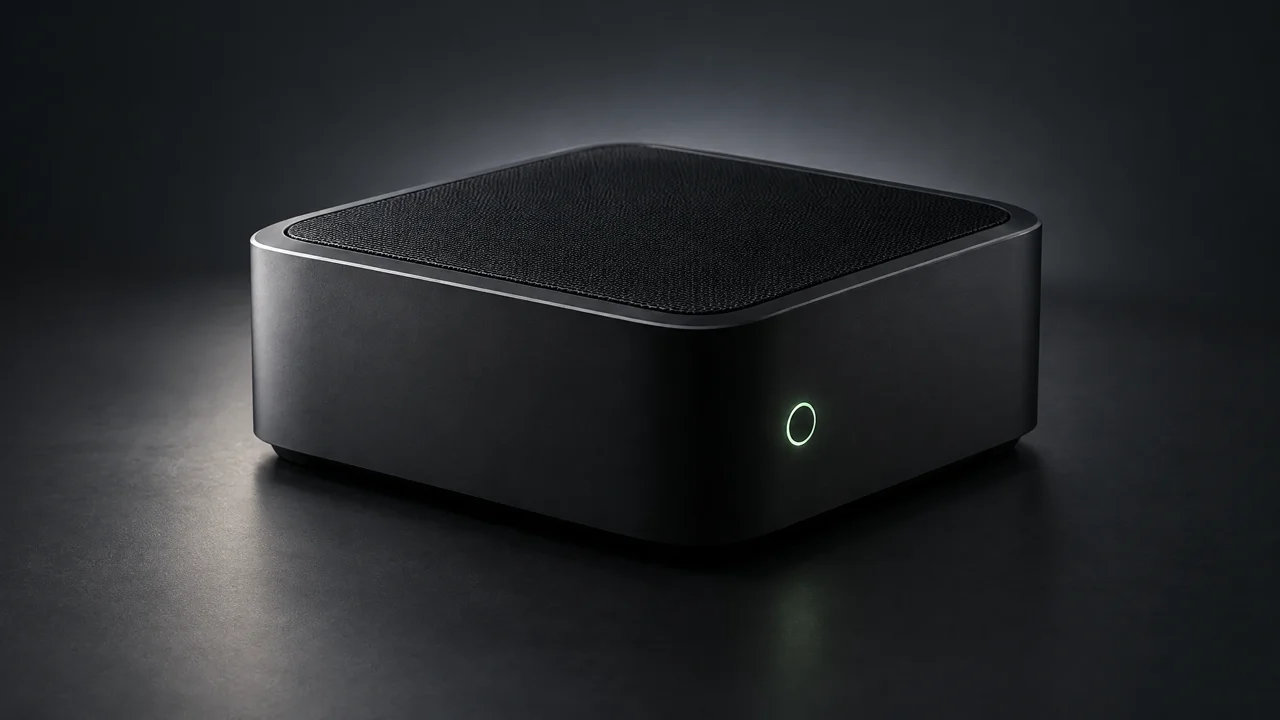
GMKtec EVO-X5 Pro (2026): A 192GB AI Mini PC With Up to 160GB of VRAM
Aug 12, 2026
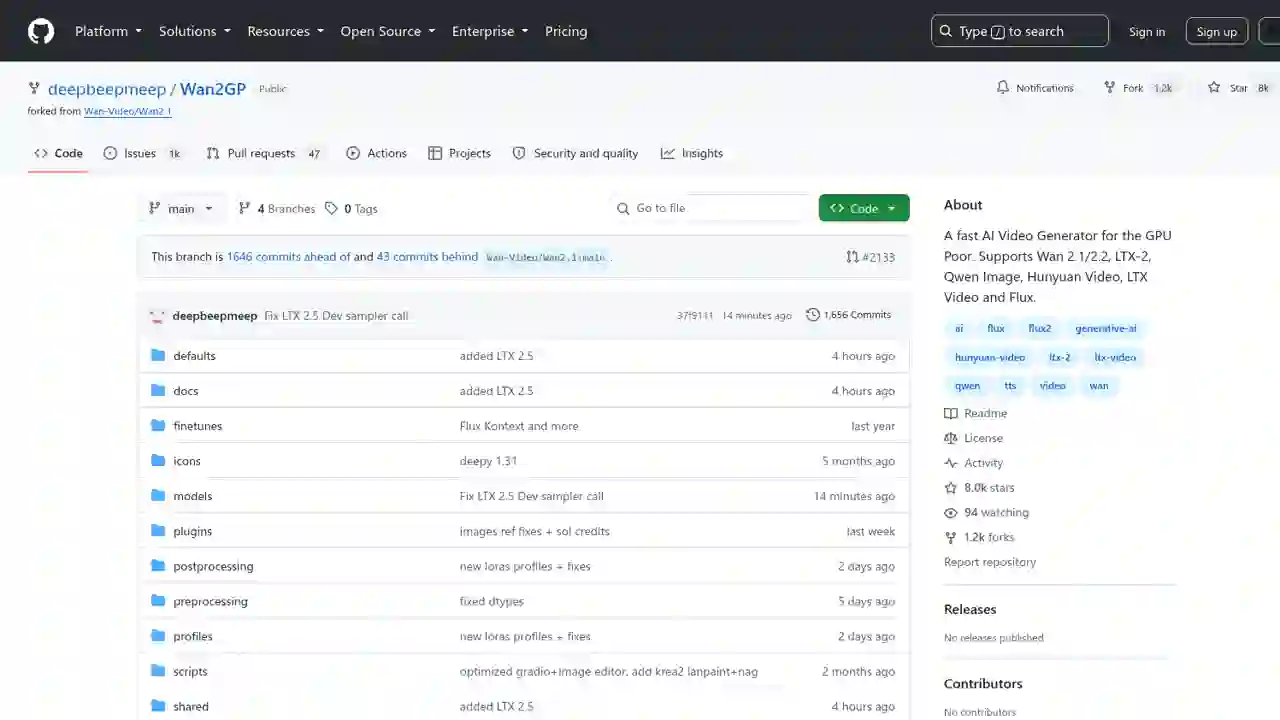
Wan2GP Complete Guide 2026: The Ultimate AI Video Generator for the GPU Poor, Explained for Beginners

Jul 16, 2026
QVAC (Tether) Complete Guide 2026: Running AI Locally, Explained for Beginners
Aug 20, 2026
Qwen3.8-27B GGUF Complete Guide 2026: How to Run Unsloth's Version on Your Home PC (File List, How to Choose, Setup Steps)
Aug 20, 2026
Berd Complete Guide 2026: Block's Open-Sourced #1 Internal Tool for Building Your "Dream Team" of AI Agents