Summary
These are the daily cries of paperwork.
【2026】MinerU Complete Guide: The Best OSS Tool That Converts PDF, Word & Excel to Markdown
"Need to convert PDFs, Word, and Excel documents into clean markdown without dealing with messy, broken text extractors?"
「Reading this contract took me 3 days…」 「I'm so tired of opening invoice PDFs one by one and transcribing them into Excel.」 「A survey of 50 papers won't finish in 2 weeks.»
These are the daily cries of paperwork.
In 2026, AI has automated code and design — yet oddly, the task of simply processing PDFs and Words is still done by hand by most people.
The reason is simple: until now, there was no free tool that handled the unglamorous, difficult job of "converting documents into structured data."
MinerU changes that.
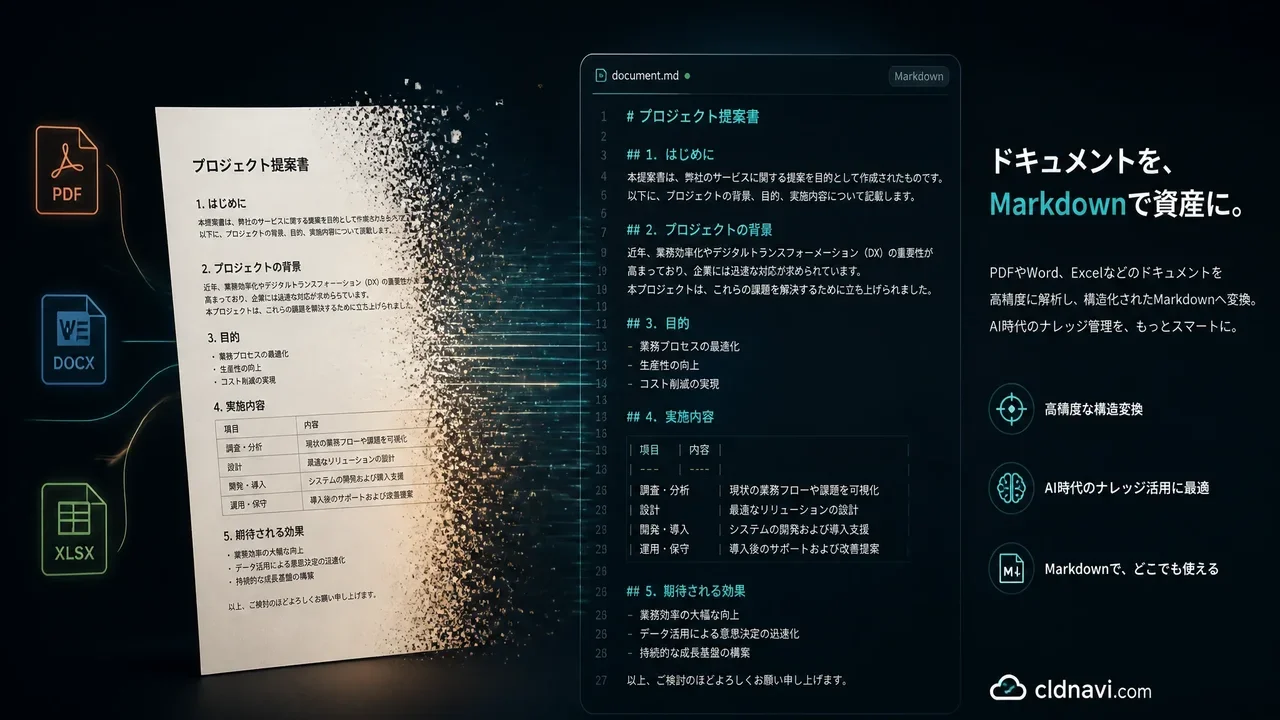
A 500-page complex contract becomes perfect Markdown in 90 seconds. Tables become HTML, formulas become LaTeX, and scanned documents get OCR in 109 languages. All free, open source, and runs on your own PC.
In this article:
- What MinerU is / why it earned 68,000+ GitHub stars
- How to convert PDF, Word, Excel, PowerPoint & images to Markdown/JSON
- Industry-specific use cases (legal, accounting, research, education, government)
- 4 ways to use it: pip / Docker / WebUI / CLI
- Comparison with other PDF conversion tools
- A complete guide from installation to production
GitHub: github.com/opendatalab/MinerU
Bottom Line: MinerU Changes Document Processing
| Item | Detail |
|---|---|
| Developer | OpenDataLab (Shanghai AI Laboratory) |
| GitHub Stars | 69,800+ ⭐ (5,900+ forks) |
| License | MinerU Open Source License (Apache 2.0-based, commercial use OK) |
| Formats | PDF / DOCX / PPTX / XLSX / images (JPG/PNG etc.) |
| Output | Markdown / JSON (multimodal & NLP) |
| OCR languages | 109 languages (Japanese, English, Chinese, etc.) |
| Math conversion | LaTeX output |
| Table conversion | HTML output, supports merging tables across pages |
| Platforms | Windows / Linux / macOS (CPU-only OK) |
| Speed | 200-page document parsed in ~90 seconds (pipeline mode) |
What Is MinerU? — A High-Precision Document Parsing Engine from Shanghai AI Lab
MinerU is an open-source document parsing tool developed by OpenDataLab (Shanghai AI Laboratory).
It was originally created to solve symbol conversion problems in academic papers and technical documents for the lab's LLM InternLMpretraining. Since then it has grown into an all-in-one tool that convertsPDF, Word, Excel, PowerPoint, and images into Markdown or JSON with high precision.
Why Did It Earn 69,800 GitHub Stars?
The reason is simple: a document parsing tool this accurate is available for free.
- More accurate than Adobe Acrobat Pro's export
- More precise than commercial PDF conversion APIs, with 109-language support
- 100% local operation, zero data-leak risk
- One-command install:
pip install
What Can It Do? — Key Features
1. High-Precision Structure Preservation
- Layout analysis: distinguishes headings, body, footnotes, page numbers
- Reading order: reconstructs the correct reading order
- Formula → LaTeX: math formulas become editable LaTeX
- Table → HTML: tables become structured HTML (including multi-page tables)
2. 109-Language OCR
- Scanned documents (images) converted to text via OCR
- 109 languages including Japanese, English, Chinese, Korean, etc.
3. Multimodal Output
- In addition to Markdown, outputs JSON with multimodal (image + text) and NLP annotations
- Ideal for RAG and AI training data
4. Multi-Format Input
- PDF / DOCX / PPTX / XLSX / images — no need to convert Word to PDF first
How to Use It — 4 Ways
① pip (easiest)
pip install mineru
mineru -p input.pdf -o output/
② Docker
docker pull opendatalab/mineru:latest
docker run --gpus all -it --rm --ipc=host \
  -v ./input:/input -v ./output:/output \
  opendatalab/mineru:latest \
  mineru -p /input/document.pdf -o /output/
③ WebUI (no install)
- Try it at mineru.net
- Upload a document and get Markdown in seconds
④ CLI (batch processing)
# Process a directory
mineru -p ./documents/ -o ./output/

# With OCR for scanned documents
mineru -p ./scan.pdf -o ./output/ --ocr
Industry-Specific Use Cases
| Industry | Use Case |
|---|---|
| Legal | Convert contracts & judgments to Markdown for full-text search |
| Accounting | Batch-convert invoices & statements to structured data |
| Research | Survey papers as LaTeX/Markdown for literature management |
| Education | Digitize textbooks & scanned materials |
| Government | Digitize paper documents for internal systems |
| AI/RAG | Preprocess internal documents for private RAG search |
Questions Readers Ask
Q: Can it handle Word and Excel too?
Yes. It supports DOCX / PPTX / XLSX. No more "Word → PDF → convert" double work — parse directly.
Q: What's different from other PDF conversion tools?
The biggest difference is multi-format supportandstructure-preservation accuracy. Especially the combination of formulas (LaTeX), tables (HTML), and 109-language OCR — strengths other open-source tools don't have.
Q: Can I use it for RAG (Retrieval-Augmented Generation)?
This is one of its strongest use cases. It natively integrates with major RAG frameworks: LangChain, LlamaIndex, Dify, FastGPT, RAGFlow. Convert internal documents to Markdown with MinerU and feed them to RAG to build a fully private document-search AI.
Q: Is a GPU required?
No. Pipeline mode runs on CPU alone. For hybrid mode requiring higher precision, a GPU (8GB+ VRAM) is needed.
Q: Is my data sent externally?
No. MinerU is fully local. Documents are never sent outside. Even confidential documents are safe.
Summary: Free Yourself from Paperwork
MinerU is the tool to "make the time spent on paperwork zero."
500-page contract → 4 minutes 200 invoices → 12 minutes 50 papers → half a day
And there's also a no-install web app, so you can try it casually first.
Recommended for:
- Legal / accounting teams processing large numbers of PDFs
- Researchers losing time to paper surveys
- People building RAG but stuck on document preprocessing
- Municipalities & educational institutions digitizing paper documents
- Anyone handling multilingual documents including Japanese
Start with the web demo.
Web demo: mineru.net GitHub: github.com/opendatalab/MinerU
Once you use it, you'll be amazed at its power.
Related Reading
- FreeLLM.net Complete Guide: 220+ Free LLM APIs
- Ornith-1.0 Complete Guide: The AI Coding Model That Surpasses Claude Opus
- birdclaw Complete Guide: Store All Your X Data Locally
- Claude Fable 5 Financial Asset Protection Guide
- Cloudflare Monetization Gateway Complete Guide
- A Fable of Codexes Complete Guide
Related reading
Share this article
Related articles
Jul 6, 2026
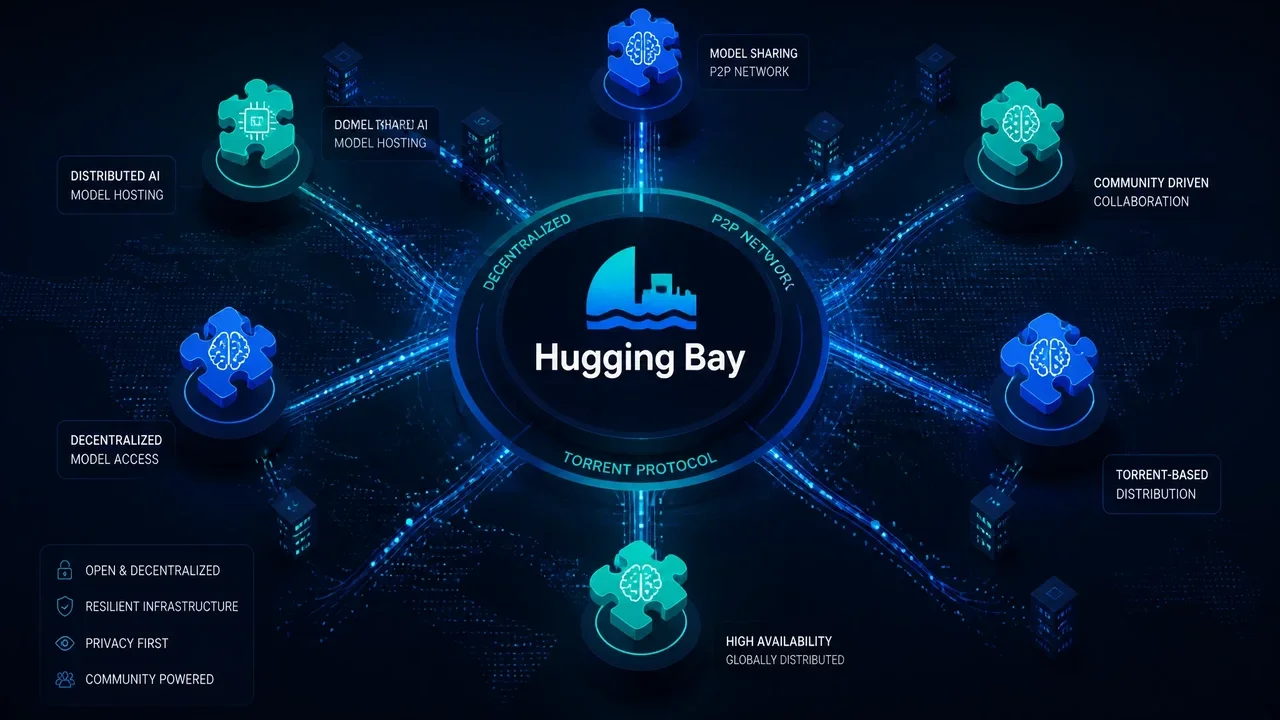
Hugging Bay Complete Guide 2026: The "Pirate Bay for Open LLMs" That Distributes Model Weights via Torrent
Jul 21, 2026
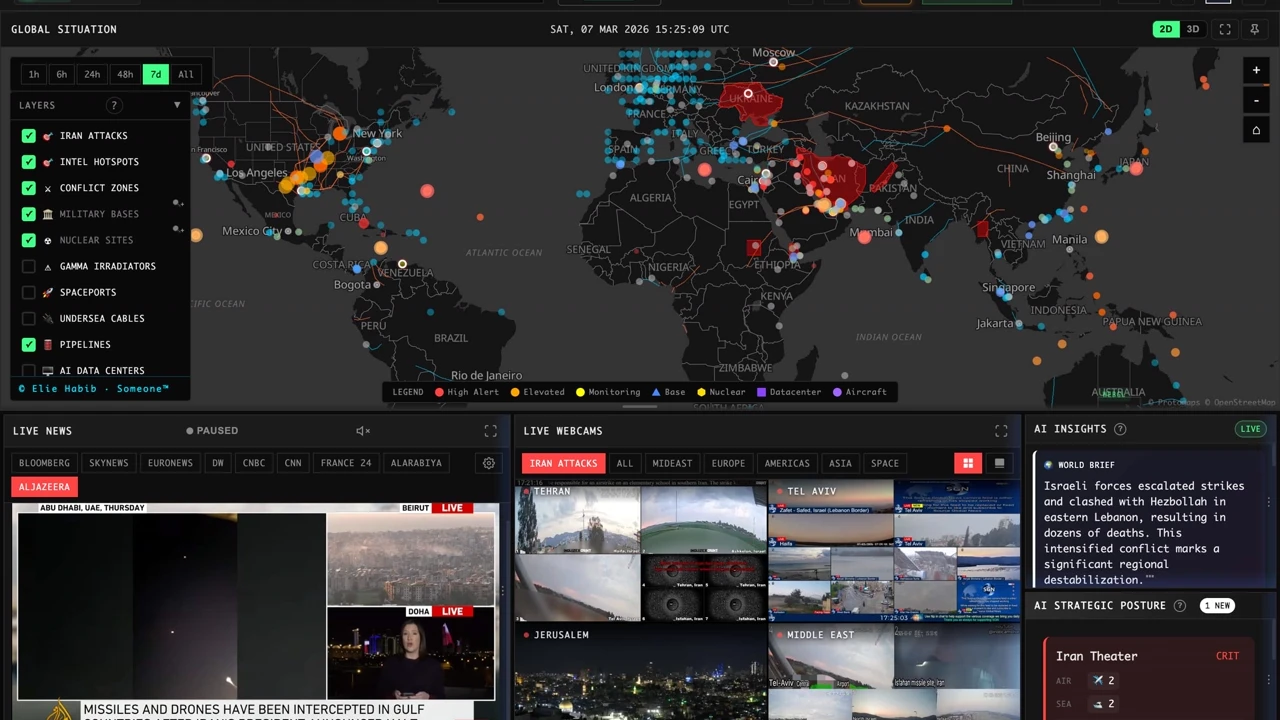
WorldMonitor Complete Guide 2026: The Strongest Open-Source Geopolitical AI for Real-Time Global Awareness in One Dashboard

Jul 21, 2026
Buzz Complete Guide 2026: Jack Dorsey (Block)'s Open-Source Workspace Where Humans and AI Agents Work in the Same Room
Aug 6, 2026
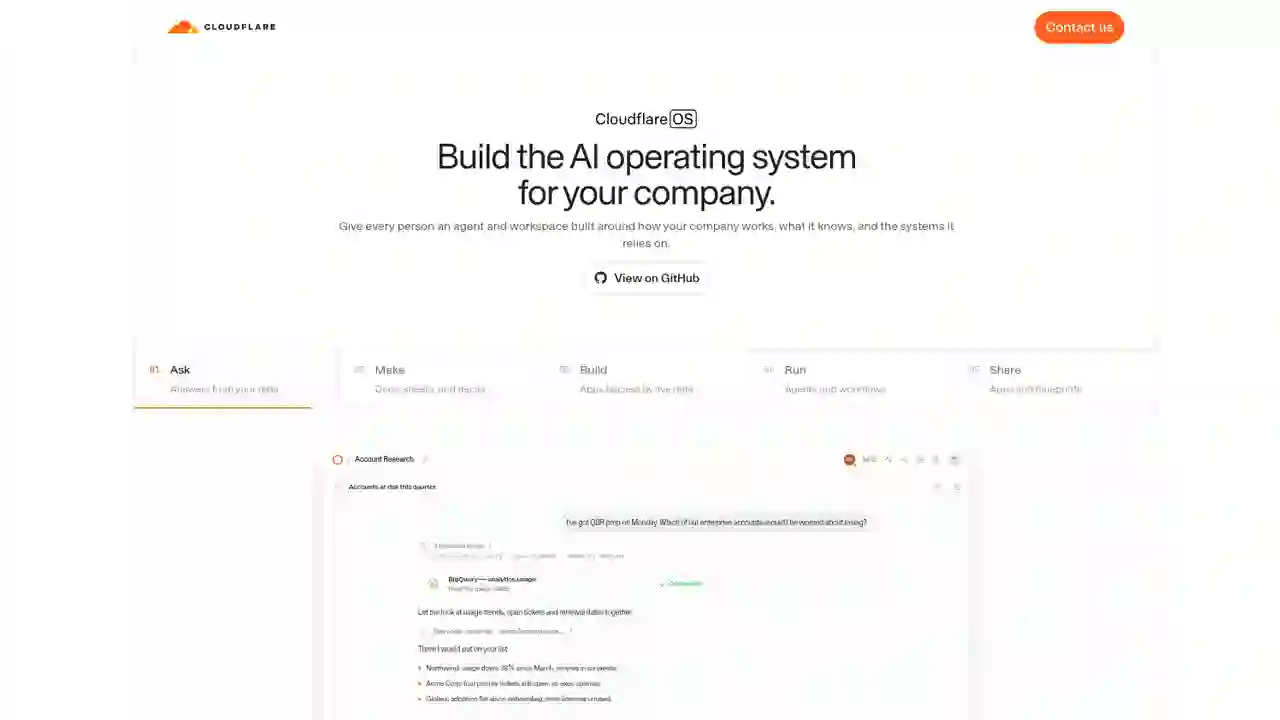
Cloudflare OS Complete Guide 2026: The Open-Source AI Operating System for Your Company, Explained for Beginners
Jul 16, 2026
QVAC (Tether) Complete Guide 2026: Running AI Locally, Explained for Beginners
Aug 15, 2026
DeepSeek Harness Desktop Complete Guide 2026: The Command-Free Desktop App for the Official AI Agent, Fully Explained