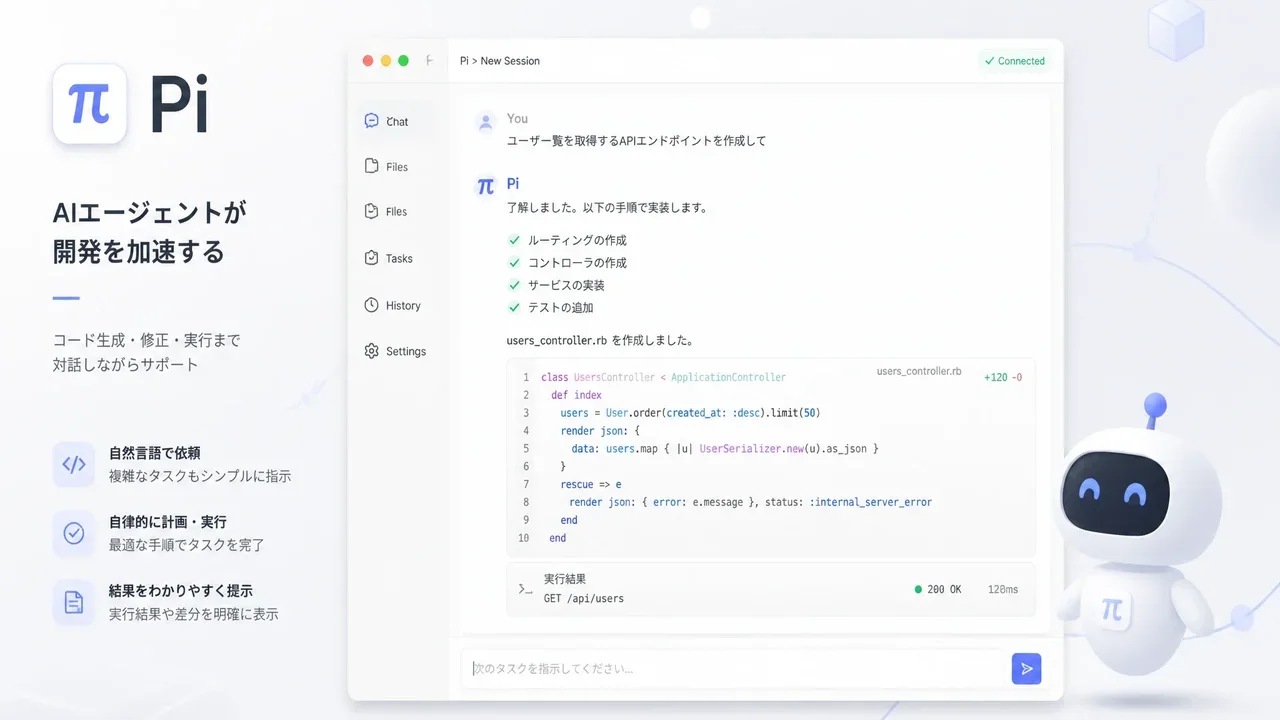
Summary
Pi is a minimal AI coding agent built on the premise that it is "not all-in-one." Where Claude Code and Codex CLI ship with many features upfront, Pi is designed to be extended by you. Best for people who want to mix AI providers and customize to their own taste.
Pi Coding Agent Review 2026: The Minimal, Extensible AI Coding Agent (pi.dev)
"Want a minimal coding agent you can extend and customize to your own taste rather than a heavy all-in-one tool?"
Bottom line: Pi is a minimal AI coding agent built on the premise that it is "not all-in-one." Where Claude Code and Codex CLI ship with many features upfront, Pi is designed to be extended by you. Best for people who want to mix AI providers and customize to their own taste.
This guide is based on the author installing pi on Linux (Ubuntu 22.04-class), confirming version 0.80.6, and walking through usage for beginners.
What is Pi?
Pi is a terminal-based AI coding agent (an AI assistant that writes code for you).
In one line: "a lightweight coding AI you can customize to your workflow."
It's in the same family as:
- Claude Code (Anthropic)
- Codex CLI (OpenAI)
- Gemini CLI (Google)
Like those, you give commands in the terminal and the AI reads/writes files and writes code. The difference is "features bundled in from the start vs. built by you."
Why minimal agents now?
Claude Code and Codex CLI are convenient but require "fitting your workflow to the tool."
Pi's developer (Earendil Inc. / badlogic) thought:
Don't change the harness — fit the workflow to Pi.
So Pi deliberately leaves these out of the box:
- Subagents (AI subordinates)
- Plan mode
- Permission popups
- MCP (standard tool-integration spec)
- Built-in ToDo
These are things "other tools decided for you" — Pi uses extensions, skills, and packages so you build them yourself.
Pi is "an agent for people who build their own."
Installation (tested)
Author's environment (Node.js v22.22.2 / npm 10.9.7).
Linux / macOS
Two methods:
Method A: curl installer (fastest)
curl -fsSL https://pi.dev/install.sh | sh
Method B: npm global install
npm install -g --ignore-scripts @earendil-works/pi-coding-agent
--ignore-scripts is the official recommendation. Pi needs no extra install scripts on normal npm install, so disabling lifecycle scripts keeps it safe.
Author used Method B: added 131 packages in 8s.
Windows
A PowerShell installer is provided:
powershell -c "irm https://pi.dev/install.ps1 | iex"
Version check
pi --version
Author's environment showed 0.80.6.
Uninstall
npm uninstall -g @earendil-works/pi-coding-agent
Authentication (bring your own model)
Pi itself is free open-source software, but running a model needs provider auth. Two ways:
Method 1: Login with subscription
After launching Pi:
/login
Supported subscriptions:
- Claude Pro / Max (Anthropic)
- ChatGPT Plus / Pro (Codex)
- GitHub Copilot
Method 2: API key
Set the env var, then launch:
export ANTHROPIC_API_KEY=your-key
pi
Or type /auth after launch, pick a provider, and save the key.
First use (first session)
Move to your project directory and launch pi:
cd /path/to/project
pi
Then just type instructions and press Enter.
Summarize this repo and tell me how to run checks (tests).
Pi has 4 default tools:
- Read/write files
- Run shell commands
- Search
- Other read-only tools
Pi works in the current directory and edits files there. Use git for backup if you want to roll back.
Project instructions (AGENTS.md)
Pi reads a "project instructions file" on launch, called AGENTS.md.
Create AGENTS.md at the project root:
# Project instructions

- Run `npm run check` after changing code
- Don't run production migrations locally
- Keep answers concise
Pi auto-discovers this from ~/.pi/agent/, parent dirs, or cwd. Share it with the team to teach the AI "the project's rules."
4 modes
| Mode | Use | Example |
|---|---|---|
| Interactive | Full-featured TUI (default) | pi |
| Print / JSON | For scripts. JSON event output | pi -p "query" |
| RPC | JSON protocol over stdin/stdout (non-Node interop) | see docs/rpc.md |
| SDK | Embed Pi in your app | see OpenClaw example |
For scripting, pi -p "list the files" (Print mode) is handy. --mode json gives the flow as a JSON event stream.
Customization basics (extensions, skills, packages)
Pi's appeal is "add features yourself." Four main ways:
| Method | Description |
|---|---|
| Extensions | TypeScript modules. Access tools, commands, shortcuts, TUI directly |
| Skills | "Feature packages" of instructions + tools. Loaded when needed |
| Prompt Templates | Reusable Markdown prompts. Expand with /name |
| Themes | Visual themes |
Bundle these as a Pi package, installable from npm or git:
pi install npm:@foo/pi-tools
pi install git:github.com/badlogic/pi-doom
Want subagents, MCP, or plan mode? Add a package or write an extension. 50+ examples are published officially.
Supported providers (15+)
Pi's strength is model freedom. Supported providers:
- Anthropic
- OpenAI
- Azure
- Bedrock
- Mistral
- Groq
- Cerebras
- xAI
- Hugging Face
- Kimi For Coding
- MiniMax
- NVIDIA
- OpenRouter
- Ollama (local)
Switch models mid-session with /model or Ctrl+L. Ctrl+P cycles favorites. Add your own via models.json or extensions.
Session "tree save"
Pi saves sessions as a tree in one file:
/treejumps to any past point and continues on a different branch- All branches live in a single file
/exportto HTML,/shareto GitHub Gist for a share URL
Keeping branches when "I wish I'd tried another approach" is a big plus.
Pi vs Claude Code / Codex CLI
Same "terminal coding AI" family, different philosophy:
| Aspect | Pi | Claude Code | Codex CLI |
|---|---|---|---|
| Core design | Minimal, extend-first | Feature-integrated | Feature-integrated |
| Subagents | None (tmux/extension) | Yes | Yes |
| MCP | None (add via extension) | Yes | Yes |
| Plan mode | None (file/extension) | Yes | Yes |
| Providers | 15+ | Anthropic-centric | OpenAI-centric |
| License | MIT (OSS) | Proprietary | Proprietary |
Author's take: if you're happy with all-in-one Claude Code, keep it. But if you want "mix multiple AIs," "tinker with the internals," or "OSS matters," Pi is very attractive.
Recommended uses (author's picks)
Through research and install, three ways to get the most from Pi:
-
Set project rules in AGENTS.md first — works for other agents too, but Pi's extensibility means stating "what's allowed" early avoids confusion. Write test commands and prohibitions.
-
Pair with a subscription (Claude Max etc.) —
/loginwith subscription auth gives clearer cost visibility than juggling API keys. -
Use tmux for pseudo-parallel work — Pi has no background execution, but launch multiple Pi panes in tmux for parallel work as a subagent substitute. Official docs recommend "launch Pi instances in tmux."
Questions Readers Ask
Q. Is Pi free? Pi itself is MIT-licensed open source and free. But running a model needs a provider API key or subscription fee separately.
Q. Works on Windows? Yes. Official Windows setup and a PowerShell installer are provided.
Q. Pi or Claude Code? "Works immediately, all-in-one" -> Claude Code. "Lightweight, extend to taste" -> Pi. Try both and pick what fits.
Q. Are sessions saved?
Yes. Saved as a tree in one file; /tree returns to past points.
Q. Non-coding use? RPC or SDK mode lets you embed Pi in your own application.
Conclusion
Pi (pi.dev) is a new type of AI coding agent built on "minimal core + extend yourself."
- Author installed on Linux, confirmed version
0.80.6 - Install in one curl line or npm, seconds
- Auth via subscription
/loginor API key - 15+ AI providers switchable
- Subagents and MCP "not bundled" but addable via extensions/packages
- Tree-saved sessions manage branches
Pi is for people who want to fit the AI to their workflow, not the other way around. Many prefer all-in-one like Claude Code, but if you value lightness, extensibility, and OSS, it's one to try today.
-> Official: Pi Coding Agent -> GitHub: earendil-works/pi -> Docs: Pi Documentation -> npm: @earendil-works/pi-coding-agent -> Discord: Pi Community
Related reading
Share this article
Related articles
Jul 13, 2026
OpenCode v1.17.19 Review: What Changed in the Open-Source Coding Agent (2026)

Jun 22, 2026
Hermes Agent Complete Guide 2026: The Most Powerful Open-Source AI Agent by Nous Research
Jul 30, 2026
Perplexity Numbat Complete Guide 2026: The Open-Source Security Layer That Visualizes & Blocks AI Agent Actions

Jun 22, 2026
Hermes Agent vs Cursor — Full Comparison 2026: Which Should You Choose? Complete Guide to Using Both

Jul 4, 2026
Unreal Engine MCP Complete Guide 2026: Using UE5.8 AI Integration with Hermes Agent & Claude Code for Beginners
Aug 30, 2026
Reverse-Skill Guide 2026: The GitHub Trending #1 "Cybersecurity Skill Router" for AI Agents