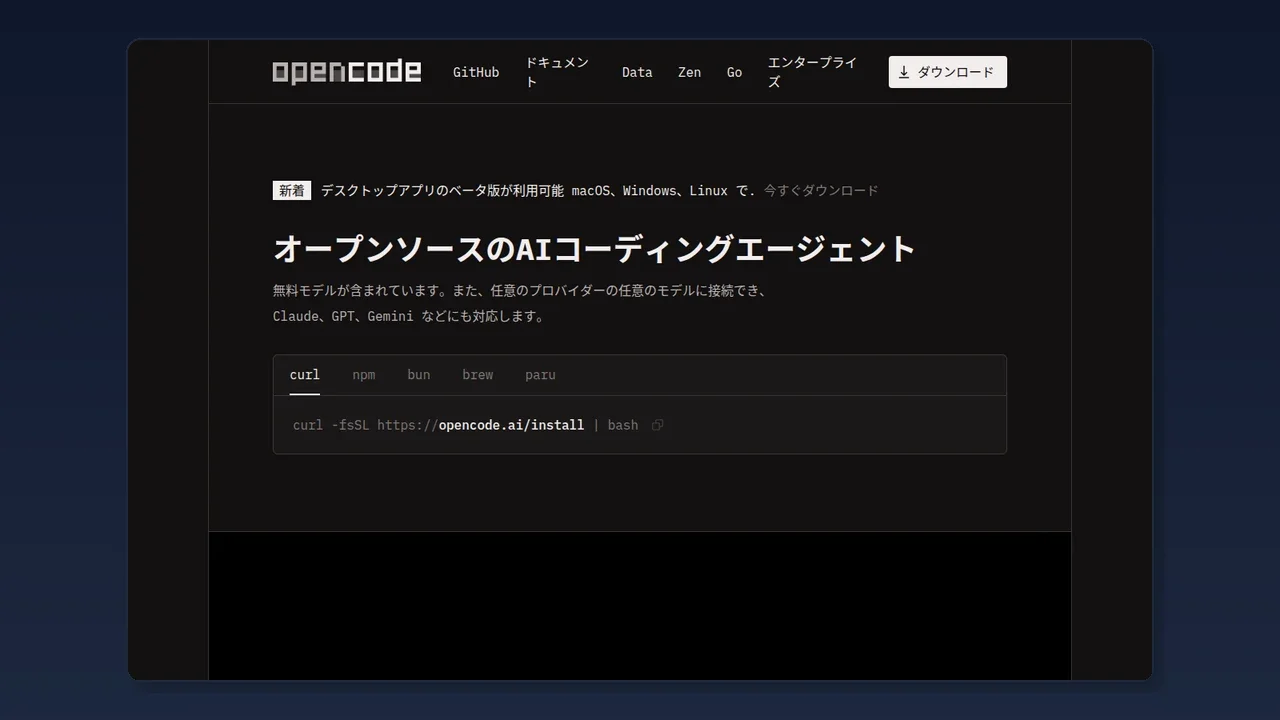
Summary
OpenCode v1.17.19 is a maintenance release aimed at "fewer wrong-model picks," "smoother desktop/terminal UX," and "more accurate usage stats." Not a feature explosion, but packed with stress-reducing fixes for daily users.
OpenCode v1.17.19 Review: What Changed in the Open-Source Coding Agent (2026)
"Wondering whether the latest OpenCode v1.17.19 release is worth upgrading for your daily coding-agent workflow?"
Bottom line: OpenCode v1.17.19 is a maintenance release aimed at "fewer wrong-model picks," "smoother desktop/terminal UX," and "more accurate usage stats." Not a feature explosion, but packed with stress-reducing fixes for daily users.
Based on the official OpenCode release notes (July 13, 2026, @OpenCodeLog), explained for coding-AI beginners.
What is OpenCode? (quick recap)
OpenCode is an open-source AI coding agent that runs in the terminal.
In one line: "type instructions in the terminal, and the AI reads/writes code for you."It's in the same family as Claude Code (Anthropic) and Codex CLI (OpenAI), but OpenCode isfully open source (code public, free) — its defining trait.
OpenCode basics
| Item | Detail |
|---|---|
| License | Open source (free) |
| Models | Any provider — Claude / GPT / Gemini etc. |
| Free model | Built-in, try without extra contract |
| Environment | Terminal · IDE · Desktop app |
| Track record | 160k+ GitHub stars, 7.5M monthly users |
| Privacy | No code or context data retained |
Some prefer "all-in-one Claude Code" or "light, hackable Pi," but OpenCode suits those who value "open source, peace of mind, free model to try instantly."
TL;DR of this release
Four official points:
- Model routing is more accurate
- Desktop app v2 is smoother
- "Current working location" is clearer in terminal/desktop
- Stats and Zen model billing calc are safer
1. Smarter model routing (Providers)
"Routing" means auto-selecting the right AI model for your instruction.
Added
- models.dev inference metadata support — model selection now controlled by per-model capability (effort, toggles, token budget) instead of guesswork.
- OpenAI "pro reasoning mode" support — models with OpenAI's "think deep" mode now work correctly.
Fixed
- Custom Anthropic (Claude) / Google (Gemini) aliases now route to the correct model.
- xAI default now disables provider-side storage while keeping cache efficiency.
- Removed unusable OpenAI OAuth aliases and ChatGPT-incompatible "pro" entries from the list.
For beginners: less "why is a different model running than I intended" — it runs the model you configured.
2. Desktop app v2 is friendlier (App)
OpenCode has a browser/standalone desktop version (beta). It got a major revamp.
Added
- Pick model per draft — choose the model for each "draft" in a conversation; remembered even after promoting to the conversation.
- v2 attachment / comment cards — file attachments and review comments become inline, easy-to-read tips.
- "Open in app" local action — from the review screen, open your editor / terminal / file manager directly.
Fixed
- Switching file-list tabs keeps scroll position and search state.
- Project edit screen is now v2 design; upload icon images, edit color and launch command.
- Current context token count shows correctly per latest message.
- Focus and state-transition bugs on new session creation fixed.
For beginners: desktop users see "which model is writing" and "which file is attached" at a glance — smoother work.
3. Terminal / local is clearer (Desktop / TUI)
Desktop
- Local attached files can now open in the system file manager if the original path survives.
TUI (terminal screen)
- Waiting sessions now show a hint of the current directory (folder) in the prompt footer.
- TUI internals fixed to correctly inherit parent env vars (behind-the-scenes fix so tools work).
For beginners: "which folder am I working in?" is checkable inside the terminal — less confusion.
4. Under-the-hood (Core / Zen / Stats)
Core
- Reworked file-search background cache, less unnecessary memory use.
Zen (OpenCode's recommended optimized model)
- Added GPT 5.6 Sol / Terra / Luna models and their pricing.
- Fixed OpenAI cache-write token calculation to track prompt-cache writes correctly.
Stats
- Revised aggregation query to hourly delta updates / daily full updates. Reduced crash loops.
- Increased service memory and incremental processing to cut OOM risk.
Console (web)
- Model comparison page published (detail cards, radar chart, canonical URLs, sitemap).
- Improved comparison page UX (sticky header, breadcrumbs, trackpad).
For beginners: the official page to compare "which model fits me" is now built out — easier to compare price and performance.
What changes / stays the same
| Aspect | Detail |
|---|---|
| Changes | Model selection works as intended · Desktop v2 comfortable · comparison page usable |
| Stays | Basic usage · free model · open source |
| Most affected | Desktop users · multi-model switchers · stats checkers |
| Least affected | Single-model terminal-only users |
Recommended uses (author's picks)
Three ways to get the most from OpenCode:
-
Start with the built-in free model — no extra contract needed. Perfect to experience "what is AI coding?" without spending.
-
Use Zen for "no-doubt selection"— if "which model?" confuses you, OpenCode's curated, coding-tunedZen models are the safe pick.
-
Desktop (beta) users: update to v1.17.19+ — "per-draft model pick" and "attachment clarity" improved dramatically. Must-update for daily use.
Questions Readers Ask
Q. Is OpenCode free? Yes, open source and basically free. Built-in free model works; connect any paid provider model optionally.
Q. How is it different from Claude Code? Claude Code is Anthropic-made (proprietary, Claude-centric). OpenCode is open source, freely picks Claude / GPT / Gemini — any model.
Q. Need extra AI subscription? The built-in free model works alone. More powerful models need each provider's key separately.
Q. Terminal-only OK? Yes. Terminal (TUI) is enough. Desktop is optional.
Q. Is code/data saved? OpenCode is designed to retain no code or context data (privacy-first), per official explanation.
Q. How to update? Use the same method you installed (brew / npm / installer).
Conclusion
OpenCode v1.17.19 is a steady update to "run correctly, use comfortably, count safely."
- Model routing accurate, runs the configured model
- Desktop v2: per-draft model pick, comfortable attachments
- Terminal shows "current folder" hint, no confusion
- Official model comparison page built out, easier to choose
For those who prefer "open source, peace of mind, free model to try instantly," OpenCode just got more usable. Many prefer all-in-one Claude Code, but if you value freedom and transparency, now is the time to try.
-> Official: OpenCode -> GitHub: anomalyco/opencode -> Docs: OpenCode Docs -> Changelog: Changelog -> Discord: OpenCode Community
Related reading
Share this article
Related articles
Aug 6, 2026
Muse Code Complete Guide 2026: Meta's Terminal Coding Agent & Muse Spark 1.2 Explained
Aug 24, 2026
OpenConnector Guide 2026: The Open-Source Auth Gateway Connecting 1,000+ SaaS Providers to AI Agents

Jul 6, 2026
OpenRouter MCP Server Complete Guide 2026: Cut Coding Agent Inference Costs 24x
Jul 15, 2026
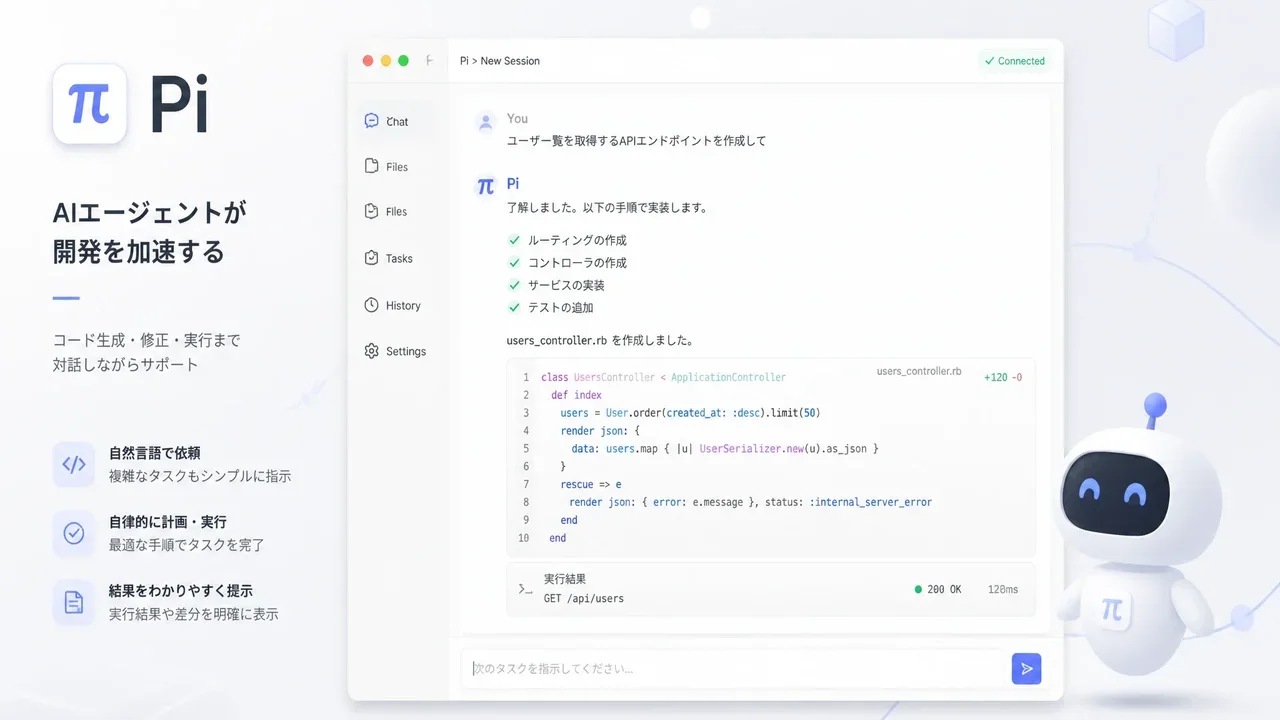
Pi Coding Agent Review 2026: The Minimal, Extensible AI Coding Agent (pi.dev)
Aug 27, 2026
Archify Guide 2026: The AI Agent Skill That Draws Verified Architecture Diagrams (Mermaid Alternative)
Aug 27, 2026
OpenMontage Guide 2026: The World’s First Open-Source Agentic Video Production System