
Summary
I know that feeling. "Fix this code" with ChatGPT or Claude → it fixes it → "no, fix this too" → it fixes it… before you know it, an hour has passed in an infinite loop.
Loop Engineering 2026: What Is It? Explained Simply for Beginners
"Are you repeating the same instructions to AI every time?"
I know that feeling. "Fix this code" with ChatGPT or Claude → it fixes it → "no, fix this too" → it fixes it… before you know it, an hour has passed in an infinite loop.
Loop Engineering is a paradigm shift from this "human gives instructions each time" style to "designing a mechanism where AI verifies, fixes, and completes things on its own."
In this article, we explain this concept — proposed by Peter Steinberger and Boris Cherny in June 2026 — in terms even non-programmers can understand.
Bottom Line: What Is Loop Engineering?
From "writing prompts" to "designing loops"
In Boris Cherny's (former Vercel CTO) words:
"I don't have Claude write prompts anymore. I run loops and let Claude prompt itself. My job is to write the loop."
In other words:
- Traditional: a human writes a prompt each time, checks the result, and fixes it again
- Loop engineering: give AI the "goal," "verification method," and "stop condition," then leave it to the autonomous loop
Differences from Prompt Engineering
Here's the easiest comparison.
| Comparison | Prompt engineering | Loop engineering |
|---|---|---|
| Focus | Writing good prompts | Designing feedback cycles |
| Output checking | Human checks each time | System auto-verifies |
| Skill needed | Language skill (writing) | Design skill (systems thinking) |
| Result per run | One-off output | Verified finished product |
| Human involvement | Needed every time | Minimal (exceptions only) |
| Scale | Low (human is the bottleneck) | High (loop iterates automatically) |
Key point: Loop engineering isn't about "mastering prompts" — it designsmechanisms where even the prompt is auto-generated by AI. Humans just define the rules and verification criteria.
The 5-Stage Loop: Basic Operation
The heart of loop engineering is this 5-stage cycle:
① Plan → ② Execute → ③ Verify → ④ Fix (on failure) → ⑤ Complete (on success)
① Plan
The AI understands the goal and makes an execution plan. Defines "what, in what procedure, to what quality standard."
② Execute
Performs the actual work per the plan: writing code, writing articles, analyzing data.
③ Verify
This is the most important. Auto-checks whether the output is correct. For code, "do tests pass?" For text, "does it meet the character limit?" "is the tone appropriate?"
④ Fix
If verification fails, analyze the failure cause, fix, and return to ②.
⑤ Complete
When verification passes, finalize the output and end the loop.
The 6 Elements That Make Up a Loop
A serious loop needs these 6 components:
| Element | Role | Example |
|---|---|---|
| ① State | Record current position and results | "3rd attempt, failed last time because of X" |
| ② Validation | Auto-check whether output is correct | "Did tests pass?" "What about character count?" |
| ③ Feedback | Analyze failure cause and use it next | "Error: type mismatch on X" |
| ④ Branching | Change next action on success/failure | Success→done, fail→fix, 3 consecutive fails→give up |
| ⑤ Memory | Accumulate past attempt results | "Failed with approach A last time → try B this time" |
| ⑥ Termination | Max attempts, timeout | "Up to 5 attempts" "Force stop after 30 minutes" |
Concrete Example: A Code Review Loop
Here's a concrete use case to make it tangible.
Traditional method (prompt engineering):
- Human tells AI "review this code"
- AI returns review comments
- Human says "no, also check the security side"
- AI reviews again… and so on (the human is running the loop)
Automated with loop engineering:
Loop definition:
- Goal: complete a code review of the pull request
- Verification criteria:
  · Does every function have type definitions?
  · Are no security vulnerabilities detected?
  · Is test coverage 80% or higher?
  · Does it follow naming conventions?
- Max attempts: 3
- Termination: all verifications pass OR 3 failures

→ AI automatically reviews → verifies → adds review if insufficient → done when passing
The human's only job is "defining the verification criteria." The AI runs the loop on its own and reports just the result.
When You Should Build a Loop (Important)
This is a particularly important point from Anatoli Kopadze's X thread, so I'll emphasize it.
Loops aren't a silver bullet.Only build a loop whenall of these conditions are met:
- The same work recurs regularly — for one-off tasks, a prompt is enough
- Output quality can be auto-judged — there are machine-checkable criteria: tests, linters, character limits
- AI can complete it end-to-end — no steps requiring human judgment
- "Done" can be objectively defined — not "feels good" but "tests pass" or "1,000+ characters"
If any one is missing, just use a normal prompt.
Conversely, work that meets all four (code refactoring, routine report generation, automated SEO audits) can be dramatically more efficient as a loop.
The Cost Trap (The Reality You Should Know)
Loop engineering has a reality: "token consumption explodes."
- Tokens per loop iteration = goal description + past attempt history + this output
- Repeat 10 times and you burn 10× more tokens than a simple prompt
- Add a separate verification model and unit cost doubles
Practical order:
- First make it work reliably manually
- Once stable, automate part of it
- Then loop it
Cost optimization tips:
- Use cheap models (DeepSeek, etc.) for loop iterations
- Use high-quality models (Claude, etc.) only for planning and final verification
- Keep verification criteria strict to prevent wasteful retries
Start Today: The "Easy Loop"
Building a full loop system is hard, but here's a simple loop prompt template you can use today.
Copy-paste this into ChatGPT or Claude to realize "AI verifies → fixes → resubmits on its own":
# Loop instructions

## Goal
[Write what you want done specifically]

## Verification criteria (must satisfy all)
- [Criterion 1]
- [Criterion 2]
- [Criterion 3]

## Process
1. Execute toward the goal above
2. Check your own output against the verification criteria
3. If all criteria are met, you're done. If not, analyze what's lacking and fix it
4. Attempt up to 3 fixes. If you exceed 3, submit your current best result

## Start
Once you understand the rules above, reply "Understood. Starting the loop" and begin executing immediately.
This template is quite simple, but you can experience the essence of a loop — "verify and fix yourself." Try it first on simple tasks (email drafts, text proofreading, code refactoring).
Summary: The Essence of Loop Engineering
Loop engineering isn't just a "tip for using AI."
| Perspective | Traditional | Loop engineering |
|---|---|---|
| View of AI | "A convenient dictionary/secretary" | "A subordinate who advances work autonomously" |
| Your role | A manager giving instructions each time | A designer who sets rules and quality standards |
| Scale | You are the bottleneck | Loops run automatically |
| Quality | Varies each time | Guaranteed above a standard by verification |
The essence of loop engineering isn't "how to instruct AI" — it's "how to design a mechanism where AI judges and acts on its own."
That said, you don't need to build a full loop system right away. Start by experiencing the "loop feeling" with today's simple template. That feel is the first step to the next level.
References
- Anatoli Kopadze's X thread: https://x.com/AnatoliKopadze/status/2068328135611822149
- Loop Engineering concept by Boris Cherny and Peter Steinberger
- Forward Future Loop Library: https://signals.forwardfuture.ai/loop-library/
Recommended Reading
Share this article
Related articles
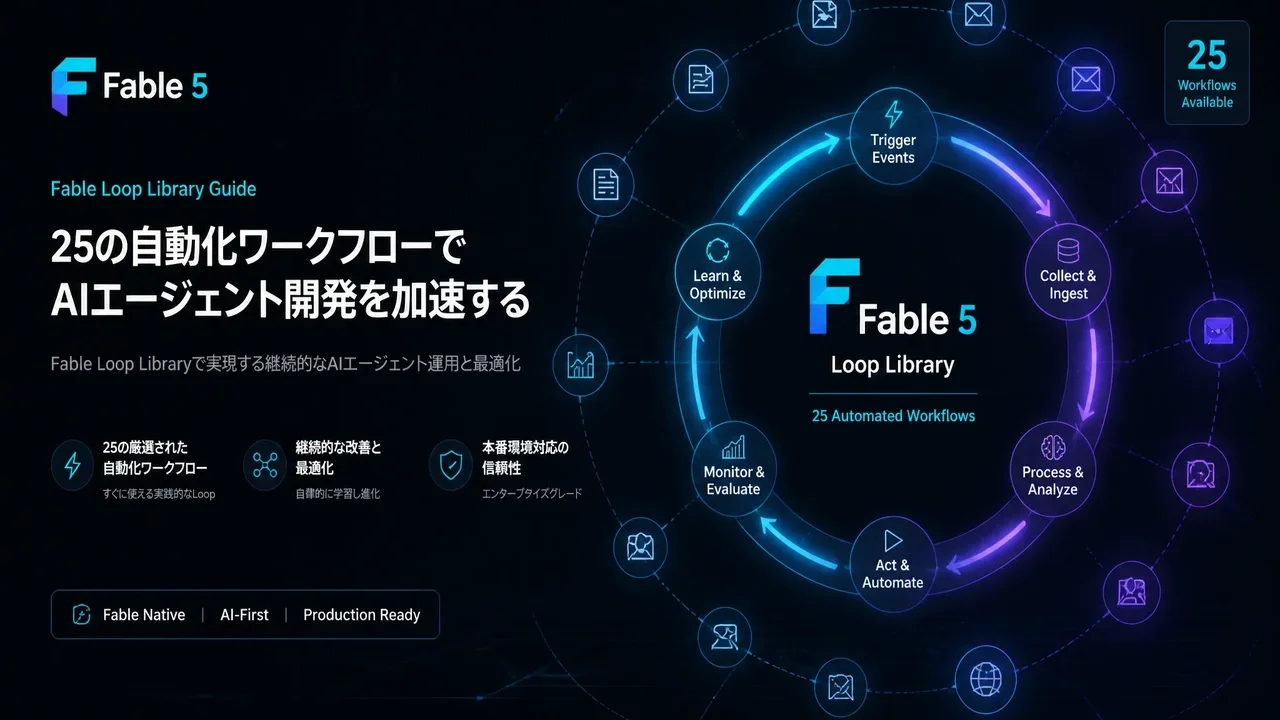
Jul 5, 2026
Fable Loop Library Complete Guide 2026: Fully Automating Claude Fable 5 with 25 Workflows, Explained for Beginners
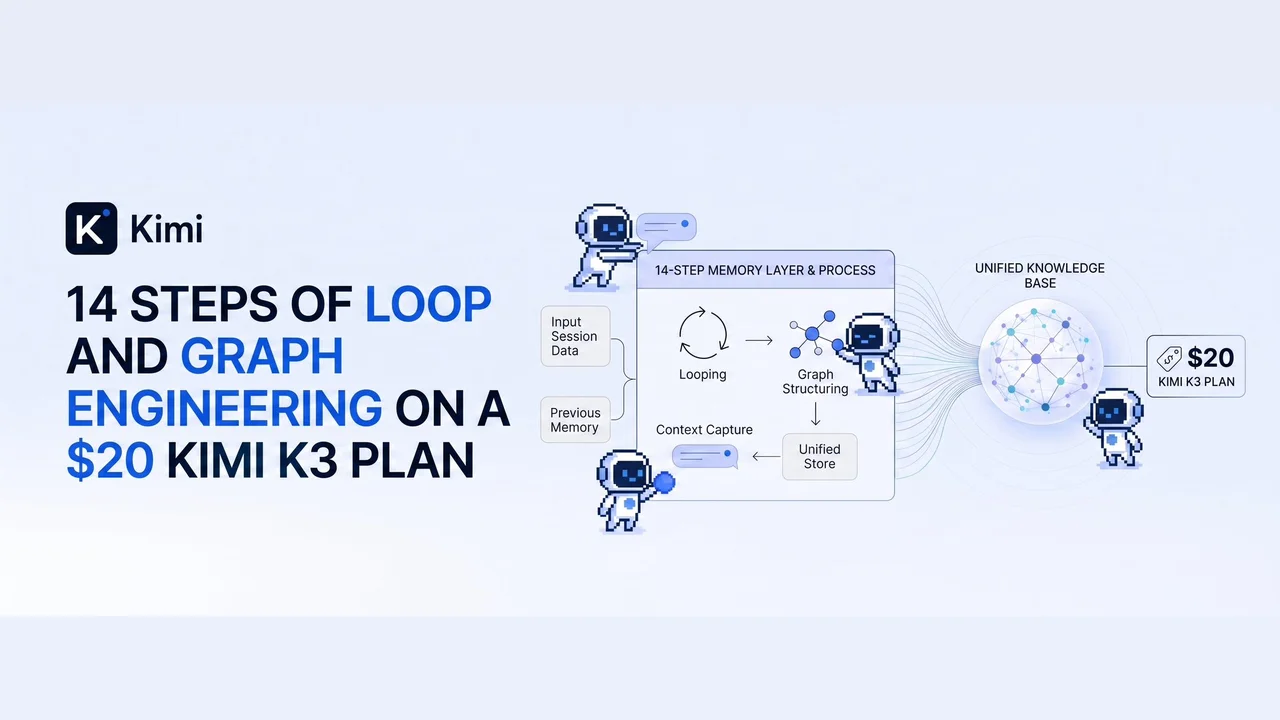
Sep 7, 2026
300 AI Agents, One Graph, and a Loop That Edits Itself (2026): The 14-Step Blueprint
Aug 20, 2026
OpenBot Fully Explained 2026: CopilotKit's Open-Source Platform That Gives Each AI Its Own Computer (What Makes It Amazing)
Aug 29, 2026
What is WikiSkill? Google’s Framework for Compiling Agent Experience into Persistent Knowledge (2026)
Oct 2, 2026
OpenAI dots Explained (2026): GPT-6 Astra Agents That Keep Working, Pricing, Safety Limits, and the Self-Hosted Alternative (OpenDots)

Sep 1, 2026
The End of Software Engineering, Explained: How AI Agents Are Restructuring Software Development (arXiv 2026)