Summary
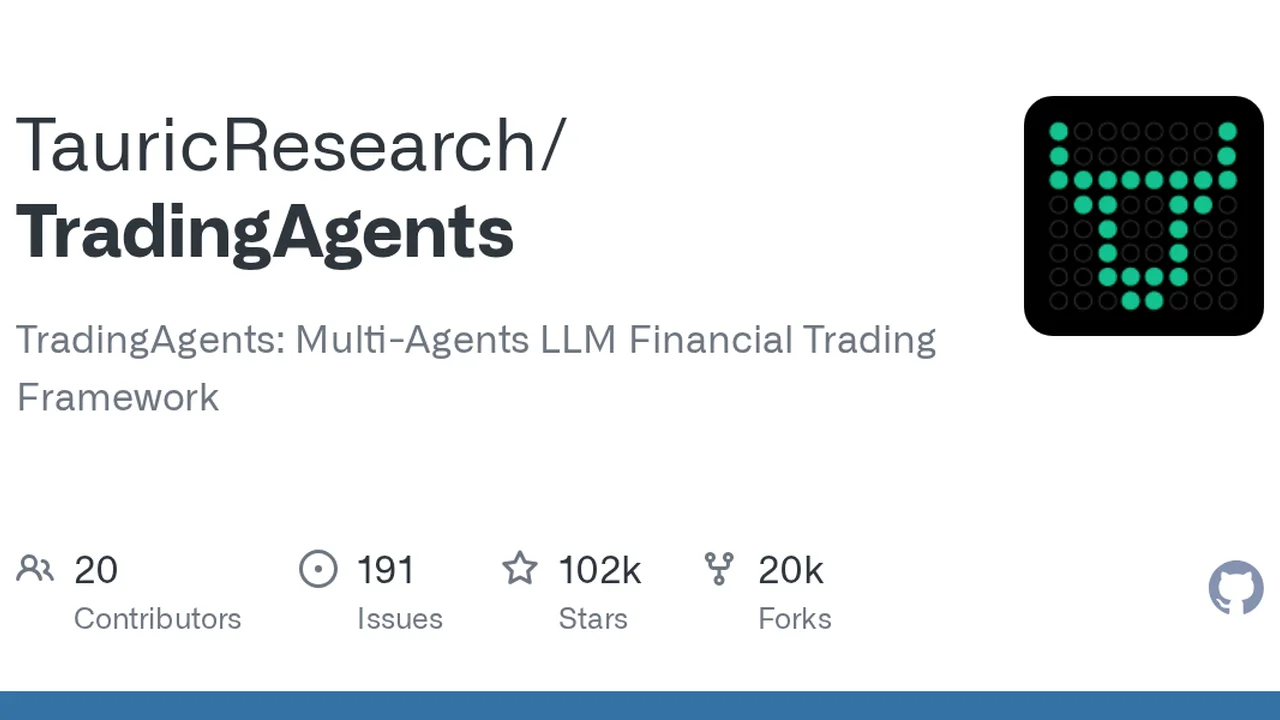
TradingAgents is an open-source framework where multiple LLM agents collaborate like a virtual trading firm to simulate stock trading decisions.
TradingAgents Guide 2026: The 101K⭐ Multi-Agent AI Trading Framework (Local Ollama Setup & Hardware)
📌 What you will learn
- What TradingAgents is (101K⭐ · Apache-2.0 · arXiv paper)
- How the multi-agent architecture mirrors a real trading firm
- Setup guide (Docker · pip · CLI · LLM providers)
- Recommended setups by usage style (VPS for 24/7, GPU for local)
- Honest caveats before using it for investing
What is TradingAgents?
TradingAgents is an open-source framework where multiple LLM agents collaborate like a virtual trading firm to simulate stock trading decisions.
Four analysts (fundamentals, sentiment, news, technical) each do research, bullish and bearish researchers debate, a trader compiles the buy/sell call, a risk management team validates it, and a portfolio manager makes the final decision — recreating a real investment firm's org chart with AI agents.
As of August 2026 it has 101,284⭐ and 19,480 forks, one of the most-watched financial AI projects on GitHub. Licensed under Apache-2.0 (commercial use OK), with an arXiv paper (2412.20138).
🔗 GitHub repository: github.com/TauricResearch/TradingAgents (stars, forks, and latest updates)
Multi-Agent Architecture: A Virtual Trading Firm
The key idea: instead of asking one LLM to "do everything," TradingAgents splits roles and lets them debate.
| Team | Role | Responsibility |
|---|---|---|
| Analyst Team | Fundamentals · Sentiment · News · Technical (4 analysts) | Research and analyze market & tickers |
| Researcher Team | Bullish vs bearish structured debate | Critical review, balance risk & reward |
| Trader | Synthesizes analyst and researcher reports | Decides timing and size of trades |
| Risk Management | Evaluates volatility, liquidity and risk | Adjusts strategy and warns |
| Portfolio Manager | Approves or rejects trade proposals | Final decision and order execution |
This multi-agent debate approach gives more well-rounded, less self-contradictory analysis than a single prompt. Built on LangGraph, so nodes are easy to add or modify.
Supported LLM Providers (as of August 2026)
Set an API key as an environment variable and you are ready.
| Provider | Env var | Notes |
|---|---|---|
| OpenAI | OPENAI_API_KEY | GPT-5.x, reliable default |
| Anthropic | ANTHROPIC_API_KEY | Claude 4.x, strong reasoning |
| GOOGLE_API_KEY | Gemini 3.x, long context | |
| xAI | XAI_API_KEY | Grok 4.x |
| DeepSeek | DEEPSEEK_API_KEY | Low-cost and popular |
| Qwen / GLM / MiniMax | DASHSCOPE_API_KEY etc. | CN providers, intl + CN endpoints |
| OpenRouter | OPENROUTER_API_KEY | Many models in one place |
| Ollama (local) | llm_provider: ollama | Free, no external data |
Data sources: Yahoo Finance (all markets), Alpha Vantage, FRED, Polymarket, StockTwits, Reddit, news feeds. v0.3.1 restored working crypto sentiment sources.
Setup Guide
1. Install
git clone https://github.com/TauricResearch/TradingAgents.git
cd TradingAgents
conda create -n tradingagents python=3.12
conda activate tradingagents
pip install .
Or use Docker:
cp .env.example .env  # add your API keys
docker compose run --rm tradingagents
2. Configure an LLM provider
export OPENAI_API_KEY=sk-...        # e.g. OpenAI
export ANTHROPIC_API_KEY=sk-ant-... # e.g. Claude
export DEEPSEEK_API_KEY=sk-...      # e.g. DeepSeek
For local models, set llm_provider: "ollama" and run ollama pull <model>.
3. Launch the CLI
tradingagents
You can interactively select tickers (e.g. NVDA), analysis date, LLM provider, and research depth.
4. Use it from Python
from tradingagents.graph.trading_graph import TradingAgentsGraph
from tradingagents.default_config import DEFAULT_CONFIG

ta = TradingAgentsGraph(debug=True, config=DEFAULT_CONFIG.copy())
_, decision = ta.propagate("NVDA", "2026-01-15")
print(decision)
Each decision is saved to ~/.tradingagents/memory/trading_memory.md; the next run for the same ticker injects the realized return as a reflection.
Recommended Setups by Usage Style
A single analysis calls the LLM many times (4 analysts + debate + trader + risk). That splits users into two styles.
Pattern A: 24/7 automated → VPS
If you run cloud APIs (OpenAI · Anthropic · DeepSeek) around the clock, a VPS is far more practical than leaving your home PC on 24/7. You can schedule scripts to monitor multiple tickers.
Pattern B: Fully local → GPU
Ollama support means you can run it completely free on your own PC. The reality: running every agent locally takes tens of minutes per analysis. A GPU with 16GB+ VRAM makes 7B–14B models comfortable.
Books to deepen your knowledge
If you want to build the finance + Python foundation, these two books are a great start.
Caveats Before Investing
TradingAgents is a research tool. The official disclaimer says it is not financial, investment, or trading advice.
- Backtest results will not match live trading (model temperature, data quality, and period all change results)
- The same ticker and date can produce different results on each run
- News and StockTwits reflect "now," not the pinned analysis date
- Run extensive demos before moving any real money — and decide at your own risk
LLM-based trading calls are healthiest as a research and learning exercise. Make your own investment decisions with your own responsibility.
Summary
TradingAgents is a groundbreaking open-source framework that recreates an investment firm's org structure with AI agents. Its 101K⭐ popularity reflects solid multi-agent design, broad provider support, and active releases — not just hype.
- Quick start → Docker or pip + cloud API (VPS recommended)
- Free fully-local → Ollama + 16GB+ VRAM GPU
- Learn more → finance × Python books
⚠️ This article contains affiliate links (VPS, GPU, books) as shown above.
※ Investing carries risk. This article is not investment advice.
Share this article
Related articles
Sep 6, 2026
Vibe-Trading Complete Guide (2026): Free AI Agent for Stock & Crypto Research and Backtesting
Sep 5, 2026
NVIDIA PAIR in 2026: Turn Every PC at Home Into One Local AI Cluster (Free, Setup Guide)
Jun 26, 2026
Ornith-1.0 Complete Guide 2026: The MIT-Licensed Open-Source AI Coding Model That Surpasses Claude Opus
Jul 21, 2026
Buzz Complete Guide 2026: Jack Dorsey (Block)'s Open-Source Workspace Where Humans and AI Agents Work in the Same Room

Aug 15, 2026
DeepSeek Harness Desktop Complete Guide 2026: The Command-Free Desktop App for the Official AI Agent, Fully Explained
Aug 31, 2026
QuantMind Guide 2026: The Open-Source That Turns Financial Data into "AI-Trustable Knowledge" (NeurIPS 2025 Accepted)