Summary
That's exactly what Google's XLS (Accelerated HW Synthesis) makes possible.
Google XLS / DSLX Guide 2026: From DSLX to Verilog — Tutorial & Docs Summary
"Want to create hardware by writing software, but the idea of a high-level synthesis toolchain sounds intimidating?"
"What if you could create CPU or FPGA circuits the same way you write programs?"
That's exactly what Google's XLS (Accelerated HW Synthesis) makes possible.

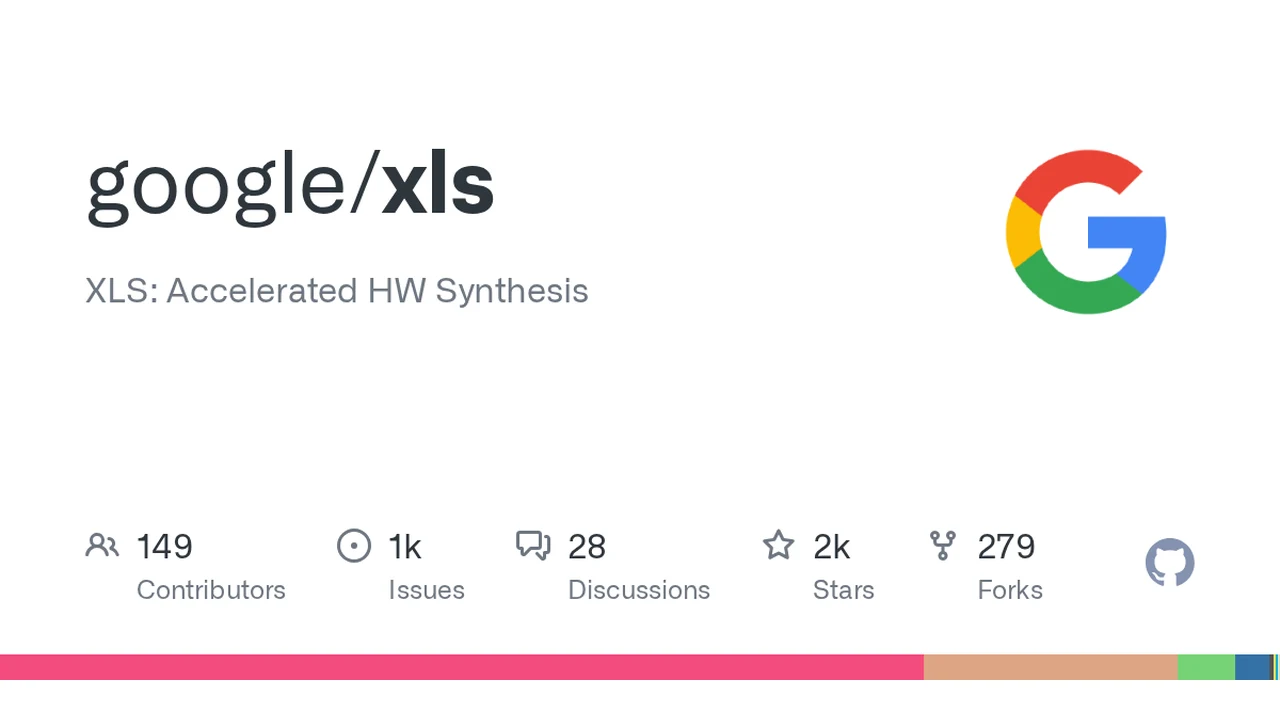
↑ Screenshot (scroll to view full) Google XLS GitHub README
XLS is a toolchain that automatically generates synthesizable Verilog/SystemVerilog (hardware description languages) from functional descriptions written in a high-level language (the Rust-like DSLX). It's released under the Apache 2 license.
This article breaks down what XLS is, how it works, and how beginners can get started — all based on the official GitHub README and documentation.
Looking for the official docs? → XLS GitHub repository · DSLX Language Reference · Tutorials
After reading this article, you'll understand:
- What problems XLS (high-level synthesis) solves
- The complete flow from writing DSLX to generating Verilog
- The role of each major tool (interpreter, ir_converter, opt, codegen, etc.)
- How to install and run it (binary, Colab, source build)
- Who XLS is for — and who it isn't
What Is XLS?
XLS is a High Level Synthesis (HLS) toolchain.
Normally, to build hardware (ASICs or FPGAs), you write in hardware description languages like Verilog or VHDL. But this is far more cumbersome than software development and much more error-prone.
XLS lets you describe hardware using a "software-like approach" (a language called DSLX)andconverts it into synthesizable Verilog/SystemVerilog.
Facing the "End of Moore's Law"
The XLS README captures its philosophy like this:
XLS aims to be the Software Development Kit (SDK) for the End of Moore's Law (EoML) era.
In the "End of Moore's Law (EoML)" era, simply making CPUs faster is no longer enough — you need hardware-software co-design. XLS aims to be the SDK for that.
The Biggest Strength: "Software and Hardware Are Functionally Identical"
Here's what makes XLS special:
- Designs written in DSLX run at native speed on host software (on a CPU)
- From the same design, you can also generate a hardware block (Verilog)
- XLS tools guarantee (and provide formal verification support tools): both are functionally identical
In other words, "from a single source, you get both a software version and a hardware version — with exactly the same behavior."
The Gap XLS Bridges: "Two Worlds"
| Aspect | Software Development | Hardware Development (Traditional) |
|---|---|---|
| Language | Python, C++, Rust, etc. | Verilog, VHDL |
| Mental Model | Von Neumann architecture | Circuits, parallelism, timing |
| Debugging | Relatively easy | Difficult |
| Verification | Unit tests | Simulation, formal verification |
| Priority | Development speed | Execution speed, power efficiency |
XLS bridges this gap by allowing hardware to be described using a software engineer's approach (dataflow DSL).
The Complete Flow: DSLX → Verilog
XLS processing consists of the following major stages:
| Stage | Role | Key Tool |
|---|---|---|
| DSLX (Input) | Describe hardware functions in a Rust-like DSL | dslx/ ・ dslx_interpreter |
| IR Conversion | Convert DSLX to XLS intermediate representation (IR) | ir_converter_main |
| Optimization | Optimize IR (pipelining, state reduction, etc.) | opt_main |
| Code Generation | Generate Verilog/SystemVerilog from IR | codegen_main |
| Verification & Execution | Cross-validate DSL/IR/Verilog behavior | interpreter_main ・ JIT ・ fuzzer |
Key Tools (from the README)
Executable binaries listed in the README:
interpreter_main: Interpret and execute DSLX/IRir_converter_main: Convert DSLX → IRopt_main: IR optimizationcodegen_main: Generate Verilog/SystemVerilogproto_to_dslx_main: Generate DSLX from protocol buffers
Directory Structure (Project Layout)
| Directory | Role |
|---|---|
| xls/dslx | Rust-like DSL "DSLX". An immutable dataflow language for hardware (arbitrary bit-widths, etc.) |
| xls/codegen | Generates Verilog/SystemVerilog and FSMs via Verilog AST (VAST) |
| xls/contrib/xlscc | Experimental C++ syntax support (alternative path to XLS IR). For teams with existing C++ HLS assets |
| xls/fuzzer | Generates programs at the DSL level and cross-validates across multiple execution engines (DSL/IR/JIT/Verilog) |
| xls/delay_model | Characterizes and interpolates XLS IR operation delays on target processes |
| xls/common | "Base" functionality on top of the standard library (uses Abseil) |
| docs_src | Markdown source (rendered to docs/ via mkdocs) |
| dependency_support | Configuration for loading Bazel targets for external dependencies |
Quick Start: Colab Notebooks
If you want to try XLS without setting up an environment, Google Colab is the easiest way.
- bit.ly/learn-xls : A "Learn XLS in minutes" style DSLX walkthrough
- bit.ly/xls-playground : A DSLX evaluation environment (interactive execution)
You can write DSLX and see the results — all from your browser.
Installation Methods (3 Options)
① Latest Release Binary (x64 Linux)
# Get the latest release tarball URL
LATEST_XLS_RELEASE_TARBALL_URL=$(curl -s -L \
  -H "Accept: application/vnd.github+json" \
  -H "X-GitHub-Api-Version: 2022-11-28" \
  https://api.github.com/repos/google/xls/releases | \
  grep -m 1 -o 'https://.*/releases/download/.*\.tar\.gz')

# Download and extract
curl -O -L ${LATEST_XLS_RELEASE_TARBALL_URL}
tar -xzvvf xls-*.tar.gz
cd xls-*/

# Check versions of each tool
./interpreter_main --version
./ir_converter_main --version
./opt_main --version
./codegen_main --version
./proto_to_dslx_main --version
Supported: x64 Linux machines.
② Build from Source (Bazel)
Tested on Ubuntu 22.04. Estimated build time on an average 8-core VM:
- DSLX only (no C++ frontend): ~2 hours
- Including C++ frontend: up to 6 hours
~$ git clone https://github.com/google/xls.git
~$ cd xls
~/xls$ sudo apt install python3-dev libtinfo6 python-is-python3
~/xls$ bazel test -c opt -- //xls/... -//xls/contrib/xlscc/...
# Including C++ frontend:
~/xls$ bazel test -c opt -- //xls/...
③ Docker
~$ git clone https://github.com/google/xls.git
~$ cd xls
~/xls$ docker build . -f Dockerfile-ubuntu-22.04
~/xls$ docker run -it --rm xls-build-docker /bin/bash
Provided as a reference environment when dependency setup is challenging.
Project Status
As stated in the README, XLS is experimental and under rapid development. It is not an officially supported Google product.
- Bugs and "sharp edges" may exist
- DSLX is frequently improved without regard to backward compatibility
- Issues and PRs are welcome
In other words, avoid dropping it directly into production or shipping products. It's excellent for learning, prototyping, and research — but for scenarios requiring rock-solid stability, careful validation is essential.
Who It's For — and Who It Isn't
Who It's For
- Engineers who want to develop hardware accelerators (ASIC/FPGA) using software methodologies
- Teams with existing C++ HLS assets exploring the xlscc path
- Researchers interested in hardware-software co-design
- Learners who want to casually try DSLX in Colab
Who It Isn't For
- People happy with their existing Verilog/VHDL workflow
- People who need stable official support and long-term compatibility
- People who can't set up a build environment (Bazel, Linux)
Questions Readers Ask
Q1. What is XLS used for?
To generate high-speed, low-power circuits by writing hardware (Verilog) using a software approach (DSLX).
Q2. What is DSLX?
A Rust-like, immutable dataflow DSL with hardware-oriented features like arbitrary bit-widths.
Q3. Can I run it on a regular PC?
Colab requires only a browser. Locally, you need x64 Linux binaries or a source build (Bazel).
Q4. Does it really output Verilog?
Yes. codegen_main generates Verilog/SystemVerilog. However, it's still in the experimental stage.
Q5. Can a programming beginner handle it?
DSLX is Rust-like and requires some hardware fundamentals. The barrier is fairly high for complete beginners.
Q6. Is it free?
Yes — Apache 2 license, free and open source.
Q7. What language is it written in?
C++ (the toolchain itself) and Python (tooling). DSLX is XLS's own language.
Q8. Is this an official Google product?
No. It's an experimental project with no official support.
Summary — How to Think About XLS
The bottom line: XLS is a toolchain that pioneers a post-Moore's Law development style — "building hardware the way you write software."
- Input: Rust-like DSL (DSLX)
- Output: Synthesizable Verilog/SystemVerilog
- Key strength: Guaranteed "functional equivalence" between software and hardware
- Current status: Experimental, rapidly evolving (validate before production use)
On the flip side, it's fine to wait if:
- You're not struggling with your existing Verilog workflow
- You need stable official support
- You can't set up a build environment (Linux, Bazel)
The true value of XLS is that from a single DSLX source, you can generate implementations with identical behavior for both CPUs and FPGAs/ASICs. It's a 2026 project to watch — one that lowers the barrier to hardware development.
Start by trying DSLX in 5 minutes at Colab (bit.ly/learn-xls).
Information in this article is current as of July 28, 2026. Content is based on the official google/xls README and documentation.
Share this article
Related articles
Jul 5, 2026
Fable Loop Library Complete Guide 2026: Fully Automating Claude Fable 5 with 25 Workflows, Explained for Beginners
Sep 3, 2026
Muse Spark 1.3 Is Now FREE on OpenCode! Zen & Go Guide 2026 (Contributor Tier Explained)
Sep 6, 2026
Human Atlas Complete Guide (2026): Free Open-Source 3D Anatomy Explorer in Your Browser
Jun 18, 2026
Accio Work Complete Guide 2026: Alibaba-Partnered AI Agent Automates Sourcing, Store Building, and Sales

Sep 2, 2026
Obscura Complete Guide 2026: The Rust Headless Browser That Uses 30 MB Memory, No Chrome Needed

Sep 2, 2026
Gemini 3.8 Flash Complete Guide 2026: Google's Coding Workhorse Hits 54.9% HLE, Beating Opus 5 — Plus a Cyber Variant