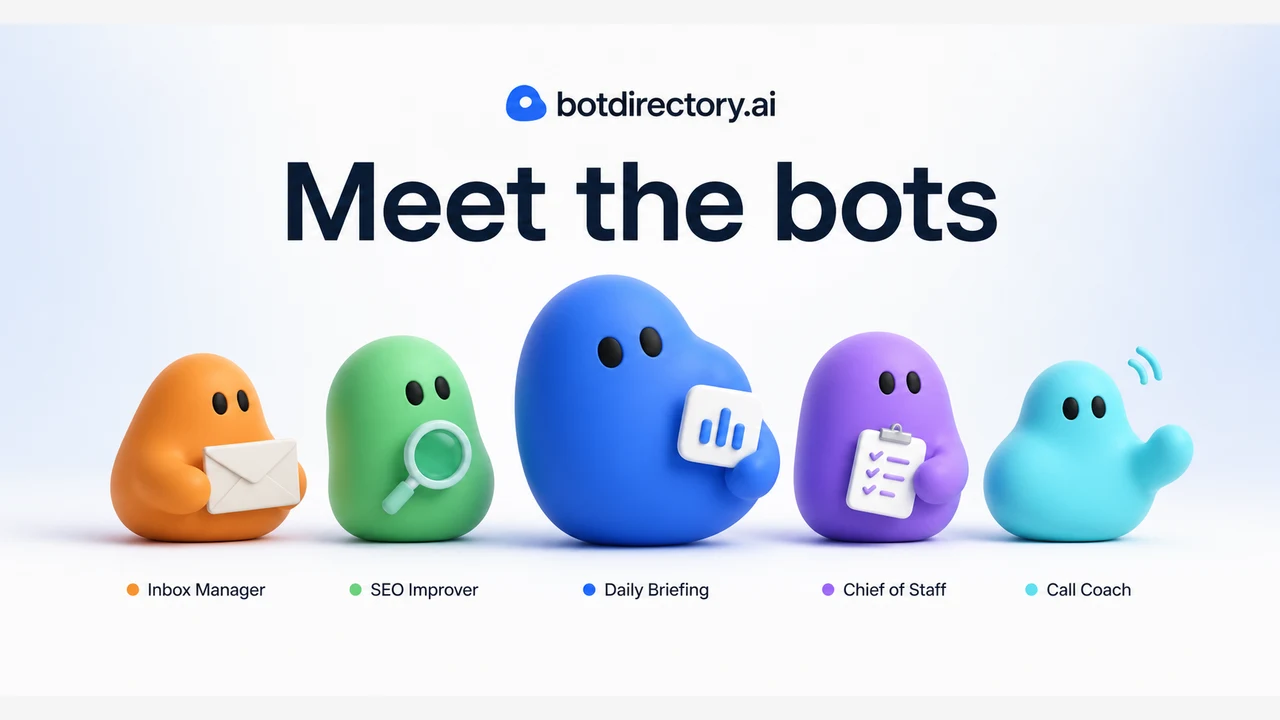
Summary
if you have Grok Bot and don't know what to make it do, botdirectory.ai is the first page to open.
botdirectory.ai Guide 2026: 553 Ready-to-Use Grok Bot Prompts, Explained
What you'll learn
- What botdirectory.ai is and why it matters
- How Grok Bot (AI agents) can take real work off your plate
- How to browse 553 prompts by category, integration, or search
- The 4-step setup workflow
- Popular bot examples (account growth, SEO, email cleanup, etc.)
- How to use the API, JSON feed, and RSS
- Safety considerations before you let a bot touch your tools
Bottom line: botdirectory.ai is a free library of prompts that turn Grok Bot into a working teammate
botdirectory.ai (https://botdirectory.ai/) is a free, open-source directory of ready-to-copy prompts for AI agents like Grok Bot and Rakazo.
- 553 bot prompts organized by category and integration
- Copy and paste — email cleanup, social media, SEO, sales, and bookkeeping tasks become scheduled bots
- Open source (GitHub, run by Inbox Zero Inc.) — anyone can contribute
- API, JSON feed, RSS, llms.txt — AI agents can read and sync the catalog themselves
- Free — no account needed to browse and copy
Bottom line: if you have Grok Bot and don't know what to make it do, botdirectory.ai is the first page to open.
What is botdirectory.ai? Key facts
| Item | Details |
|---|---|
| Site | botdirectory.ai |
| What it is | Public directory of prompts for Grok Bot, Rakazo, and other AI agents |
| Listings | 553 bot prompts (as of August 2026) |
| Operator | Inbox Zero Inc. (open source) |
| Categories | Productivity, Sales, Marketing, Ops, Success, Personal |
| Top integrations | Grok (208), Gmail (60), Slack (48), Google Calendar (39), GitHub (37), X (30), Notion (27), etc. |
| Price | Free (no account required) |
| API | api.botdirectory.ai/api/bots (keyless, JSON) |
| Feeds | JSON, RSS, llms.txt, OpenAPI 3.1, RFC 9727 |
Why it matters: Grok Bot arrived
botdirectory.ai matters because of Grok Bot (https://x.ai/bot) — x.ai's AI agent platform where "bots" do real work:
- Sign into your tools and use them like a human
- Run 24/7 in parallel — even when your laptop is closed
- Routines — show a bot a workflow once, it runs it on a schedule
- Teams of bots — email bot, social bot, research bot working together
Writing a good prompt from scratch is hard. botdirectory.ai gives you proven prompts to copy and paste — instant "work-ready" bots.
How to use it: 4-step setup

Step 1: Find a bot
Browse https://botdirectory.ai/ by category (Productivity, Sales, Marketing, Ops, Success, Personal) or integration (Gmail, Slack, GitHub...).
- By category: e.g. https://botdirectory.ai/categories/marketing/
- By integration: filter by Gmail, Slack, GitHub, etc.
- Search: keywords like "SEO", "email", "X"
Step 2: Copy the prompt
Open a bot page (e.g. https://botdirectory.ai/bots/seo-team/) and click "Copy prompt". The prompt contains the full workflow, tools, and guardrails:
Run a local SEO team, in your own dedicated chat. Walk me through connecting Grok, then create five roles—Head of SEO, Keyword Research, Tech SEO, Content Writer, and Link Builder—and configure them to collaborate on a project brief.
...
Step 3: Paste into Grok Bot and connect
- Open Grok Bot (desktop or iOS)
- Create a new bot and paste the prompt
- Answer the setup questions — "Walk me through connecting X" means the bot guides you through connecting tools
- Let it sign in to the tools it needs
Step 4: Review the first run, then schedule
- Watch the first run — confirm output and approval rules
- Save it as a routine (daily, weekly, on-demand)
- The bot runs autonomously from then on
Popular bot examples
| Bot | Category | Integrations | Copies | What it does |
|---|---|---|---|---|
| Account Growth Coach | Marketing | X | 593 | X account growth strategy (posting schedule, content ideas) |
| Bot Advisor | Productivity | Grok Bot | 582 | Creates and manages your other bots |
| Email Purger | Personal | Gmail | 218 | Cleans up your inbox |
| X Account Crew | Marketing | X, HN, GitHub, Reddit | 149 | Runs your X account as a team of five agents |
| SEO Team | Marketing | Grok | 116 | Local SEO team (5 roles) improves your site |
| Subscription Pruner | Personal | Gmail | 108 | Finds subscriptions, suggests cancellations |
| Chief Of Staff | Ops | Slack, Notion, Linear | 95 | Command center for all tasks |
| HyperGrok Trading Desk | Personal | Hyperliquid, GitHub | 102 | Seven specialist bots for trading |
| Content Idea Generator | Marketing | YouTube, Google Trends | 76 | Generates video and content ideas |
| Persistent Bot Memory | Productivity | GitHub | 59 | Persists bot memory to a GitHub repo |
For developers: API and feeds
botdirectory.ai is designed to be read by AI agents as well as humans.
Search API (no key required)
curl "https://api.botdirectory.ai/api/bots?q=slack&category=Ops&limit=25&sort=newest"
Parameters: q (search), category, integration, page, limit (max 100), sort (newest/name)
Full JSON feed (one request)
curl "https://botdirectory.ai/api/bots.json"
Continuous sync (cursor mode)
curl "https://api.botdirectory.ai/api/bots?cursor=start&limit=100"
Save sync.nextCursor and call links.next later — it returns bots oldest-to-newest, so appended pages never shift (append-safe).
Let a bot read the directory
Give a bot https://botdirectory.ai/api/ and ask it to browse or mirror the catalog.
Safety considerations
What's great
- Proven prompts for free — no need to write from scratch
- Auditable open source — the full catalog lives on GitHub
- Agent-friendly design — API, JSON, RSS, llms.txt
- Attribution — every bot links to its X post / GitHub source
Caveats
- A listing is not a guarantee — confirm your tools, permissions, schedule, and side effects before running
- Not every integration is actually available — directory listing ≠ feature guarantee
- Never hand over credentials blindly — check what the bot will access
- Watch the first run — set approval rules before automation
- Copies = popularity, not safety — review the prompt and side effects yourself
Summary: the on-ramp that turns Grok Bot into a teammate
- 553 free prompts for Grok Bot, Rakazo, and more
- 4 steps: find → copy → paste → schedule
- Browse by category or integration — Marketing, Ops, Personal...
- API and feeds — agents can read the catalog themselves
- Open source — anyone can contribute
If you have Grok Bot but no idea what to make it do, botdirectory.ai is the first page to open.
Questions Readers Ask
Q1. Is botdirectory.ai free?
Yes. Browsing and copying prompts is free with no account. Grok Bot itself requires a separate plan.
Q2. Can I use it without Grok Bot?
You can browse prompts. To actually run them you need an agent environment like Grok Bot (Cursor Ultra $200/mo or SuperGrok Heavy $300/mo).
Q3. Are there Japanese bots?
Prompts are mostly English. But copying and rewriting them in Japanese is free — e.g. "メール整理して" for email cleanup.
Q4. Does copying the prompt just work?
Not completely. You still connect tools (login to Gmail, Slack, etc.) and review the first run. The prompt says "Walk me through connecting X" so the bot guides you.
Q5. Can I add my own bot?
Yes. Three ways: pull request on GitHub, tag @botdirectoryai on X with a description, or use the authenticated API (opens a PR automatically).
Q6. Are popular bots safe?
Copies are a popularity signal, not a safety guarantee. Read the prompt and check tool permissions and side effects before running. The directory is an index, not a certification program.
Related articles
Share this article
Related articles
Aug 11, 2026
Grok Bot Complete Guide 2026: How to Use "Bots," the AI Teammates You Can Delegate Real Work To
Jun 18, 2026
Accio Work Complete Guide 2026: Alibaba-Partnered AI Agent Automates Sourcing, Store Building, and Sales
Aug 15, 2026
How DHH Rewrote a Python Library in Rust with Claude in One Shot: The Full 11M-Token Process, Explained (2026 Guide)
Aug 31, 2026
OpenClaw 2.0 Guide 2026: The Biggest AI Agent Update Ever — 16,000 PRs from 933 Contributors
Jul 5, 2026
Fable Loop Library Complete Guide 2026: Fully Automating Claude Fable 5 with 25 Workflows, Explained for Beginners
Aug 5, 2026
Cloudflare Wallets Complete Guide 2026: The New Payment System Where AI Agents Pay Automatically, Explained for Beginners