Summary
KAGOYA VPS is recommended for these people.
KAGOYA CLOUD VPS In-Depth Review 2026: The Real Performance and Reputation of a Cheap VPS from ¥20/Day
"I want to use a VPS as cheaply as possible, but monthly contracts are a bit…" "Is there a VPS where you only pay for the days you use?"
The answer is KAGOYA CLOUD VPS (Kagoya VPS).
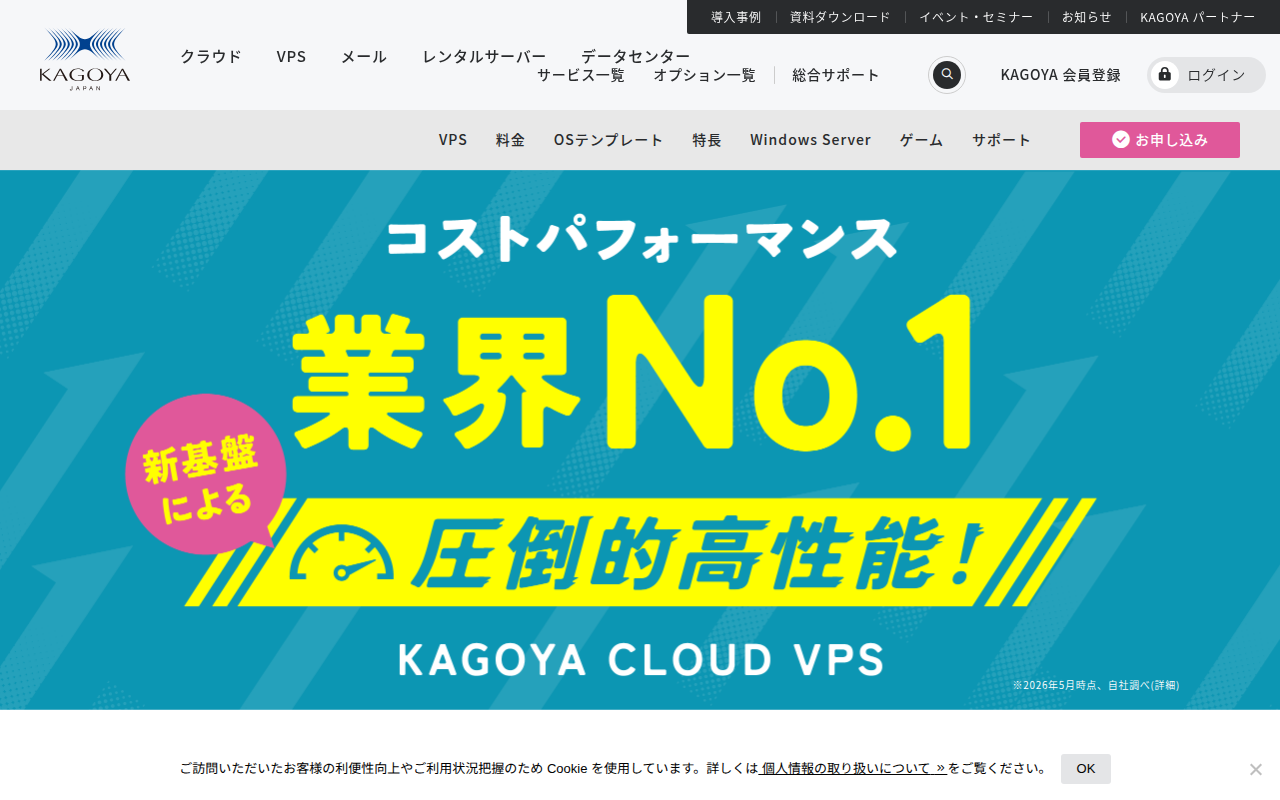
KAGOYA VPS's biggest features: daily billing from ¥20/dayandNVMe SSD storage. It combines the flexibility of paying only for days you use with the performance of fast storage — one of the strongest cost-performance domestic VPS options.
Bottom line first: KAGOYA VPS is recommended for these people.
| Who | Rating |
|---|---|
| Pay only for days you use | ★★★★★ Daily billing is unique |
| Want NVMe SSD speed | ★★★★★ NVMe on all plans |
| Want to run a game server | ★★★★★ Game-optimized |
| Want to minimize fixed costs | ★★★★☆ From ¥550/month |
| Want to use it forever at a flat rate | ★★★☆☆ Other providers with annual contracts are cheaper |
| Want a blazing-fast WordPress blog | ★★★☆☆ Xserver is more specialized |
What Is KAGOYA CLOUD VPS?
KAGOYA CLOUD VPS is a virtual private server (VPS) service operated by KAGOYA.
KAGOYA is a Japanese company providing rental servers and cloud services — not just VPS but also dedicated servers and a cloud platform (FLEX).
Basic Specs
| Item | Details |
|---|---|
| Operator | KAGOYA |
| Billing | Daily billing + monthly cap (unique) |
| Storage | NVMe SSD (Gen4 x4) standard on all plans |
| Initial fee | Free |
| Contract lock-in | None |
| Data center | Domestic (Japan) |
| Support | Email + chat |
| OS | Linux (Ubuntu, CentOS etc.) / Windows Server |
| Annual billing | Supported (corporate discount available) |
Plans and Pricing Explained
Plan List
All plans: NVMe SSD, no initial fee. Unique daily billing + monthly cap system.
| Plan | vCPU | Memory | NVMe SSD | Daily | Monthly cap |
|---|---|---|---|---|---|
| 1GB | 1 core | 1GB | 100GB | ¥20 | ¥550 |
| 2GB 👑 | 2 cores | 2GB | 200GB | ¥28 | ¥770 |
| 4GB | 4 cores | 4GB | 600GB | ¥63 | ¥1,760 |
| 8GB | 6 cores | 8GB | 800GB | ¥122 | ¥3,410 |
The monthly cap is "the maximum if you use it every day." For example, on the 1GB plan, using it daily costs ¥550/month; using it 3 days a week costs about ¥260/month (¥20 × 13 days).
Price Comparison with Other Providers
Comparing similar conditions (~2GB memory), KAGOYA VPS's value stands out.
| Service | Monthly (approx.) | Storage | Billing |
|---|---|---|---|
| KAGOYA VPS 2GB | ¥770 (cap) | 200GB NVMe SSD | Daily billing |
| ConoHa VPS 2GB | ¥657 | 100GB SSD | Hourly/monthly |
| Shin VPS 2GB | ¥690 | 50GB NVMe SSD | Monthly (36 months) |
| Xserver VPS 2GB | ¥990 | 50GB NVMe SSD | Monthly (36 months) |
| Sakura VPS 2GB | ¥1,795 | 100GB SSD | Monthly/annual |
KAGOYA VPS has the largest NVMe SSD capacity at 200GB while being mid-priced. Considering daily billing flexibility, its cost performance is very high.
Assessment: Strengths and Weaknesses
Strengths
-
Unique daily billing + monthly cap KAGOYA is the only domestic VPS with daily billing. You pay only for days you use — no waste — and the monthly cap prevents budget overruns. The simplicity of "per-day" units sets it apart from ConoHa's hourly billing.
-
NVMe SSD (Gen4 x4) on all plans Even the cheapest 1GB plan uses NVMe SSD. Unlike ConoHa (standard SSD) or Sakura VPS (standard SSD), read/write speeds are dramatically faster. You'll feel the difference in website loading, database processing, and file transfers.
-
Large SSD capacity from 100GB Even the cheapest plan has 100GB of NVMe SSD. Compared to ConoHa's cheapest plan (512MB with 30GB SSD), storage capacity is overwhelming.
-
Optimized for game servers There's a dedicated setup page for 7 Days to Die — specialized support for game server use. For cases where you only want to run a server when playing with friends, daily billing fits perfectly.
-
No initial fee + no contract lock-in Cancel anytime. Sign up casually, quit casually.
-
Windows VPS also available Not just Linux — Windows Server is also an option for running Windows apps.
-
Annual payment supported Annual billing is available for corporations, cheaper than monthly.
Weaknesses
-
Cheapest plan has only 1 vCPU Compared to Shin VPS (1GB, ¥325/month, 2 cores), the 1GB plan has half the vCPU. Not suited for CPU-heavy work.
-
No long-term contract discounts No long-term discounts like ConoHa (up to 72% off with 36-month contracts). For 1+ year use, providers with big annual-contract discounts can be cheaper.
-
Fewer OS templates Fewer choices than ConoHa (14+ types). Careful if you need a special OS.
-
No free trial But at ¥20/day, it's effectively "try it for ¥20 a day."
-
Phone support unclear Support is primarily email + chat. If you need phone support, Sakura VPS (24-hour manned monitoring) is safer.
-
Not WordPress-specialized No WordPress acceleration engine like KUSANAGI. For WordPress blogs, Xserver VPS or WP Engine is more optimized.
Comparison with Other VPS Providers
| Service | Rating | Price | Speed | Support | Features | Best for |
|---|---|---|---|---|---|---|
| KAGOYA VPS | ★ 4.0 | From ¥20/day (¥550/month) | ⚡Fast | Email+chat | Daily billing, NVMe SSD, game-optimized, no initial fee | Daily billing use, game servers, test environments |
| Shin VPS | ★ 4.5 | From ¥325/month | ⚡Fast | Email 24h + phone | Cheapest memory unit, NVMe SSD, 50+ app images | Budget first, solo development |
| ConoHa VPS | ★ 4.0 | From ¥296/month | ⚡Average | Email+phone | Hourly billing, many OSes, Terraform support | Corporate use, test environments |
| Xserver VPS | ★ 4.5 | From ¥693/month | ⚡⚡Blazing | Phone+email | Free memory upgrade, NVMe SSD, free trial | WordPress, game servers |
| Sakura VPS | ★ 4.0 | From ¥641/month | ⚡Average | Phone+email+manned monitoring | Long-established, own DC, 2-week free trial | Trust of a veteran, support-focused |
Recommended For / Not Recommended For
Recommended for
- People who want to pay only for days used → daily billing is unique to KAGOYA. Perfect for testing, development, and study
- People who want fast NVMe SSD storage cheaply → NVMe SSD on all plans at near-lowest prices
- People who want to casually run a game server → no charge on unused days — perfect for running only when playing
- People who want to minimize monthly fixed costs → start from ¥550/month
- People who prefer simple "per-day" management over ConoHa's hourly billing → coarser than hourly, easier to manage
- Storage capacity focused → 200GB NVMe SSD on the 2GB plan beats competitors
Not recommended for
- People who want maximum savings via annual contracts → ConoHa (36-month) or Shin VPS (long-term discount) are cheaper
- People who require phone support → Sakura VPS (24-hour manned monitoring) is safer
- People who want a blazing-fast WordPress blog → Xserver VPS (KUSANAGI support) is better
- People doing CPU-heavy processing → cheapest plan is 1 core; Xserver VPS or ConoHa have more options
- Mission-critical production environments → consider ConoHa VPS with SLA guarantees, or AWS/GCP
Questions Readers Ask
Q1. How does KAGOYA VPS daily billing work?
A. You're billed only on days the server is running. No charge on unused days. With the monthly cap, using it every day never exceeds the cap. For example, on the 1GB plan, ¥550/month is the maximum.
Q2. What's the minimum cost?
A. Using the 1GB plan only on weekends costs about ¥160/month (¥20 × 8 days). Much cheaper than a flat-rate VPS.
Q3. How fast is the NVMe SSD?
A. Theoretical max transfer is 64Gbps (PCI Express Gen4 x4) — about 10× traditional SATA SSD (6Gbps). Real read speeds are 6×+ — noticeably fast.
Q4. What game servers are supported?
A. There's a dedicated setup page for 7 Days to Die. Major games like Minecraft and Palworld can also be set up on Linux servers.
Q5. Can I use Windows VPS?
A. Yes. Windows Server is available in a separate plan. But Windows license costs are added, making it pricier than Linux.
Q6. Can I cancel anytime?
A. Yes. No minimum term or cancellation fee. Cancel whenever.
Q7. Where is the data center?
A. A domestic (Japan) data center. Low-latency, comfortable access from within Japan.
Q8. Can I run WordPress?
A. Yes. WordPress runs on Linux (Ubuntu/CentOS) + Apache/Nginx. Thanks to the fast NVMe SSD, page loads are faster than standard SSDs. However, there's no WordPress-specialized acceleration engine like KUSANAGI, so for serious blogging, Xserver VPS or WP Engine is recommended.
Summary: KAGOYA VPS Is for People Who Want "Daily Billing Flexibility"
KAGOYA VPS combines daily billing + NVMe SSD — ideal for people who want to pay only for what they use, test environments, and game servers.
Who should choose it:
- Pay "per day used" for testing/development → KAGOYA VPS is the one
- Want fast NVMe SSD storage cheaply → KAGOYA VPS
- Want to casually run a game server → free on unused days
Who should choose another provider:
- Cheapest flat monthly rate → Shin VPS or ConoHa (long-term contract)
- Blazing-fast WordPress blog → Xserver VPS
- 24-hour phone support → Sakura VPS
My recommended plan:2GB plan (¥28/day, ¥770/month cap). 2 cores, 2GB RAM, 200GB NVMe SSD — handles everything from testing to game servers. At ¥28/day, even 3 days a week is about ¥364/month. Give it a try.
This article does not contain affiliate links.
Recommended Reading
- Domestic VPS Comparison
- ABLENET VPS Review
- Overseas Hosting 4-Provider Comparison
- Hostinger In-Depth Review
- China Cloud 3-Provider Comparison
Related reading
Share this article
Related articles
Jul 8, 2026
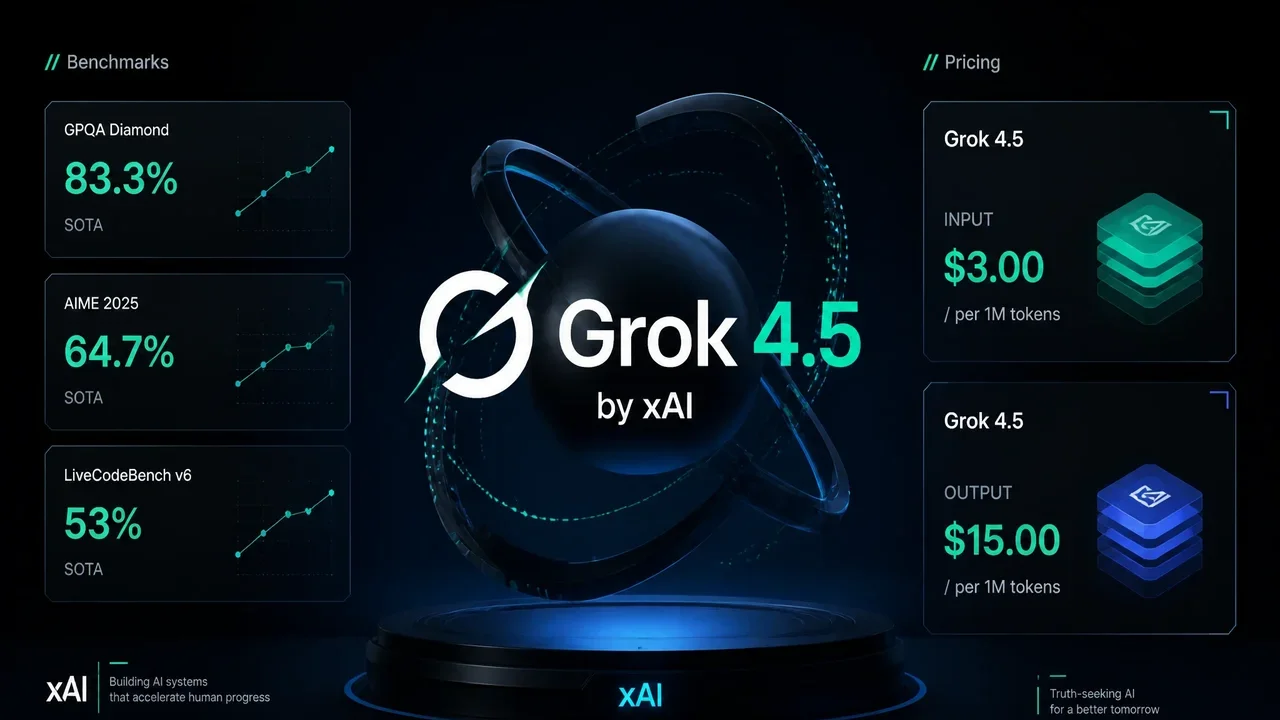
Grok 4.5 Review & Full Comparison 2026: The Unbeatable Cost-Performance Champion [July 2026]
Aug 1, 2026
BREAKING (July 31, 2026): DeepSeek V4 Flash Official API Goes Public Beta! Agent Performance Surpasses V4 Pro Preview — Native Support for 6 Tools

Oct 7, 2026
Surface Laptop Ultra and Surface RTX Spark Dev Box (2026): Microsoft's Most Powerful Surface Devices, Read From the Announcement
Sep 4, 2026
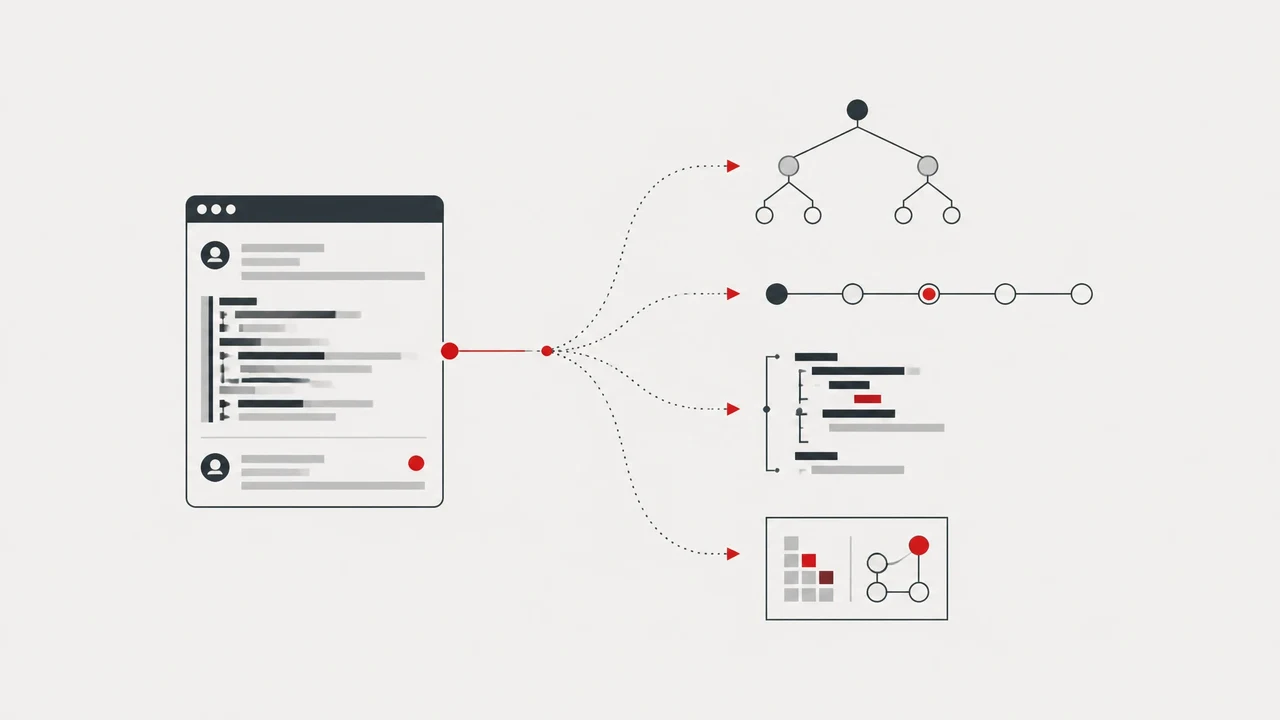
TypeScript Legend Matt Pocock Calls "/show-me Phenomenal" — the Claude Code Skill That Makes Code Reviews & PR Descriptions Easy to Read (2026)

Jul 5, 2026
Jatevo Complete Guide: Rent an NVIDIA DGX Spark for $1/Hour on a Decentralized AI Inference Platform (2026 Guide)
Jul 21, 2026
【2026】OpenShip Mail Server Complete Comparison: Send 80K Emails a Week for $0 with Self-Hosting